



Between lectures, assignments, tests, and deadlines, studying today can feel overwhelming. While some students use AI study tools as a means to cheat, many other students just want to save time and gain a better understanding of challenging concepts. These tools have become an integral part of a student’s school life, from taking lecture notes, writing essays, preparing for exams, and making presentations.
It’s important to know that not all AI tools do the same job. Some are created to draft and refine essays, some are there to summarize notes, and a few of them help with projects as study assistants or creative tools. If students utilize AI tools responsibly and follow the guidelines set by their school, they can support learning instead of replacing it.
Let’s walk you through the most useful AI study tools for students, covering writing, note-taking, studying, and creating. It also explains that students do not have to spend a fortune to start using these tools. There are plenty of free AI study tools out there that provide very useful features, and for advanced needs, paid options are available.
How to Choose the Best AI Study Tools for Students
When you’re trying to decide which AI study tools to use, first think about how you spend your time studying each day and what you want those tools to do for you.
- If you spend most of your time writing essays or reports, you’ll want to find tools that can help you draft, edit, and refine your tone.
- If your biggest problem is keeping up with lectures, look for tools that allow you to record them, take notes, summarize those notes, and organize them so you can easily go back over them.
- If you have a lot of exams in your course, you may want to consider using flashcard programs.
- High school students typically need basic tools to help them with homework and note-taking.
- College students tend to need tools that assist with longer papers, research, and presentations.
A free tool might work well if you only need it occasionally, but a paid tool makes more sense when you’re doing a lot of research or studying for exams.
Always remember that school policies should serve as a filter. If the output of a tool seems like it could replace your own thought process, it’s probably not the right one to use.
AI Writing Tools for Students
Students often rely on AI writing tools to help them with their essays, research papers, and reports. AI writing tools are capable of generating ideas and enhancing clarity and grammar. They guide students through the writing process rather than replacing their writing.
It’s important to understand what is permissible and what is unacceptable when using such tools. An AI writing tool is capable of drafting and refining, but what keeps your work unique, ethical, and compliant with your school’s rules and policies is revision and personalization.
| Tool Name | Primary Use | Best For | Free Plan Available | Paid Plan Highlights |
| Walter Writes | Humanizing & refining writing | Personal-sounding essays | Yes | Advanced tone control & deeper humanization |
| Proofademic | Plagiarism/originality checking | Avoiding accidental plagiarism | Yes | Deeper plagiarism scans & reports |
| Grammarly | Grammar, clarity, tone | Final proofreading | Yes | Advanced rewrite + tone/clarity tools |
| QuillBot | Paraphrasing & summarizing | Rewriting notes/sources | Limited | More modes, higher limits |
| ChatGPT | Explanations, outlining | Brainstorming & study help | Yes | Faster + advanced models |
Walter Writes
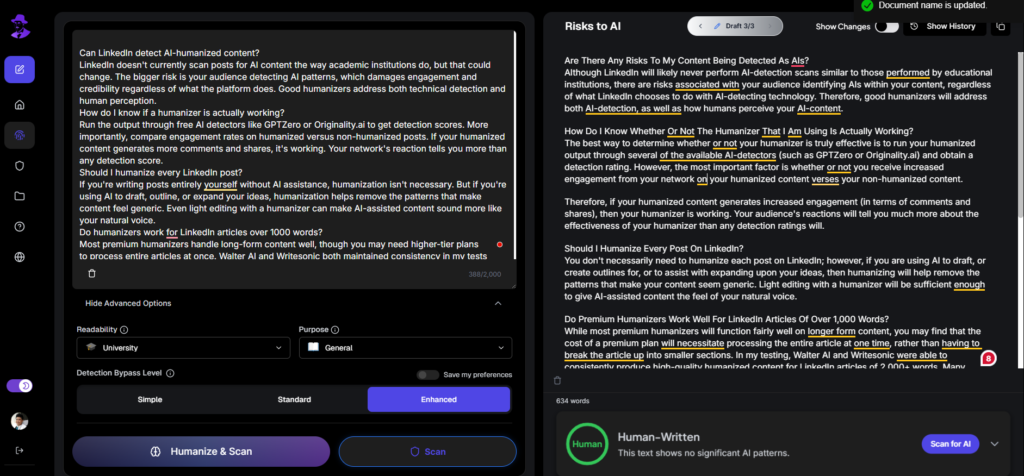
Walter Writes is a humanizing tool that refines AI-written drafts by adding a human touch to them without changing their original meaning.
Useful for: If you use AI to create first drafts, but you would prefer to re-write prior to submitting the assignment to ensure that your writing is “natural sounding.”
- Free plan- Provides some basic level of refinements for shorter documents or light revisions.
- Paid plan- Provides advanced humanization options as well as more control over tone, in addition to support for lengthy assignments.
Many students now produce drafts of their essays using AI, and then submit these revised drafts in Walter Writes to add a “human” element to the essay before submitting.
Proofademic
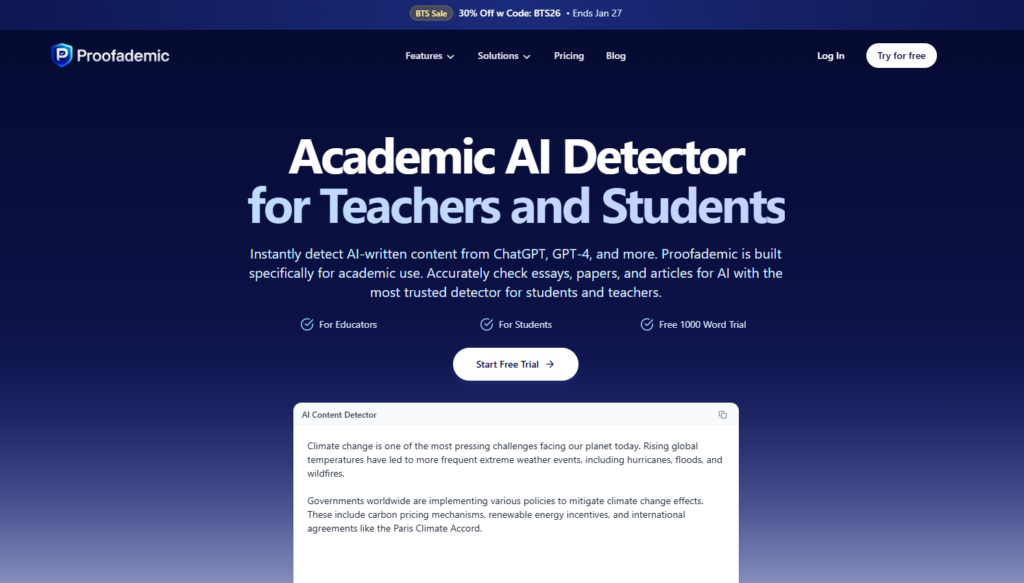
Proofademic is a plagiarism and originality checking software that enables you to check your writing for similarities to information found on the web.
Useful for: When you fear unintentional plagiarism while researching, citing, or paraphrasing sources. It can provide an added level of assurance that your work is unique and that you have cited all references appropriately.
- Free plan- Trial access or limited scans for basic checks.
- Paid plan- Deeper plagiarism detection, longer documents, and more detailed reports.
Students use Proofademic as they complete their research papers to run the paper through the system before submitting it to find potential problems.
Grammarly
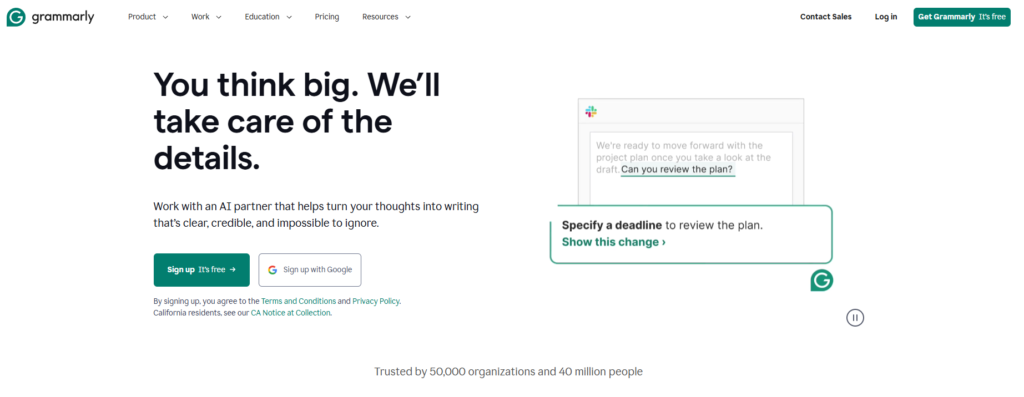
Grammarly is an automated writing assistant that aids writers with many elements of their writing process, such as grammar, spelling, clarity, and tone. The tool will identify the areas where you need to revise and provide you with several options to fix those errors.
Useful for: Grammarly helps students refine their writing by helping them identify minor mistakes, sentence structure issues, and tone issues. Grammarly is best used at the end of the writing process to ensure there are no major issues and to enhance the final product.
- Free plan- Basic features include grammar and spell checking, and some general writing advice.
- Paid plan- Includes advanced grammar or clarity feedback, as well as additional tone and rewrite suggestions.
Mostly, students use Grammarly as a second review prior to submitting an assignment to catch any obvious errors. It also polishes the writing to the point where it appears professionally done.
Quillbot
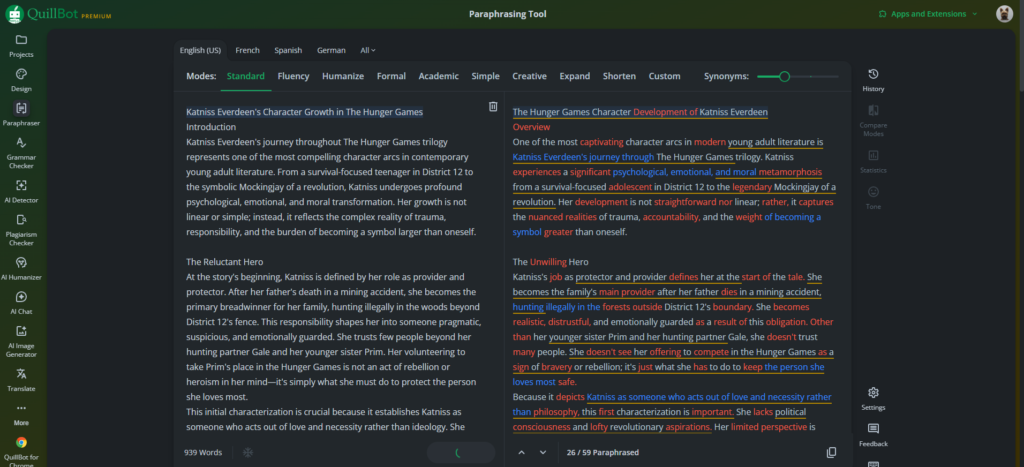
QuillBot is a paraphrasing and summarization tool that helps rewrite your own text in various forms while keeping the same intent as the original text. This includes making sentences less complex, shortening lengthy paragraphs, and expressing ideas in simpler terms.
- Free plan- Limited rewriting choices and a very basic ability to summarize.
- Paid plan- More rewriting choices allow you to work with longer pieces of content and offer more advanced features to customize your writing experience. Also offers one of the best paraphrasers in the industry.
Students often use QuillBot when they are taking notes from their research to help them comprehend the content better and get organized before writing about it.
ChatGPT
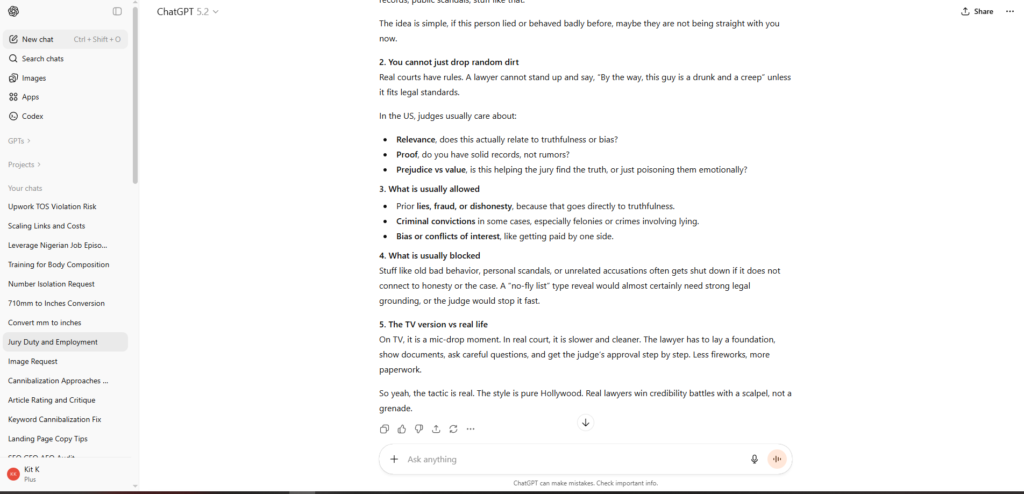
For students, ChatGPT is an AI helper for getting ideas, explanations, and outlines before writing an essay. Many times, it also helps break down complex subjects and even develop sample study guides to help you get started if you don’t know what to do next.
- Free plan- General access to basic questions and answers, and to generate simple outlines and explanations.
- Paid plan- Faster response times and access to more advanced models and features (this varies by plan).
Students use ChatGPT to get an easy-to-understand explanation of something before taking any notes on it.
For students who want a more academically focused drafting tool with built-in essay modes and STEM helpers, the Caktus AI review breaks down what it offers, where it falls short on citations, and what to watch for with billing.
AI Notetaking Tools for Students
The flow of information during a lecture can be very fast and complex at times. AI notetaking tools help record lectures, summarize large amounts of information, and create an organized format of notes for a quick search. Instead of working with disorganized paper-based notebooks, students can use these tools to review important ideas, prepare for exams, and access past materials more easily.
| Tool Name | Primary Use | Best For | Free Plan Available | Paid Plan Highlights |
| Notion AI | Notes & summaries | Structured study pages | Limited | Higher usage & features |
| Otter.ai | Transcription | Lecture capture & review | Yes | Longer recordings + exports |
| Evernote | Note storage & organization | Long-term note library | Yes/Limited | More storage + productivity features |
| Microsoft OneNote | Class notebooks | Handwritten + typed notes | Yes | Extra storage/features via Microsoft plans |
| Mem | AI note search | Finding past notes fast | Limited | More features + higher limits |
Notion AI
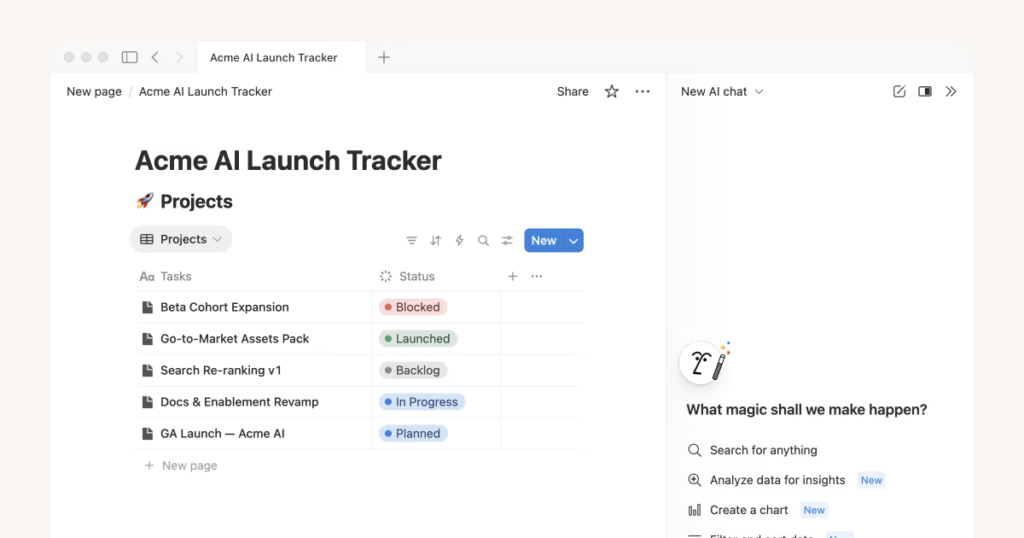
Notion AI is an organization and summarization tool within Notion that assists in transforming lengthy or unorganized notes into organized, structured study page formats.
Many students have used Notion AI to compile their weekly lecture notes into a single study page for quick review before an exam.
Otter.ai
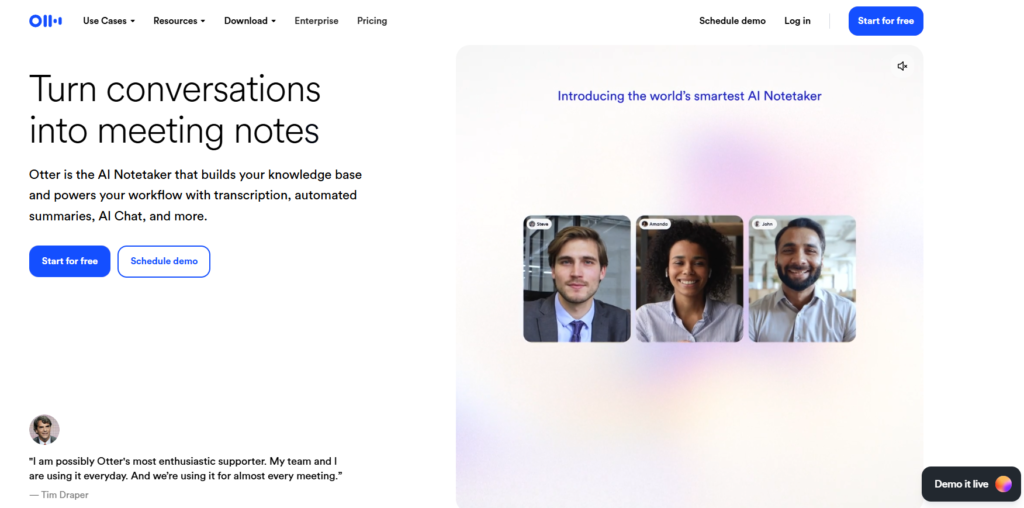
The Otter.ai service is an AI-based transcription and note-taking tool, converting verbal lectures into easily searchable written content.
Students use it to record lectures or discussions and review those transcriptions prior to exams to ensure that important information is not missed.
Evernote
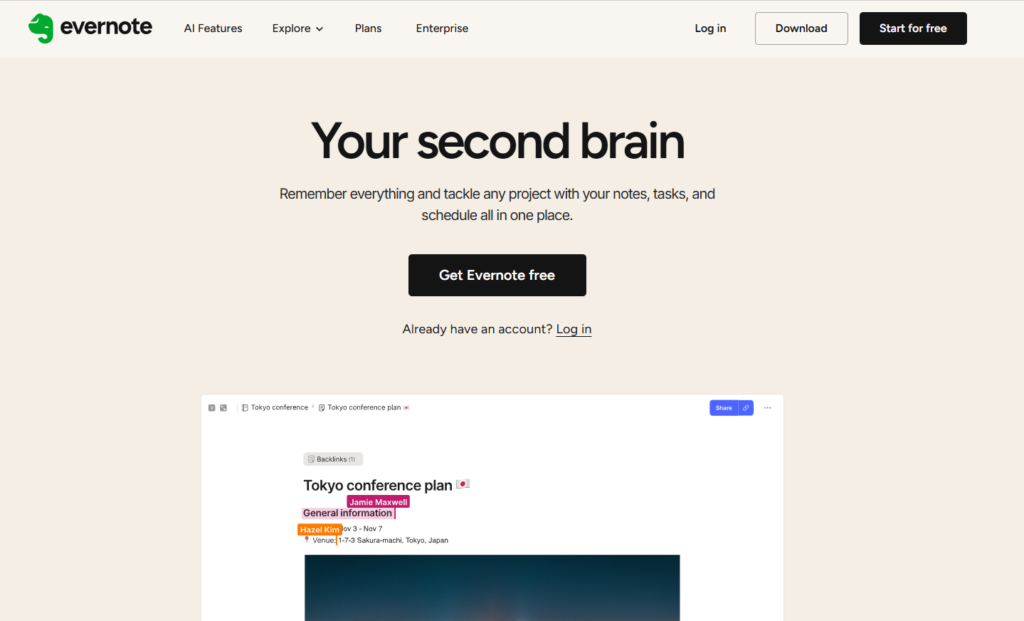
Evernote is a digital note-taking and organizational tool that allows you to capture, organize, and store text notes, images, web clippings, and PDF files in a single searchable location. Students use it as a way to keep all their class notes and study materials from semester to semester in one place.
Microsoft OneNote
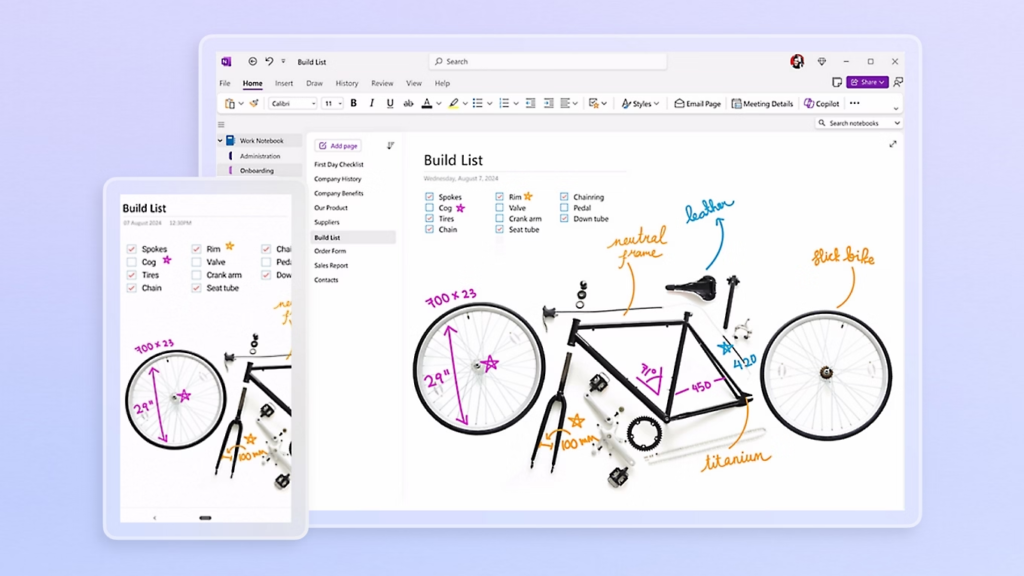
Microsoft OneNote is a digital notebook where you can combine typed text, drawings, and handwritten formulas. Many students find that combining these makes their study notes clearer and easier to organize.
Mem
The student will be able to quickly locate previous notes using “smart” searching with Mem, which allows them to search based on subject or keywords when preparing for studies or to write on specific subjects.
AI Study & Learning Assistants
AI Study assistants help the students by providing explanations for concepts and problems. The assistant breaks the topic down step-by-step and assists in practicing. They can assist in providing clarity on what the student is learning. However, they should not be used as a shortcut to bypass the student’s understanding of the material.
| Tool Name | Primary Use | Best For | Free Plan Available | Paid Plan Highlights |
| Khanmigo | Guided tutoring | Step-by-step learning | Limited | Expanded tutoring access |
| Wolfram Alpha | Math/science solving | Formulas & problem checks | Yes/Limited | More computational power |
| Socratic | Homework explanations | Quick mobile help | Yes | - |
Khanmigo
Khanmigo is an AI learning assistant by Khan Academy that helps students with homework or other assignments by teaching them how to solve a problem instead of just providing the answer. Most commonly, students use it for math or science homework.
Wolfram Alpha
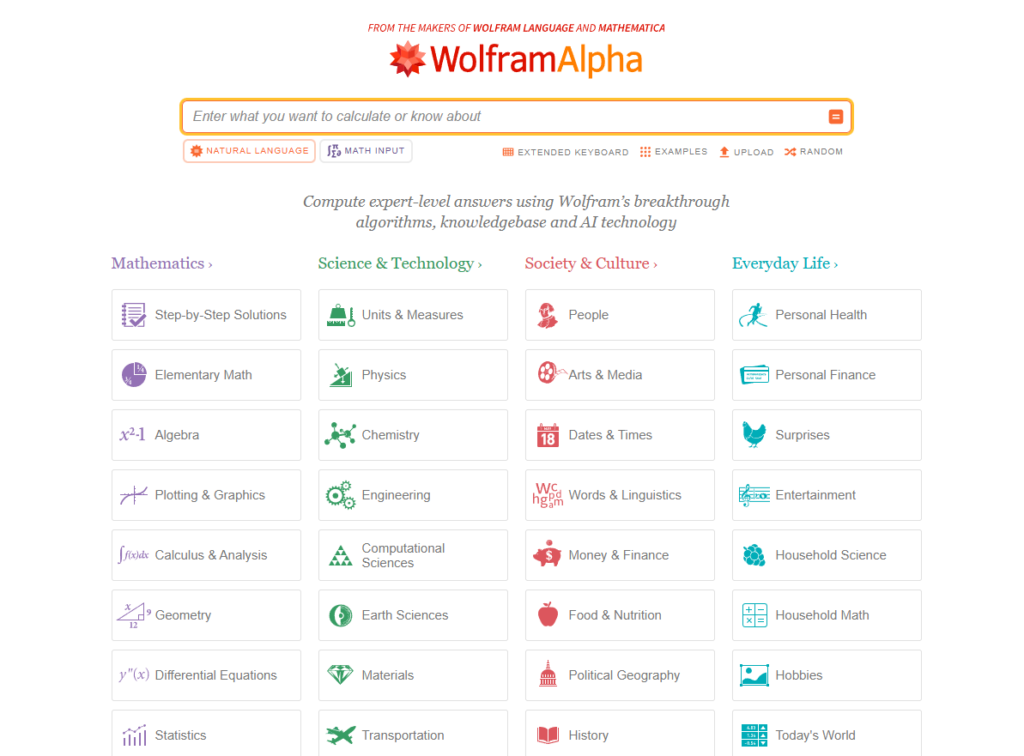
Wolfram Alpha is a computational tool that provides solutions to mathematical and scientific problems and shows students how formulas and calculations work. Many students use it to help solve and understand equations and formulas to improve their performance on homework and exams.
Socratic
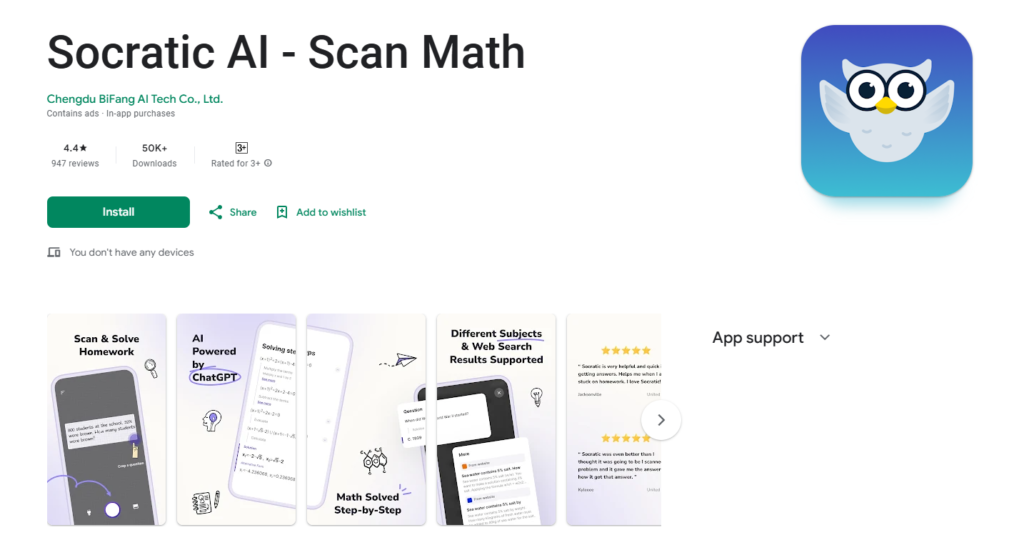
Socratic is a mobile learning app developed by Google that provides quick explanations for homework-related questions. It includes subjects such as math, science, and humanities. Students most commonly use it on their phones when they become stuck on a specific question or assignment.
AI Flashcards & Exam Prep Tools
Flashcards and exam prep tools use AI to help reinforce memory through quicker methods of practice, as well as reviewing important concepts using review cards. They work best when used consistently over time, making it easier to remember the most important concepts for exams.
| Tool Name | Primary Use | Best For | Free Plan Available | Paid Plan Highlights |
| Quizlet | Flashcards & practice | Exam prep | Yes | AI practice modes + better learning tools |
| Anki | Spaced repetition | Long-term memorization | Yes | Add-ons vary (mostly free) |
Quizlet
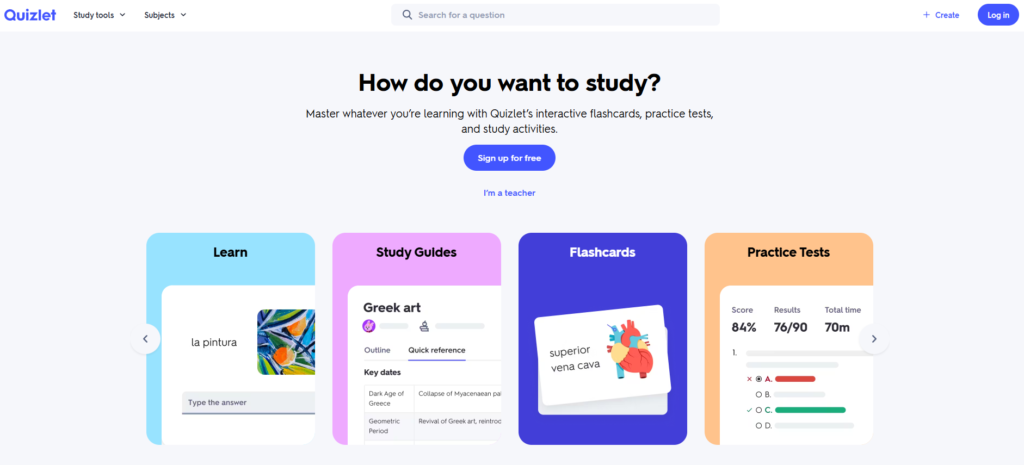
Quizlet is a flashcard and study tool whose primary purpose is to help students practice their knowledge of key terms and definitions by creating digital flashcards and taking quizzes in shorter study sessions.
Anki
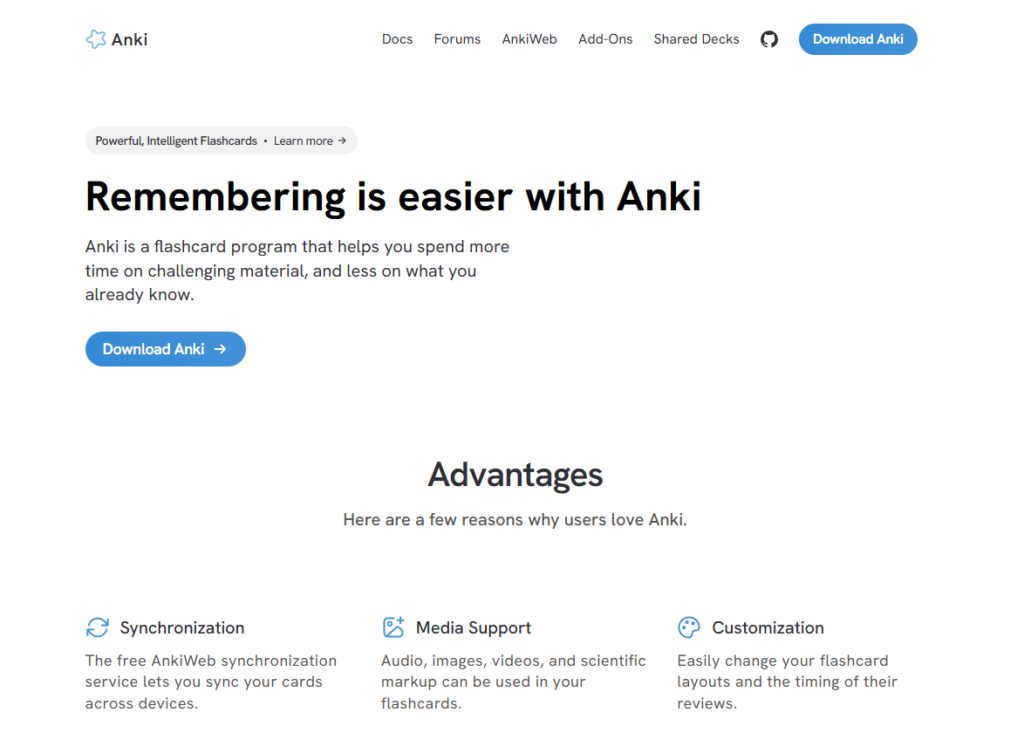
Anki is an AI-based flashcard application that uses spaced repetition to help students recall information at varying intervals. It ensures retaining the information over a longer period of time.
Students using Anki or Quizlet specifically for vocabulary in a second language can find a structured comparison of dedicated language learning apps, including Duolingo, Memrise, Pimsleur, and Babbel, in this guide for students and ESL learners.
AI Creation Tools for Student Projects
AI-based creation tools allow students to produce content for their AI-based creation tools allow students to produce content for their projects, such as presentations. It helps by converting raw ideas into more polished, developed visuals at a much faster pace than if students were creating everything from scratch.
| Tool Name | Primary Use | Best For | Free Plan Available | Paid Plan Highlights |
| Canva | Design & slides | Project visuals | Yes | Premium templates/assets |
| Gamma | AI presentations | Prompt-to-slides | Limited | More exports + themes |
| Tome | Story-style decks | Narrative presentations | Limited | More creation options |
Canva
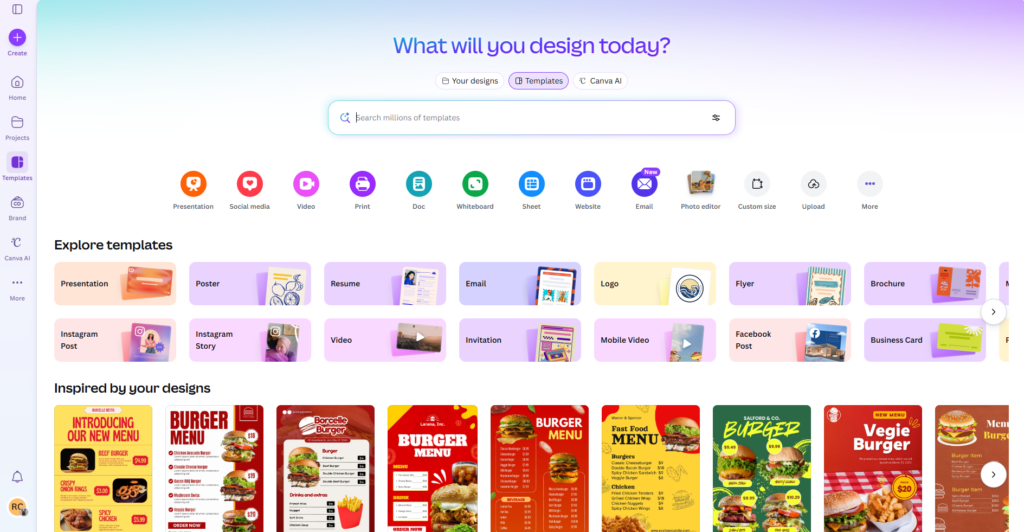
Canva is an online tool for designing presentations, posters, and other types of visual aids for students using pre-designed templates and simple drag-and-drop editing. It is commonly used in classrooms to help students who have no experience with graphic design create slides for classroom presentations.
Gamma
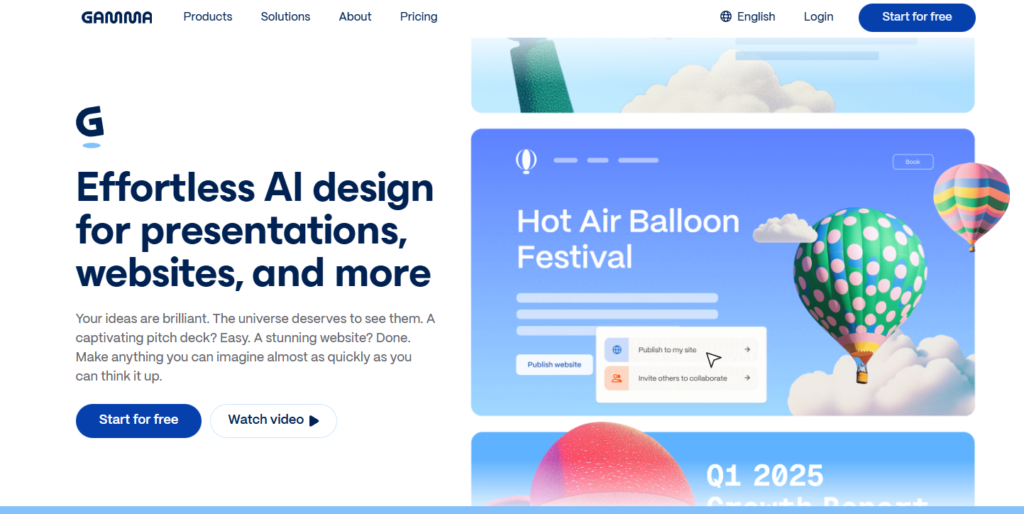
Gamma is an AI-based presentation generator that creates slides from written prompts or outlines. Students may find this useful when they are looking to quickly convert their ideas and notes into a presentation.
Tome
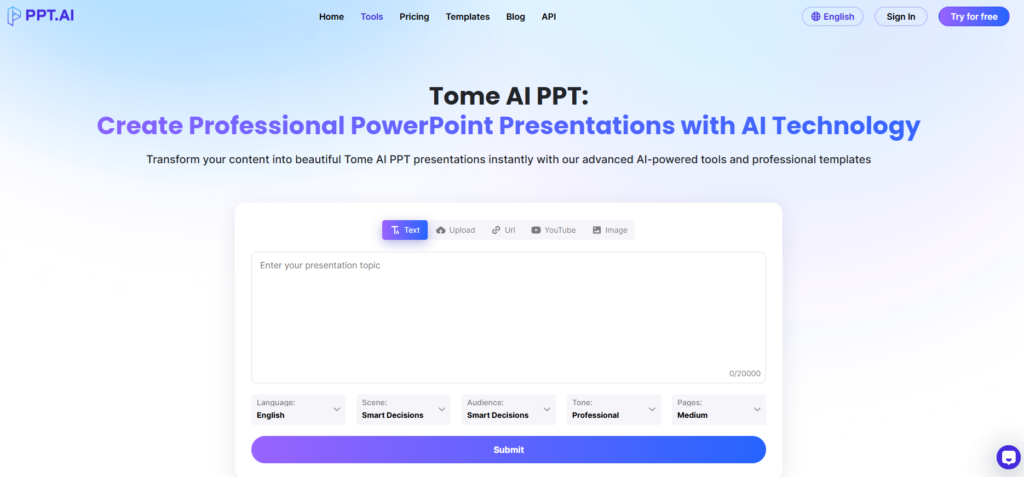
Tome is an AI-based storytelling and presentation tool used when developing a story-style presentation. Students typically use this tool to develop a clear and visually engaging explanation of ideas related to the project they are working on.
For creative writing assignments that go beyond presentations, the guide to AI story generators for students covers tools like Sudowrite, NovelAI, and Rytr, ranked by fiction output quality, continuity across chapters, and free plan availability.
AI Productivity & Planning Tools
AI-based productivity and planning tools help students better organize and manage deadlines, assignments, and workload. Rather than manually organizing calendars and to-do lists, students can use these tools to create a study schedule and minimize last-minute panic during busy academic weeks.
| Tool Name | Primary Use | Best For | Free Plan Available | Paid Plan Highlights |
| Motion | Auto scheduling | Deadline planning | No | Smart calendar automation |
| Taskade | Task planning + collaboration | Group study planning | Yes | AI workflows + higher limits |
If you want a broader look at scheduling, focus blocking, and note-taking apps that sit outside the AI category, the guide to the best productivity tools for students covers the full non-AI stack, including Cold Turkey, Forest, Todoist, and Quizlet.
Motion
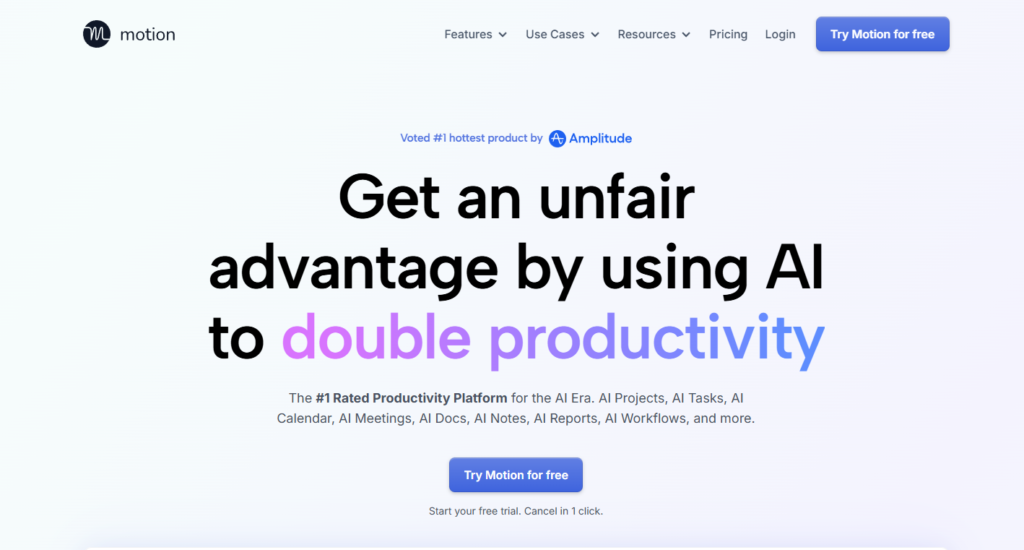
Motion is an AI-based scheduling application that allows users to automatically input assigned tasks and due dates directly into their calendar. Students use this feature to auto-schedule assignments and study sessions, spreading out their workload over the course of the week.
Taskade
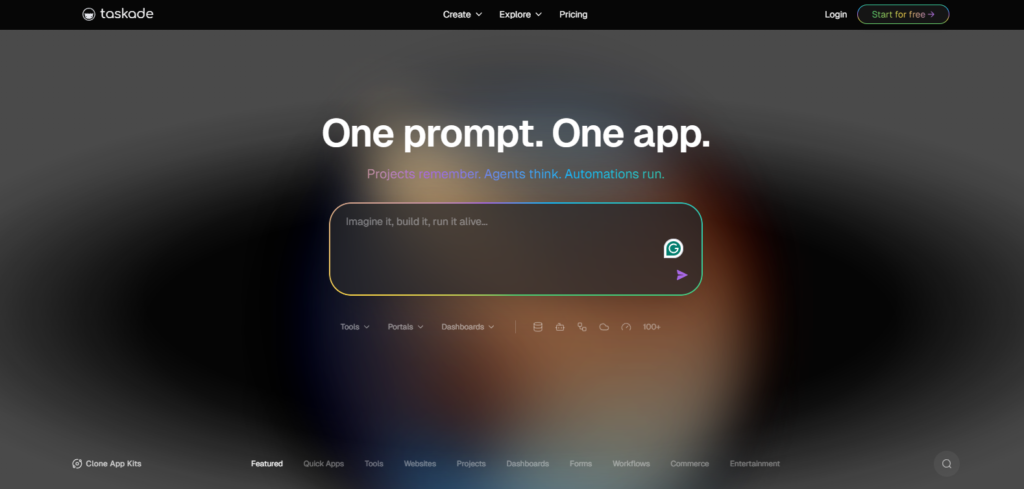
Taskade is a tool for managing and collaborating on tasks and is used by students to collaborate on projects and study schedules. It is especially useful for working on group assignments, as all parties can stay in sync.
Real Student AI Study Tool Stacks
There is no reason to use 15 apps to improve your studying. Students who achieve the most success with AI study tools typically have a very small set of highly focused tools. One app to assist in writing, one to organize and take notes, one to prepare for exams, and one to plan their time is usually enough to stay organized and reduce last-minute anxiety.
These are six proven AI study workflow combinations that you can copy from other students. Choose the combination of tools based on your needs.
The Essay Writer’s Stack
Good For: English majors, humanities students, anyone who writes three or more essays a month
Tools:
- ChatGPT (Free) - Research & Outline Creation
- Walter Writes ($15/month) - Creating an AI Draft with a Human Tone
- Grammarly (Free or $12/month) - Final Proofread
- Proofacademic ($10/month) - Plagiarism Check
How To Use It:
Monday (Research Day): Ask ChatGPT to describe the subject you are studying and ask for ideas about how to write the essay. Use ChatGPT to break down long reading assignments. Make a basic outline based on the main points you want to make in your essay.
Wednesday (Write Day): Develop the basic outline you made on Monday into a complete draft using your own words, but also use the other AI tool for structure. Before you submit your essay, run it through Walter Writes to check for a human voice. After you have added your own personal experiences and analysis, add those to the draft.
Thursday (Polish Day): Run the final version of your essay through Grammarly to check for grammar errors and clarity. Scan your essay with Proofacademic before submitting it. Read your essay outloud once again.
Cost Per Month: $25-37
Limitation: There is no way to eliminate plagiarism without making many revisions and adding your own ideas to the essay. This can take time.
The Lecture Heavy Stack
Good For: STEM students, students with over ten hours of lecture each week
Tools:
- Otter.ai ($10/month) - Lecture transcription
- Notion AI ($10/month) - Organization of notes
- Quizlet (Free or $8/month) - Creating flashcards
- ChatGPT (Free) - Explaining concepts
Cost Per Month: $20-28
Limitation: In noisy rooms or when people speak in a thick accent, Otter.ai does not do as well at transcribing lectures.
The Exam Crammer’s Stack
Good For: Nursing students, medical students, and other students with many high-stakes exams
Tools:
- Anki (Free) - Spaced Repetition Flashcards
- Quizlet (Free) - Rapid flashcard creation
- ChatGPT (Free) - Creating practice questions & explaining answers
- Notion AI ($10/month) - Compiling a study guide
Cost Per Month: $10
Limitation: If you want this stack to be successful, you will need to commit to daily use (at least 10-20 minutes). The stack is not meant for last minute cramming.
The Project Creator’s Stack
Good For: Business students, design students, and others who create group presentations
Tools:
- ChatGPT (Free) - Research & Brainstorming
- Gamma ($8/month) - Building an AI Presentation
- Canva (Free or $13/month) - Design
- Taskade (Free) - Collaboration
Cost Per Month: $8-21
Limitation: In order to collaborate seamlessly, everyone working together needs to be able to use the same tools.
Students whose group projects start with shared brainstorming sessions may also want to explore the best online whiteboard tools, which covers Miro Lite and Canva Whiteboards as free, no-signup options for collaborative visual work before building out slides.
Broke Student’s Stack (Completely Free)
Good For: Anyone who has a very limited budget and still would like to get some level of assistance from AI
Tools:
- ChatGPT (Free) - General Assistance
- Grammarly (Free) - Checking Grammar
- Quizlet (Free) - Flashcards
- Microsoft OneNote (Free) - Organizing Notes
- Canva (Free) - Presentations
Cost Per Month: $0
Limitation: Although ChatGPT is free, there are usage limitations on ChatGPT during peak times.
All-Around Student Stack
Good For: Most undergraduate students (all-around student)
Tools:
- ChatGPT Plus ($20/month) - Faster, Smarter Help
- Notion AI ($10/month) - Organizing Notes
- Grammarly Premium ($12/month) - Advanced Writing Help
- Quizlet Plus ($8/month) - More Study Features
Cost Per Month: $50
Limitation: Too expensive for most students who are on a tight budget; only worth it for students who will use all of the tools regularly.
Final Thoughts: AI Study Tools Help
If used responsibly within the guidelines of the institution, AI study tools can enhance the student’s overall educational experience instead of substituting the student’s own efforts.
If AI helps you draft essays or assignments, Walter’s AI humanizer fits neatly into an easy-to-use AI study stack. It refines AI-assisted writing into natural-sounding, personable writing that still reflects the student’s own thoughts and ideas.
Ultimately, the best AI study tools allow you to learn more effectively and efficiently, and not simply complete your assignments more quickly.
Frequently Asked Questions
Are AI study tools allowed in schools and colleges?
Policies usually vary by school or college. While many will allow AI tools for purposes like brainstorming, outlining, and grammar checking, no school will accept an assignment completed using an AI tool as your original work.
Can AI tools replace studying or doing assignments yourself?
Absolutely not. AI tools were built to help you learn, and what they do best is explain concepts, organize your thoughts, and give you opportunities to practice.
Are free AI study tools good enough for students?
Most free AI study tools will assist with the basics of writing, such as note-taking, flashcards, etc. Paid plans will usually offer either additional usage allowances or better features than the free version.
Can teachers tell if I used AI for my homework?
Yes. There are many AI detector in educational programs available now. While they are not foolproof, if your work looks too generic or unnatural, a teacher may suspect that some type of AI has been involved.
How can I use AI tools ethically for schoolwork?
You should only use AI study tools for brainstorming, outlining, explanations, and editing, never for completing an entire assignment. Additionally, you should review everything, add your own thoughts, and make sure the final product represents your own original work.
