












Students & academics
Check a draft for AI patterns, then revise flagged passages before you submit.
 AI DetectorCheck if text was written by AI
 Plagiarism CheckerFind matched sources across the webAI Image Detector Coming SoonSpot AI-generated images and source modelAI Voice Detector Coming SoonDetect AI and cloned voices in audio
 AI Humanizer APIHumanize AI text in one POST request
 Grammar Checker APICheck grammar and style programmaticallyAI Detector APIScore text for AI-generated patternsAI Image Detector APIDetect AI images and identify the source modelPlagiarism Checker APIScan text against web and journal indexesAI Voice Detector APIDetect AI or cloned voice in audio at scale
Check if your text reads as AI, then humanize it in one click. Your ideas, your voice, one workflow.
Check if your text reads as AI, then humanize it in one click. Your ideas, your voice, one workflow.
This may take a few moments...
Featured in and trusted by





Four tools that work together from first draft to final check.
Good writing just gets the job done. When your point lands clearly, people actually get what you mean and they act on it. You don't need fancy words or filler to sound smart, you just say the thing and move on. Most writing fails because it tries too hard, not because it says too little. We pile on adjectives and long wind-up sentences because we think that's what makes us sound credible, but it usually does the opposite. The reader gets tired halfway through and quietly gives up. Keep it simple, keep it honest, and trust that your reader is smart enough to follow. That's the whole trick. Say what you mean, cut the parts that don't earn their place, and let the idea do the work instead of the wording.
Explore ways to use Walter alongside your writing tools and AI assistants.

Scan and revise text on supported siteswithout switching tabs
Review and revise longer documents whilekeeping your place in Google Docs
Scan and rewrite drafts before you sendthem, right inside the compose window

Review and humanize assistant responseswhere they appear
 Coming soon!
Review AI writing signals in your feedbefore you reply or repost


Overview
The art of coffee roasting is a delicate and multifaceted process that requires a careful balance of time, temperature, and technique in order to unlock the full spectrum of flavors contained within the humble coffee bean. Whether one is an aspiring home enthusiast or a seasoned professional, understanding the fundamental principles of roasting is essential to achieving a consistently exceptional cup.
Roasting coffee is trickier than it looks. Get the timing, heat, and technique right and the bean gives up flavors you didn't know were in there. Get it wrong and you've got a bitter mess. Whether you're roasting in a pan at home or running a proper drum roaster, the basics are the same, and they're worth learning before you waste a good bag of green beans.
The Roasting Process
At its core, roasting is the transformative process through which green coffee beans are exposed to heat, causing a series of complex chemical reactions that develop the aromatic compounds and rich flavors we associate with coffee. During the initial stage, often referred to as the drying phase, the beans gradually lose their moisture content and begin to turn a pale yellow color. As the temperature continues to rise, the beans enter what is commonly known as the first crack, an audible cracking sound that signals a critical turning point in the development of the roast.
Roasting is really just heat plus time. You take green beans, apply heat, and a chain of chemical reactions kicks in that builds up all the aroma and flavor we actually want. First comes the drying phase, where the beans shed their moisture and fade to a pale yellow. Keep the heat climbing and you hit first crack, a sharp popping sound, almost like popcorn. That's your signal. The roast is now developing fast.
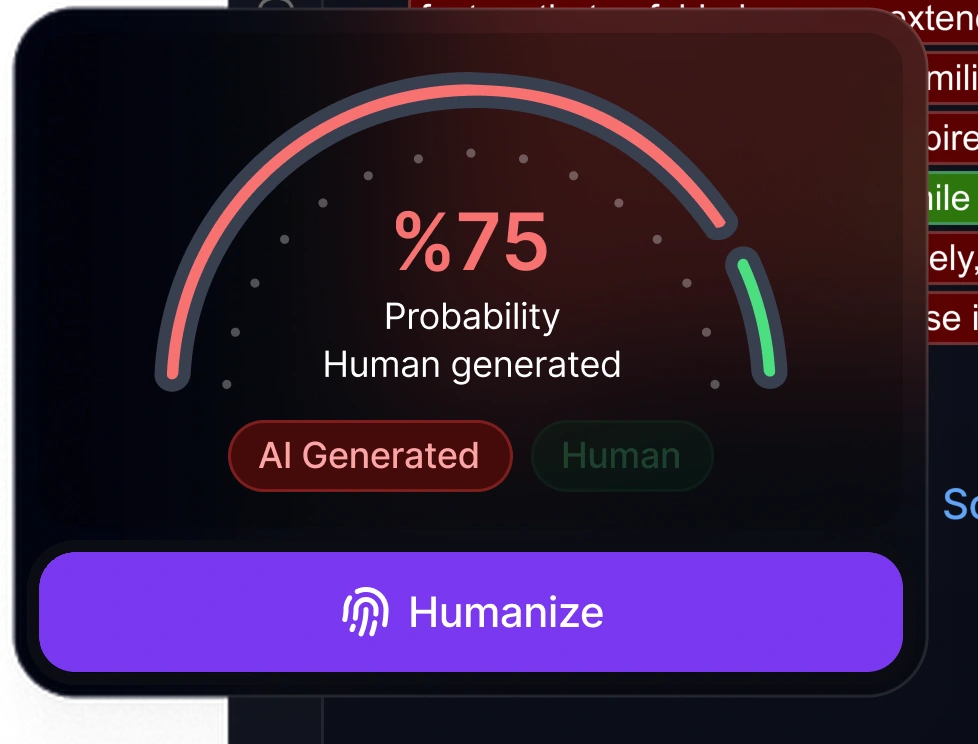
This text appears AI-generated
Scan complete
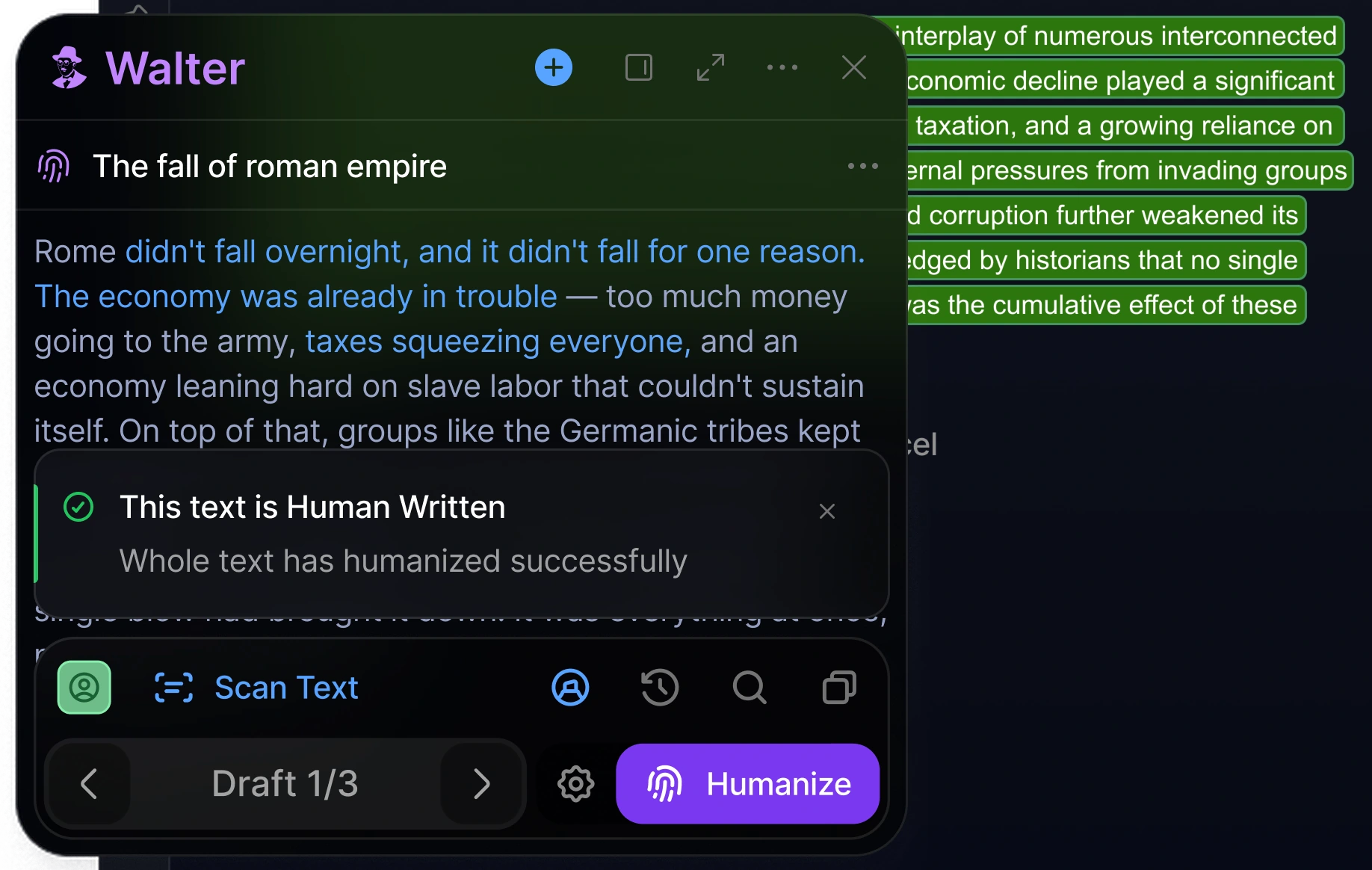
This text appears human-written
Humanization complete

Dear Professor,
I am writing to respectfully request a brief extension on the upcoming assignment. Due to a number ofunforeseen circumstances over the past week, I have been unable to dedicate the necessary time andattention required to complete the work to the standard I would like to achieve.
I would be truly grateful if it were possible to extend the deadline by a few days. Please rest assured thatI remain fully committed to submitting high-quality work, and I sincerely appreciate your understanding inthis matter.
Best regards.
Dear Professor,
I wanted to ask if I could have a couple of extra days on the assignment that's due this week. This pastweek got away from me, a few things came up that I hadn't planned for, and I don't want to hand insomething rushed and half-finished.
If a short extension is possible, it would really help. Either way, thanks for understanding, and let me know.
Best,
Dear Professor,
I am writing to respectfully request a brief extension on the upcoming assignment. Due to a number ofunforeseen circumstances over the past week, I have been unable to dedicate the necessary time andattention required to complete the work to the standard I would like to achieve.
I would be truly grateful if it were possible to extend the deadline by a few days. Please rest assured thatI remain fully committed to submitting high-quality work, and I sincerely appreciate your understanding inthis matter.
Best regards.
This text appears AI-generated
Scan complete
This text appears human-written
Humanization complete
Sign in once to keep your drafts, history, and settings in sync across the web app, Chrome extension, and mobile app. Start on your laptop, then continue on your phone.
From humanizing AI text to checking plagiarism, all in one product.
Start free trialReview the detector probability signal after rewriting and before you publish.
Choose how far the rewrite goes, from a light pass to a full rework.
Review each rewrite against your original meaning, tone, and key points.
Adjust sentence length and pacing to avoid flat, repetitive patterns.
Revise sentences and paragraph flow instead of only swapping words for synonyms.
From coursework to client work, find a workflow that fits.
Check a draft for AI patterns, then revise flagged passages before you submit.
Add detection and rewriting to your product through one API.
Review grammar, originality, and tone across high-volume content workflows.
Polish outreach, proposals, and internal updates without flattening your voice.
Rewrite product descriptions in batches and review supplier copy for duplication.
Refine AI-assisted contracts and briefs for clarity and tone. Always review legal text before use.
Walter’s AI Detector shows how likely your text is to read as AI, so you can decide what to revise before you publish.
Walter’s AI Humanizer turns drafts from ChatGPT, Claude, or Gemini into natural writing that keeps your meaning and sounds like you.
Security
SOC 2 Type II certified, with safeguards built to keep your writing private.
Learn more about security and privacyWall of love
How content teams, marketers, and writers use Walter
to turn AI drafts into authentic, on-voice writing.
Our team drafts with AI, but everything we publish has to sound like our brand. Walter gets it there in one pass.
 Content Lead, Agency
Ways to use Walter
Write in the web app, work in Chrome, use Walter on mobile, or connect it to your AI assistant or product.


Features and plan access may vary. Select an option for setup details.
Clear answers about Walter's writing and detection tools.
Walter combines four tools: an AI Humanizer that rewrites AI text to sound natural, an AI Detector that estimates AI likelihood, a Grammar Checker, and a Plagiarism Checker.
Yes. Start with a free 300-word trial. Paid plans add higher limits and features, and you can change or cancel anytime.
Yes. Walter connects with Claude through MCP connector for Claude and offers custom actions for ChatGPT. Developers can also add Walter to their products with its APIs.
Walter supports over 80 languages, so you can humanize and detect AI text in your native language.
The AI Humanizer rewrites AI-generated text to read naturally and reflect your voice. The AI Detector scans text and estimates how likely it is to be flagged as AI-written. Both tools work together in Walter’s workspace: humanize first, then check your score.
Yes. The Teams plan supports up to 10 members with a shared pool of 500,000 words per month, plus top-up words.
Yes. The Walter AI Humanizer API is available. See the API page for current pricing, setup instructions, code samples, and documentation.
Walter uses its own built-in detector to estimate AI likelihood. We are not affiliated with other detection services.
From the blog
Guides, comparisons, and practical writing tips.

Quick Verdict: The Best AI Humanizer in 2026 If you’re looking for the short answer: Walter Writes was the top…

GPTZero, also referred to as ChatGPTZero, has emerged as an extremely popular tool for identifying AI-generated content, particularly text produced…

Last updated: October 2026. Tested on ChatGPT (free version) output, human-written samples, and AI text paraphrased by a real person.…