



Key Takeaway: The best productivity tools for students in 2026 work only when used consistently as a small stack of two to three apps, not as a collection of everything on a top ten list, with the right combination depending on whether you need planning, note-taking, focus, or writing support.
- The simplest free stack is Google Calendar, Microsoft To Do, and OneNote, covering scheduling, tasks, and notes with no paid plans required
- Notion is the most flexible all-in-one tool but has a steep learning curve and is only worth using if you’ll actually spend time setting it up
- Cold Turkey is the only distraction blocker on the list that can’t be bypassed once activated, but it’s desktop-only with no mobile version
- Quizlet’s most useful exam feature is spaced repetition across short daily sessions, not a single long cram session
- Overusing Grammarly’s rewrite feature can increase the likelihood of AI detection flags on submitted work
- Walter Writes is recommended as the final step before submission to humanize AI-assisted drafts and check detection risk, covering the gap that planning and note-taking apps don’t address
The most effective method to discover the best productivity tools for students would be to choose one stack that suits your studying habits and utilize the selected stack consistently, instead of attempting as many of the best and most common tools as possible.
This article will give an in-depth evaluation of some of the best free and paid apps available for students in 2026. We will also be providing a comparison chart, productive tech stacks for students, and a list of other supporting tools to assist with completing all of your assignments by the due date.
Quick Start: Best Productivity Tools for Students (Choose Your 2 to 3 App Stack in 60 Seconds)
Productivity increases more from setting up consistent habits, rather than installing all of the best apps on some top ten list.
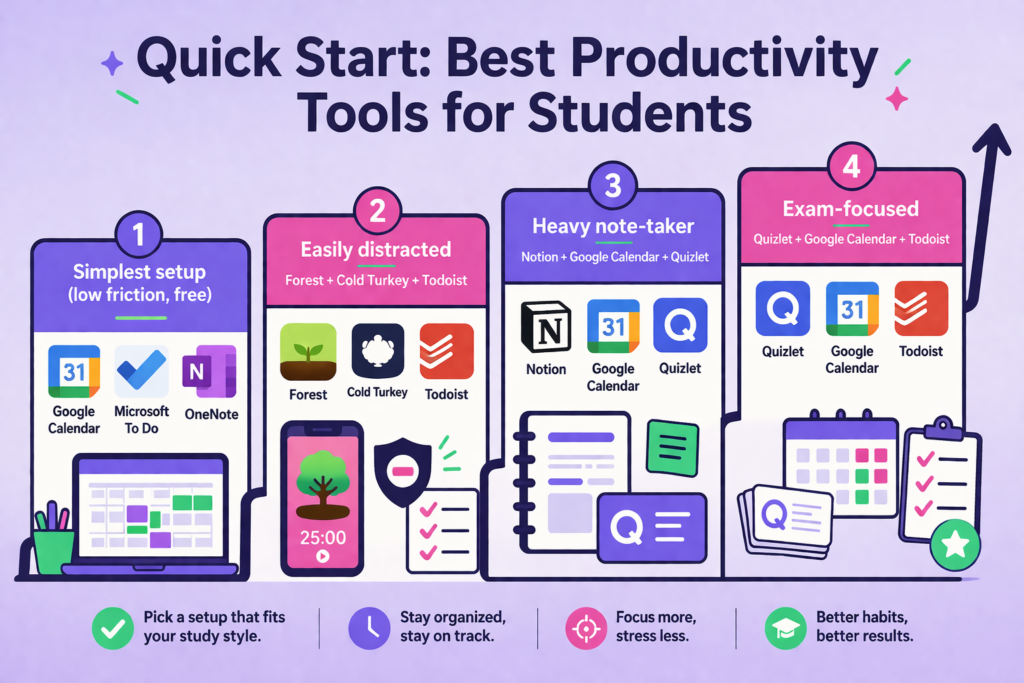
Pick the stack that most accurately represents your situation and don’t install another thing.
- Simplest setup (low friction, free): Google Calendar + Microsoft To Do + OneNote
- Easily distracted: Forest + Cold Turkey + Todoist
- Heavy note-taker: Notion + Google Calendar + Quizlet
- Exam-focused: Quizlet + Google Calendar + Todoist
Still unsure as to which option is right for you? The comparison chart below will assist in helping you choose an option prior to downloading any application.
If you also want help finishing assignments faster and submitting with confidence, the AI humanizer for students from Walter Writes can easily handle the rewriting and review layer that productivity apps do not cover.
How to Pick Student Productivity Apps (The Only Criteria That Matter)
Before you start working with any of those tools, check them for four things:
- Price reality: Notion, Google Calendar, Microsoft To Do & Quizlet have most of the free versions usable in real ways. All other apps lock their key features behind a paywall.
- Cross-device support: The app has to be able to work on both your phone and laptop, or you will stop using it.
- Friction: It shouldn’t take more than two clicks to add a new task. You’ll quit using it within one week if there is too much friction.
- Integration: Use tools that integrate with one another so as to avoid redundant entries and forgotten deadlines.
Comparison Table: Best Productivity Tools for Students (By Use Case)
| Tool | Best For | Free Plan | Paid Plan | Platforms | Watch-Out |
| Google Calendar | Scheduling deadlines and time blocks | Yes, free | Free | All | No task management |
| Todoist | Fast task capture and daily to-do lists | Yes, limited | From $4/month | All | Free plan limits projects |
| Microsoft To Do | Simple daily task lists | Yes, free | Free | All | Limited project features |
| Notion | Notes, tasks, and projects in one place | Yes, generous | From $10/month | All | Steep learning curve |
| OneNote | Flexible note-taking in the Microsoft ecosystem | Yes, free | Free with Microsoft 365 | All | Can feel cluttered |
| GoodNotes | Handwritten notes on iPad | Yes, 3 files | $11.99/year or $35.99 one-time | Apple only | Requires iPad and Apple Pencil |
| Forest | Focus timer with Pomodoro method | Yes, limited | One-time ~$3.99 | iOS, Android | No hard web blocking |
| Cold Turkey | Hard distraction blocking | Yes, basic | From $39 one-time | Mac, Windows | No mobile version |
| Quizlet | Flashcards and exam review | Yes | From $35.99/year | All | Ads on the free plan |
Planning & Time Management (So Deadlines Stop Surprising You)
Google Calendar
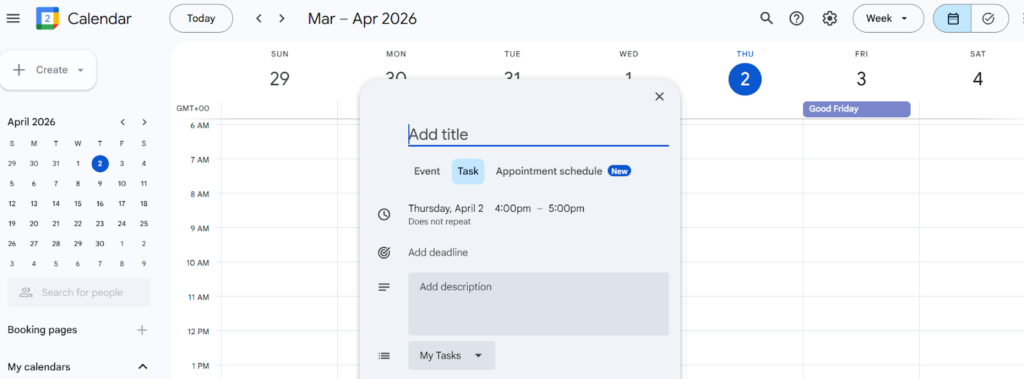
- Best for: Planning your deadline schedules, time blocks, or your study sessions.
- Price: Free
- Strength: Can be used on any type of computer or mobile device and can be synced with most other tools available today. Require no additional setup to begin using.
- Limitation: It is primarily a scheduling tool and not a task manager, so you will have to use a separate checklist program alongside it.
Todoist
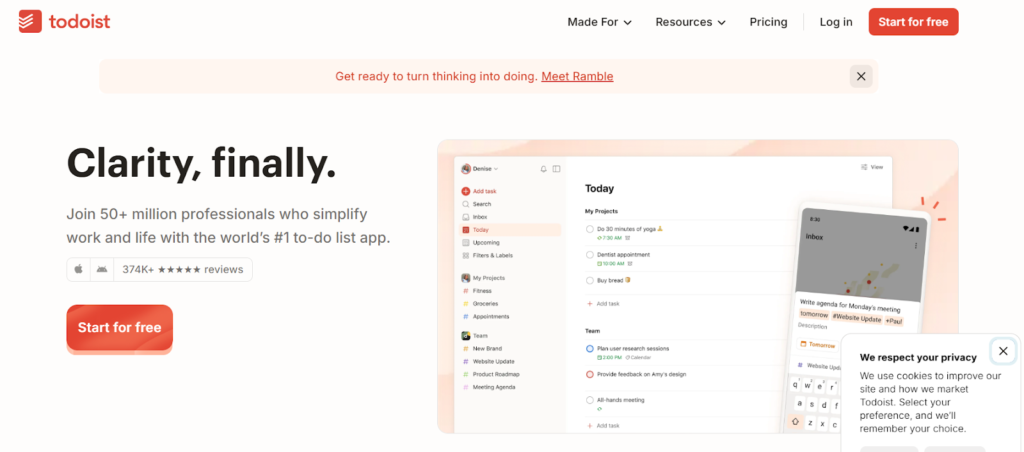
- Best for: Quick task capture, organizing tasks by project ot subject.
- Price: Free (up to 5 active projects) / Paid plans from $4/month
- Strength: Natural language input. Simply type “submit essay Friday 5 pm,” and it sets the date automatically
- Limitation: Limited to five active projects on the free plan.
Microsoft To Do
- Best for: Basic daily task lists. Especially useful for students who are using the full Microsoft ecosystem.
- Price: Free
- Strength: There are no paid plans required to use all of its features. Works seamlessly with other Microsoft tools such as OneNote and Outlook.
- Limitation: This tool is best used for basic task management needs and is too limited for the needs of more complex project management.
Note-Taking and Knowledge Systems (From Lecture Notes → Exam Answers)
Notion
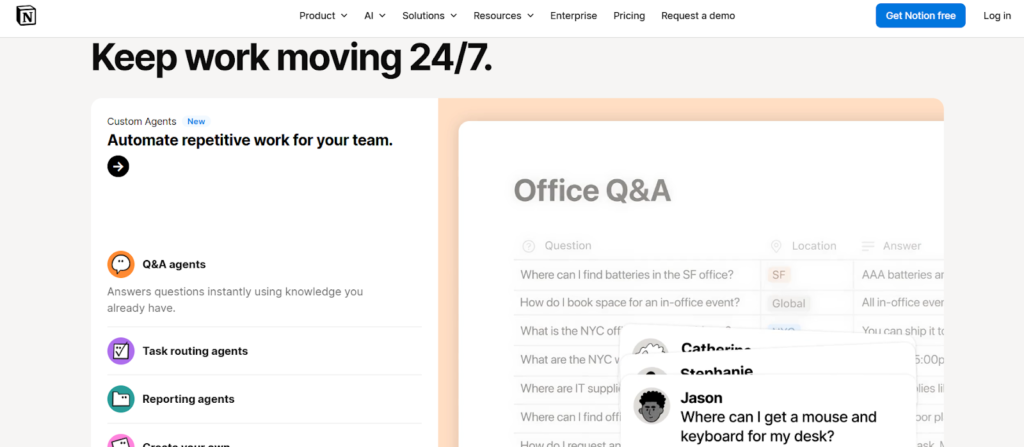
- Best for: Students looking to organize their notes, assignments, and projects into a single platform
- Price: Free/ Paid plan starts from $10/month
- Strength: Notion is very flexible, allowing you to create lecture note-taking, assignment tracking systems, and reading lists in a single workspace
- Limitation: The learning curve is steep. If you are spending too much time developing your knowledge management system as opposed to utilizing it, it may be over-engineered
OneNote
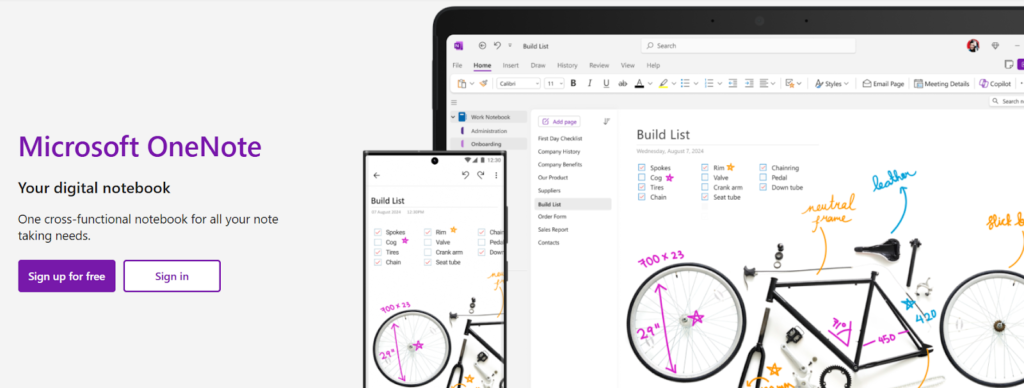
- Best for: Students currently using Microsoft 365 who need a free and very flexible notebook.
- Price: Free / Included in your Microsoft 365 package.
- Strength: Unlimited number of pages, can be used offline, integrates well with Word and Outlook.
- Limitation: It can get too cluttered as you add more content. Searching through OneNote is less efficient than searching in Notion.
GoodNotes
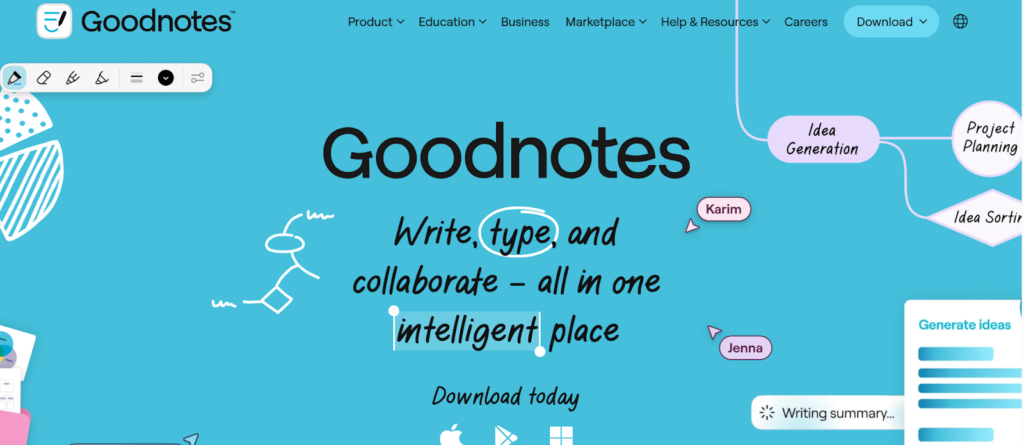
- Best for: Users of iPads who prefer to write by hand when taking notes and marking up PDF documents.
- Price: Free (only three files), $11.99/year, or one time fee of $35.99.
- Strength: The most effective way to write by hand on an iPad, handwritten notes are searchable, excellent tool for marking up textbooks.
- Limitation: Only available to those with Apple products. Not a good product for someone without an iPad and an Apple Pencil.
For students who are writing essays and assignments alongside their notes, the guide to the best AI writing tools for students covers tools that take you from notes to a finished draft faster.
Focus & Distraction Control (When Your Phone Is the Enemy)
Forest
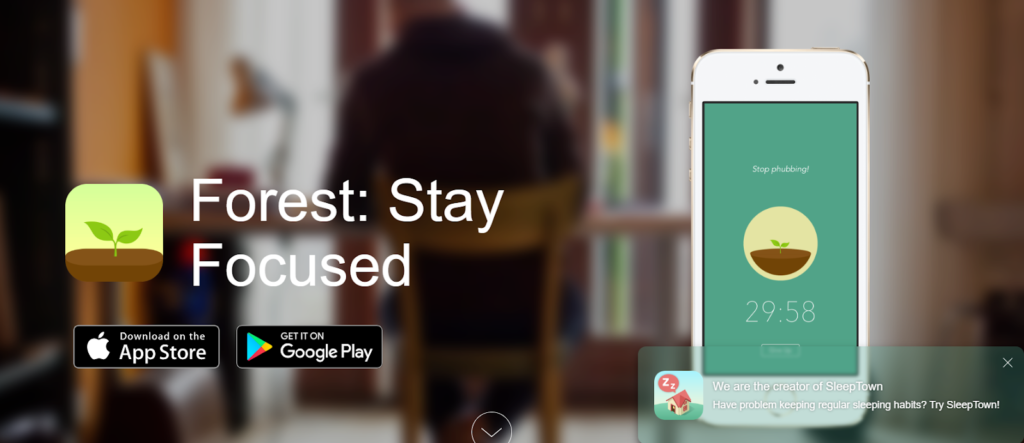
- Best for: Students who require some encouragement to keep from using their cell phones during study sessions.
- Price: Free (limited) / One-time payment of $3.99
- Strength: The Forest grows as a result of a timed Pomodoro timer, which is sufficient to encourage students to remain engaged in studying.
- Limitation: No website-blocking option with the free version. Easily bypassed by students who lack discipline regarding self-control.
Cold Turkey
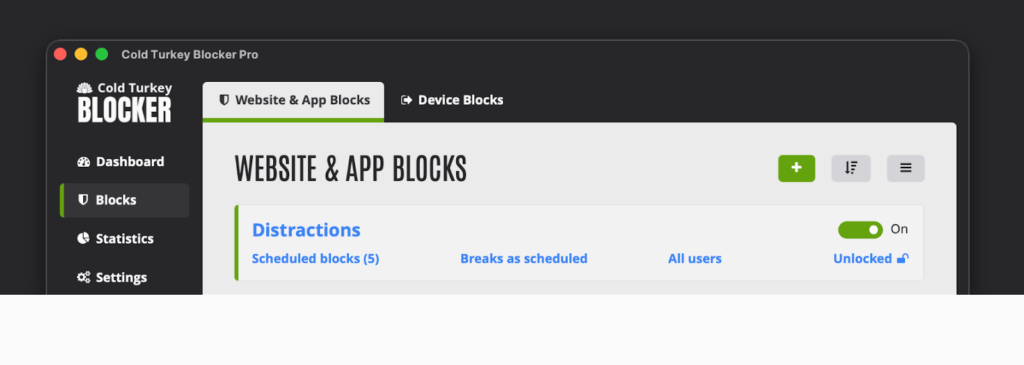
- Best for: Students who have a need for an unblockable form of website and app blocking on their desktop or computer.
- Price: Free (basic) / From $39 one-time
- Strength: Blocks all websites and apps until the timer has expired once initiated and cannot be worked-around.
- Limitation: Only available for desktop computers. No mobile versions. May appear too extreme to some users for casual use.
What is the Pomodoro Technique?
It is an organizing strategy that involves working in 25-minute blocks with five-minute breaks in between each block of time. After four cycles, you take a longer break. Forest is built around this method. It is one of the most effective ways for students to study without burning out.
Studying & Exam Organization Tools (Flashcards, Review, and Retention)
Quizlet
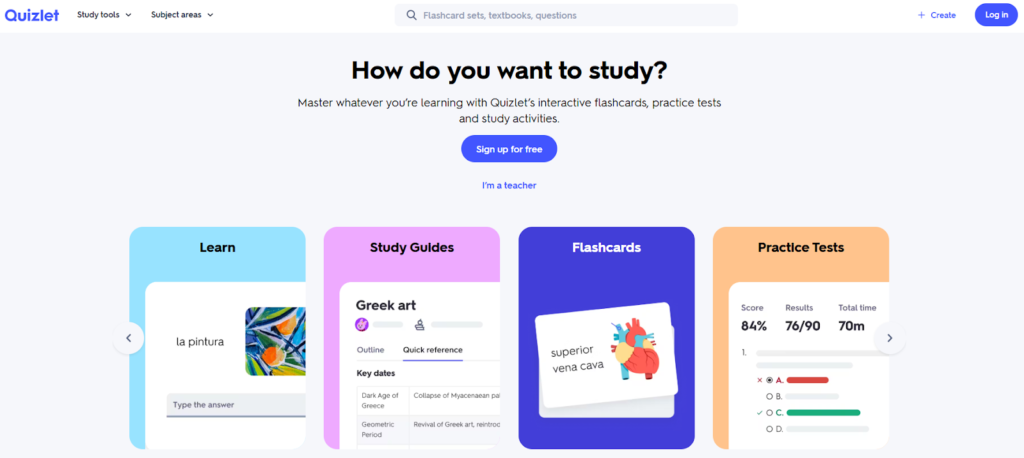
- Best for: Students who want to quickly learn the content needed for an exam
- Price: Free (with ads) / From $35.99 per year
- Strength: Large collection of flashcards created by other users. Chances are, another user will have a deck for your class or course.
- Limitation: Advertising may distract you while using the free version. Many AI-based functions require a paid subscription.
Exam-week checklist:
- Put all of the tests and deadlines into your calendar so they don’t slip through the cracks.
- Find or create a Quizlet set for each of your subjects at least a week before your test
- Try spaced repetition, and instead of trying to review the deck in one long cram session, review it daily in short sessions.
- Set your top-three tasks for each day using Todoist so that you don’t get overwhelmed
For more resources to help during study season, the guide to the best homework help websites for students covers free tools worth bookmarking.
Finish Stronger: Tools That Support Your Academic Workflow
Productive apps can assist students when completing projects by helping them stay on track with the project timeline while providing assistance to remain focused. However, academic tools are used for assisting students in finishing their assignments with the completion of the writing process and less stress upon submission of the completed assignment.
Walter Writes
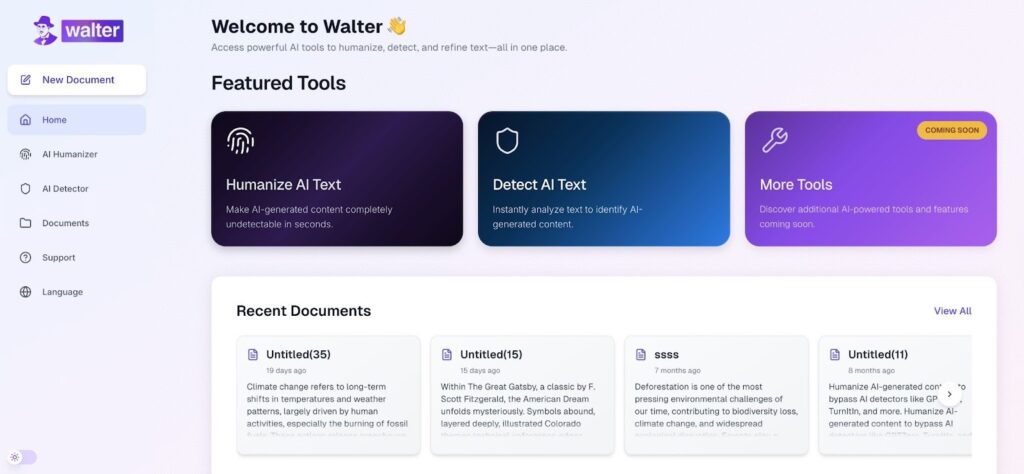
- Ideal for: Walter Writes is specifically designed for those students who use AI during the writing process and now want to create humanized drafts and determine the possible detection risks of their submitted work prior to finalization.
- Price: Walter Writes begins at $8.00 monthly.
- Strength: One of the largest strengths of Walter is its ability to use two key features within one app. Using AI to assist in the editing, which is humanization of your AI drafts and also reducing the detection risks associated with your submission to eliminate plagiarism issues.
- Limitation: Strictly a rewriting tool and does not include any feature to assist students with either planning or note-taking.
Utilize the built-in AI detector for students provided by Walter Writes to review your draft prior to completing it and submitting it. This will assist you in reducing the likelihood of your assignment being detected by AI, and you can also learn how professors detect AI in this guide.
Grammarly
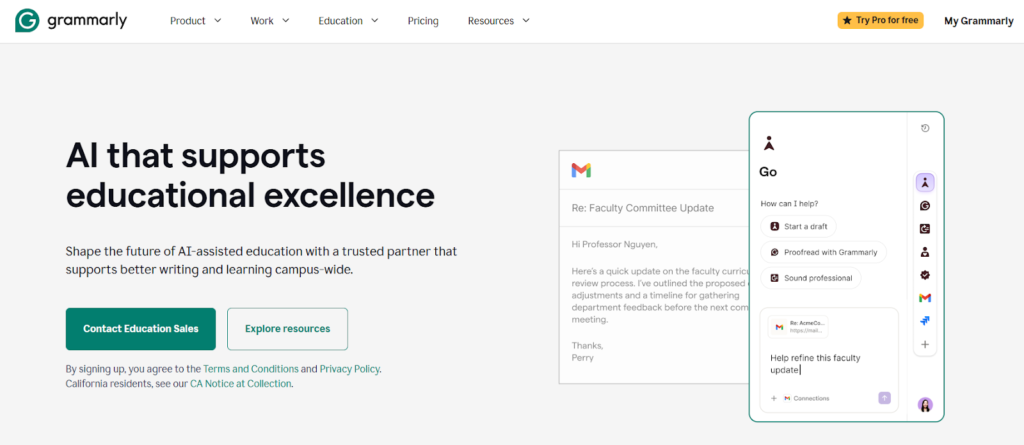
- Best for: Students seeking fast feedback on grammar, clarity, and tone across every type of writing.
- Price: Grammarly Basic is available for free, rest pricing begins at $12/month.
- Strength: The application runs inside most writing applications that are cloud-based, such as Google Docs, Gmail, and others, which is really useful.
- Limitation: Overusing the rewrite feature when utilizing Grammarly with an assignment could also increase the likelihood that an instructor can identify your work as being created by an AI program.
Zotero
- Best for: Student writers looking to write a research paper and needing to organize and cite their references or sources.
- Price: Free
- Strength: Zotero saves your source information while you are browsing the internet. It also allows you to easily generate your citations in several different citation styles, including APA, MLA, and Chicago.
- Limitation: In order to fully utilize Zotero, you will be required to download the Zotero Desktop App.
Perplexity
- Best for: Students seeking quicker access to a broad range of research topics & source-based summaries.
- Price: Totally free or from approximately $20/month
- Strength: It provides answers that reference the sources and is an effective way to locate an initial set of resources for a given subject or topic.
- Limitation: Always cross-check references. Use this tool as an aid to get started on your research. Do not rely solely upon it as a means of finishing your work.
If you are unsure about why AI is considered bad for students, this guide covers the policy and integrity concerns worth understanding before your next submission.
Student Productivity Tech Stacks
The Free and Focused Stack
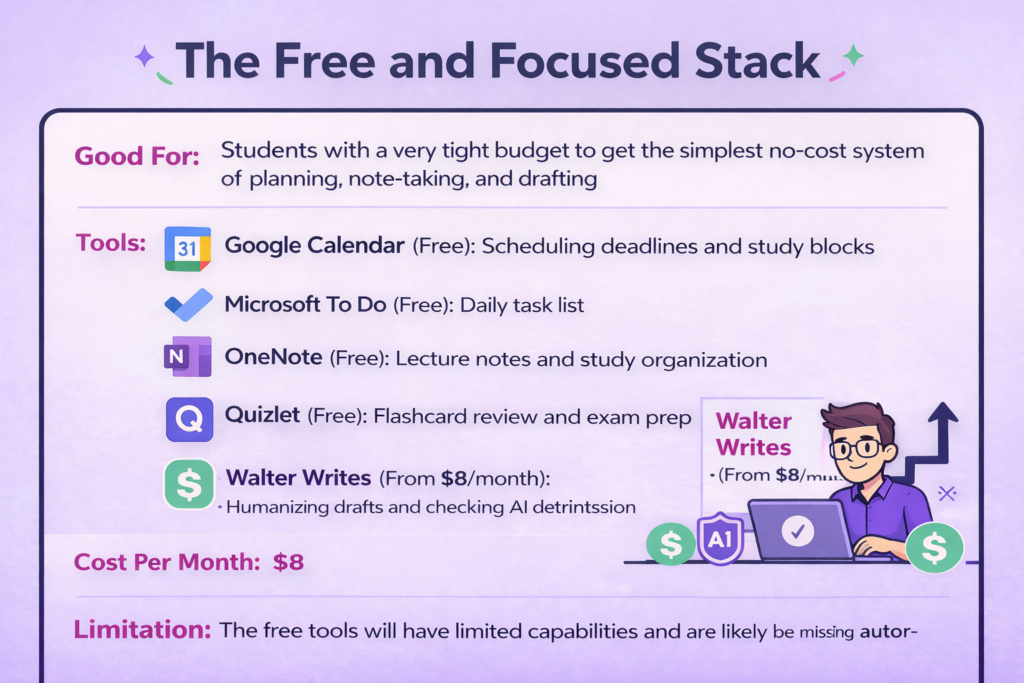
Good For: Students with a very tight budget to get the simplest no-cost system of planning, note-taking, and drafting.
Tools:
- Google Calendar (Free): Scheduling deadlines and study blocks
- Microsoft To Do (Free): Daily task list
- OneNote (Free): Lecture notes and study organization
- Quizlet (Free): Flashcard review and exam prep
- Walter Writes (From $8/month): Humanizing drafts and checking AI detection risk before submission
Cost Per Month: $8
Limitation: The free tools will have limited capabilities and are likely to be missing automated features.
For a more structured approach to condensing source material, the best text summarizer tools for students fit naturally alongside Perplexity in the same research workflow, especially when dealing with full papers rather than quick topic overviews.
The Power Student Stack
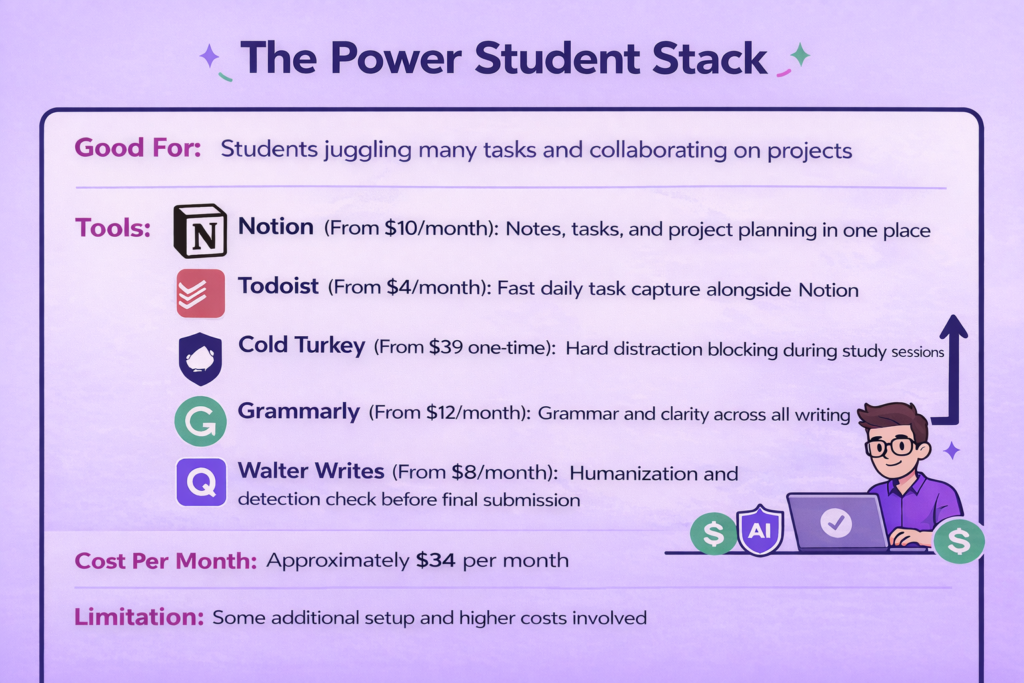
Good For: Students who are working on many things at once, like heavy coursework, project work with groups, and homework, but need to have a complete workflow.
Tools:
- Notion (From $10/month): Notes, tasks, and project planning in one place
- Todoist (From $4/month): Fast daily task capture alongside Notion
- Cold Turkey (From $39 one-time): Hard distraction blocking during study sessions
- Grammarly (From $12/month): Grammar and clarity checks across all writing
- Walter Writes (From $8/month): AI humanization and detection check before final submission
Cost Per Month: The cost of using the stack is approximately $34 per month in addition to your one-time cold turkey purchase.
Limitation: There is some additional setup involved and higher costs associated with this stack. Only worthwhile to invest in this stack if you believe you will be utilizing each tool consistently over the entire length of your term.
Final Recommendation: What to Download Today
Keep things simple. Choose only one of each type of tool: one planning tool, one note-taking tool, and one focus tool as needed. Only add additional tools once you have a problem in your workflow that your “core” tools do not address.
- Planning: Google Calendar (free) or Todoist (free tier)
- Notes: OneNote (free) or Notion (free tier)
- Focus: Forest (free) or Cold Turkey (if you need hard blocking)
These tools will cover your workflow needs. But students often miss the final key, which is editing your assignment so that it sounds natural and stands well prior to submission.
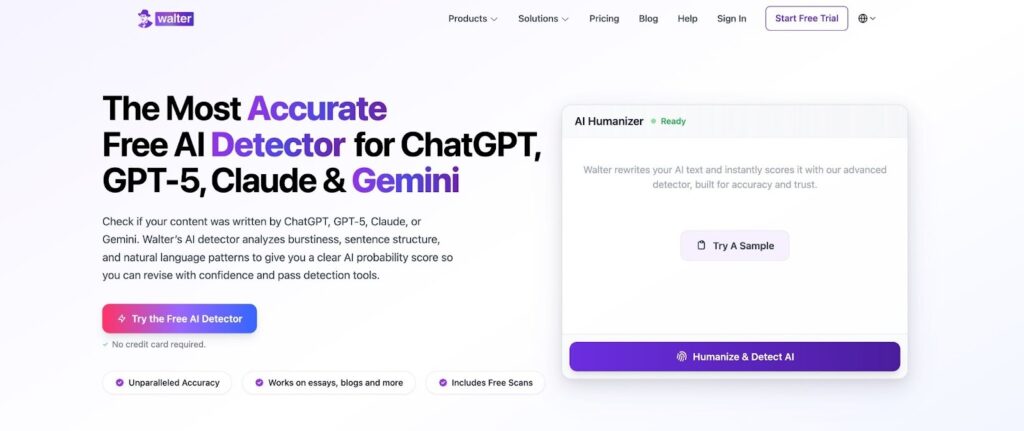
That is where Walter Writes adds value to the process. Walter does not provide a planning feature or a note-taking function. It provides the final edit before you turn in an assignment. This is where you make your writing read like natural speech and also check your tone and reduce your detection risk with a single editor.
If you are a teaching assistant or peer tutor looking for tools to support your students, the guide to the best AI tools for teachers covers the full toolkit worth knowing.
FAQs About Best Productivity Tools for Students
What Are The Best Free Productivity Tools For Students?
Productivity apps like Google Calendar, Microsoft To Do, OneNote, Quizlet, and Forest can be used for free, which will help you plan, organize, improve your concentration, and prepare for exams.
How Do I Stop Getting Distracted While Studying?
Either Cold Turkey, which blocks all the sites, or Forest, which keeps you from being sidetracked but as a gentle reminder to stay focused, can be used with a Pomodoro timer and putting your phone in a different room.
Is Notion Good For Students?
Yes, if you are organized and willing to spend time setting it up. It can handle notes, tasks, and projects in one place. But if you simply want a simple to-do list, it will probably overwhelm you.
What Is The Pomodoro Technique, And Which Apps Use It?
It is a focus method where you work for 25 minutes, then take a 5-minute break. The Forest app is built around it. Any timer app can replicate the method manually.
How Can Students Manage Their Time Better With Apps?
Apps such as Google Calendar assist in keeping track of your deadlines and time blocks. Apps like Todoist help you keep a list of what needs to be done each day. The most important thing is that you use this app to take just 10 minutes on Sundays to review the coming week’s calendar.
What Tools Help Students Stay Organized During Exams?
Quizlet for making digital flashcards of study material, Google Calendar to keep track of when each of the exams is due, and Todoist to create daily to-do lists so you don’t forget what you are supposed to be doing.
Are Productivity Apps Really Going To Help Improve Your Grades?
Yes. Productivity apps can help indirectly, but in reality, the grade itself isn’t going to be improved by an app. It can help you by avoiding missed deadlines, staying consistent, and having more mental space for other things. It will give you better behavior, which will ultimately result in better grades.
How Does A Task Manager Differ From A Calendar App For Students?
The calendar tells you “when,” as in when your classes are, when you should study, or when assignments are due. The task manager tells you “what” in terms of the list of tasks to do for each day. So use them together and not in place of.
Do Productivity Apps Work on Both iPhone and Android?
Most do. Google Calendar, Todoist, Microsoft To Do, Notion, Quizlet, and Forest all support both platforms. GoodNotes is the main exception, as it is Apple-only.
How Many Productivity Apps Should A Student Actually Use?
Two or three apps will be enough. One app to plan ahead, another app for taking notes, and finally another app to help you concentrate on whatever you’re working on. Using five or six apps will only cause app fatigue, which in turn causes less organization.
