



 Add step
score0.94
matches12
sources1
 AI DetectorCheck if text was written by AI
 Plagiarism CheckerFind matched sources across the webAI Image Detector Coming SoonSpot AI-generated images and source modelAI Voice Detector Coming SoonDetect AI and cloned voices in audio
 AI Humanizer APIHumanize AI text in one POST request
 Grammar Checker APICheck grammar and style programmaticallyAI Detector APIScore text for AI-generated patternsAI Image Detector APIDetect AI images and identify the source modelPlagiarism Checker APIScan text against web and journal indexesAI Voice Detector APIDetect AI or cloned voice in audio at scale
Connect Walter to Zapier to detect and humanize AI text. Bring a more natural voice to the content moving through your workflow.


 Google Docs draft to WordPress post


Choose a Walter action, set your preferences, and use the result in your next step.

Rewrite a draft using the readability and purpose you choose.

Check an AI score and humanize text above your chosen threshold.

Set Detection Strength, Readability and Purpose in your Zap.

Map the result to a separate save, send or publishing action.
Explore workflow ideas below, or start with a published template on Walter’s Zapier page.
 A draft from Google Docs
 Humanize
 Return a clearer draft
 Website copy from your workflowHumanizeReview the rewritten copy
 Text from a Slack workflowHumanizeSend the result for review
 A draft from a Notion workflowHumanizeSave the revised draft
 A WordPress content workflowDetect & humanizeReview before publishing
 Text from an email workflowHumanizeReview the rewritten text
 A draft from an Airtable recordDetect & humanizeSave the result
From a writer refining one draft to a team reviewing client content, build a workflow around the way you write.
 SEO and content teams
Route content drafts through Walter before editorial review. Map the returned text into your publishing workflow and keep your team in control of the final version.
 Ecommerce content teams
Rewrite product descriptions and category copy in a consistent tone. Test your field mapping before enabling a workflow for your catalog.
 Agencies producing client content
Set readability and purpose for each workflow, then send revised drafts to your team for review. Keep client requirements and editorial approval in your existing process.
Actions, setup, and workflows for Walter Writes on Zapier.
The current listing includes Humanize Text and Detect & Humanize Text. The combined action checks an AI score and humanizes text above the threshold you choose.
The current Walter listing exposes actions. Choose a trigger from another app, such as the new or updated row event in the published Google Sheets template.
Select Walter Writes AI in your Zap, choose the action, and follow the account connection prompts shown in Zapier. For direct API projects, Walter documents API key creation in its API Keys guide.
Both listed actions offer Detection Strength, Readability and Purpose fields. Detect & Humanize Text also requires a Detection Threshold. Configure these fields in the Zap editor.
The workflow selector shows illustrative ideas you can configure. For a ready-made starting point, Walter’s Zapier listing includes a published Google Sheets template. Choose and test the events, field mapping and destination in your own Zap.
These Walter actions process the text you send. Publishing, saving or sending the returned text requires a separate action that you configure in your Zap. Review your test output and destination before enabling the workflow.
Yes. Use the AI Humanizer API for a custom integration. The authentication guide explains the API key header and required setup.
From the blog
Guides, comparisons and tips to help you write and detect better
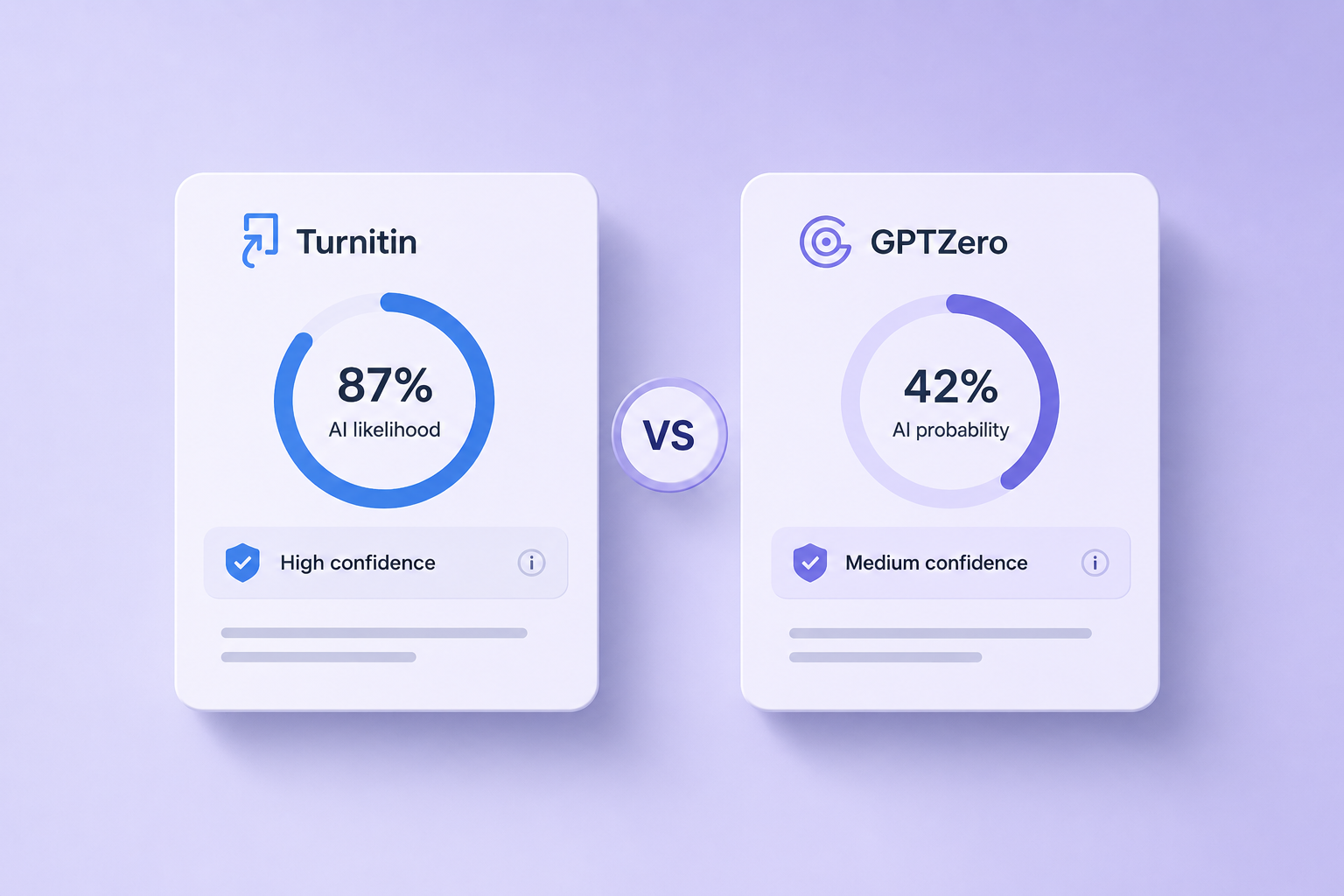
View allShort answer: In 2026 benchmarks, Turnitin sits at roughly 92 percent overall AI detection accuracy with about a…
Read moreShort answer: No. Google does not penalize AI content for being AI. Google penalizes low-quality, unhelpful, or spammy…
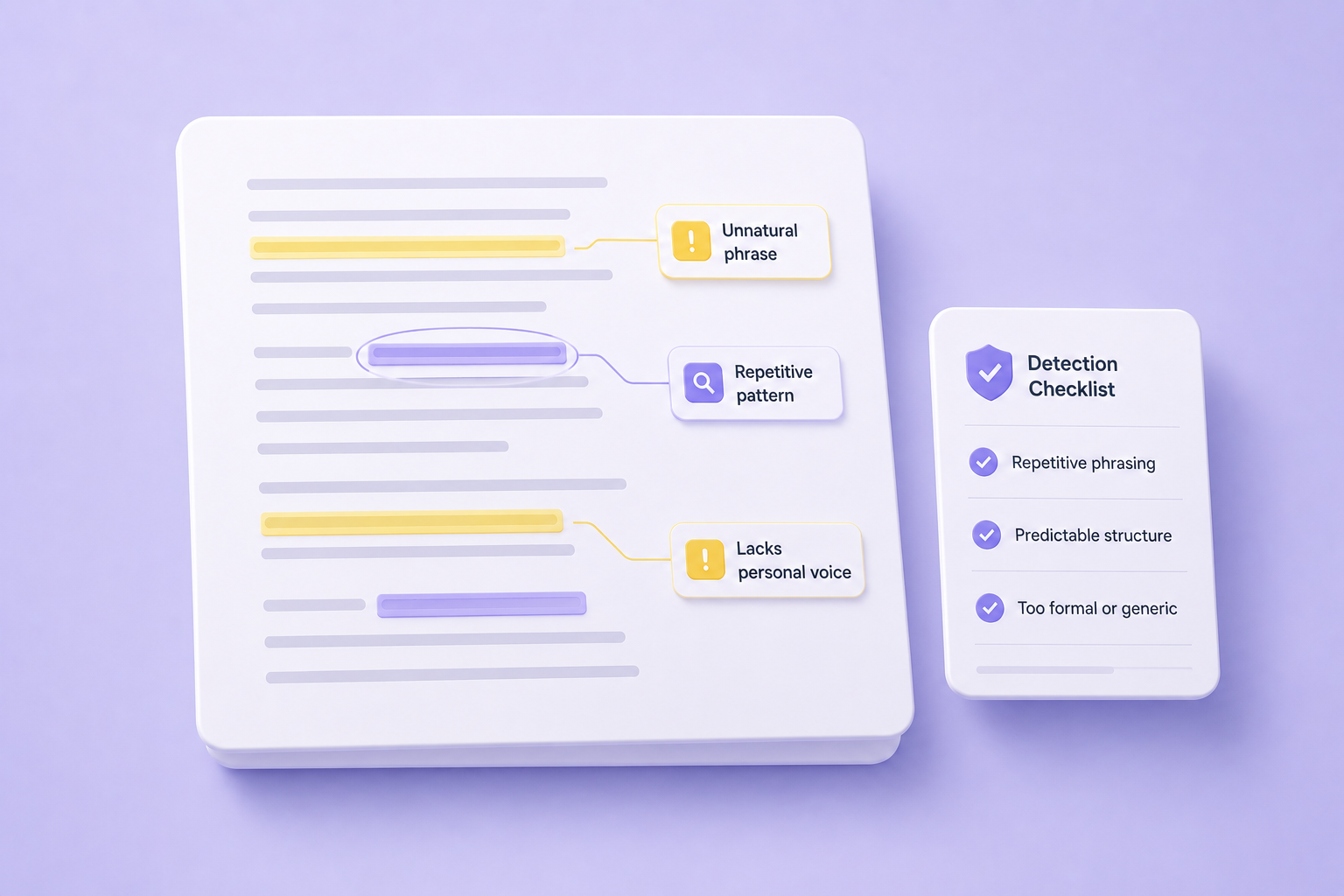
Read moreShort answer: Detect ChatGPT writing by looking for three signals at once: stylistic uniformity (too smooth, too balanced,…
Read more