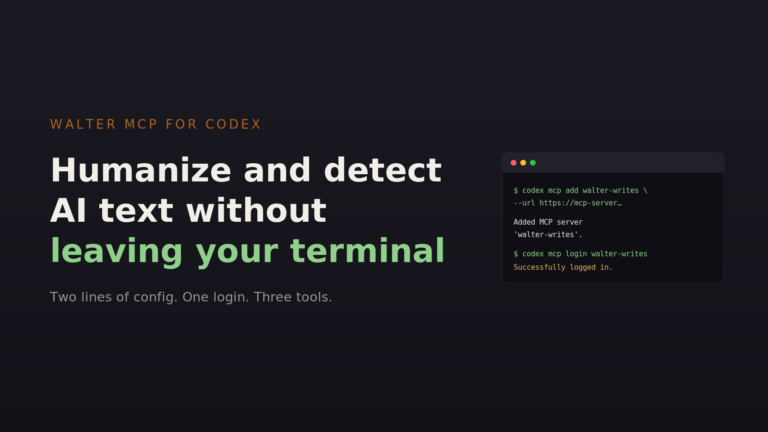





Walter Writes integrations
Bring Walter into the tools where you write and publish.
Plug into the platforms you already use
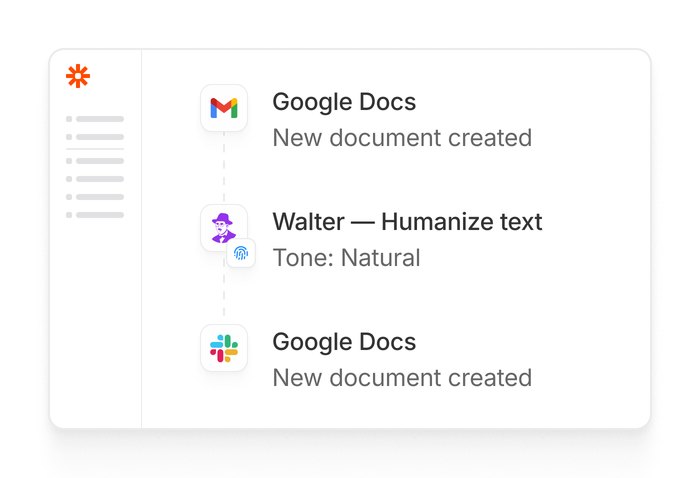
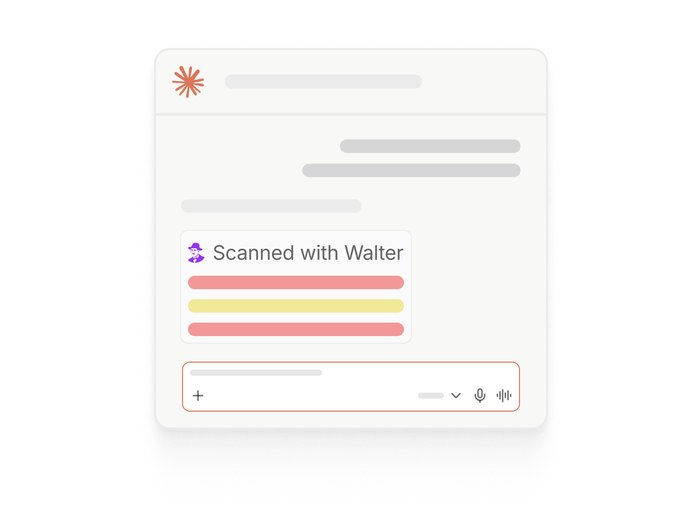
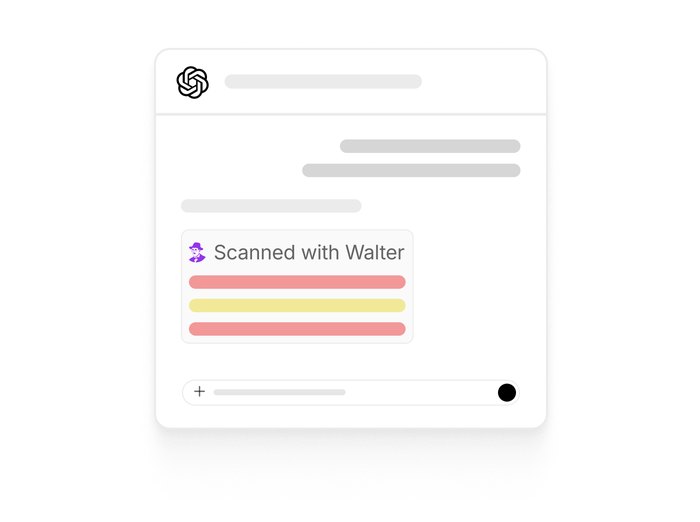
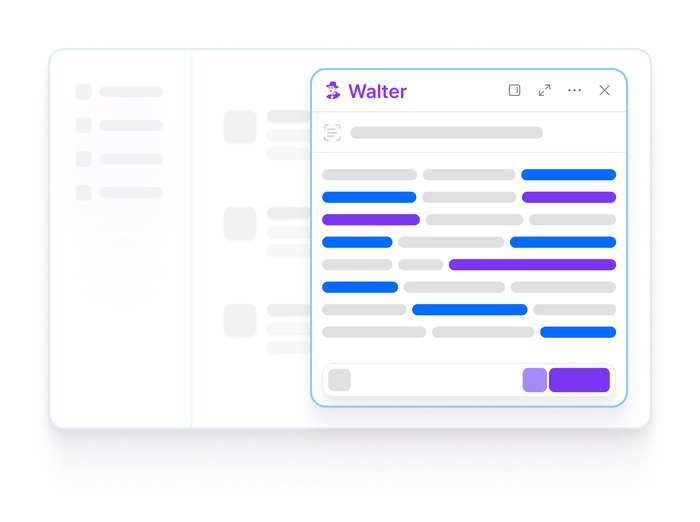
No copy-paste. No tab-switching. No second window. Highlight, hit a shortcut, and Walter rewrites in place.
-

-

-
-
-
-
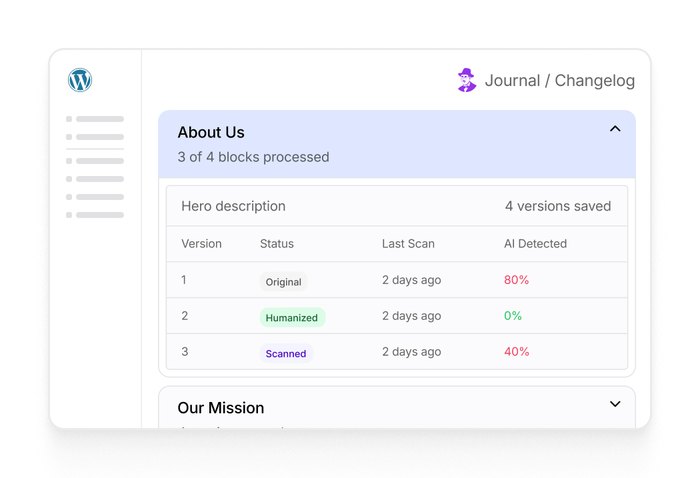
WordPress
Planned integration for the WordPress block editor
Coming soon -

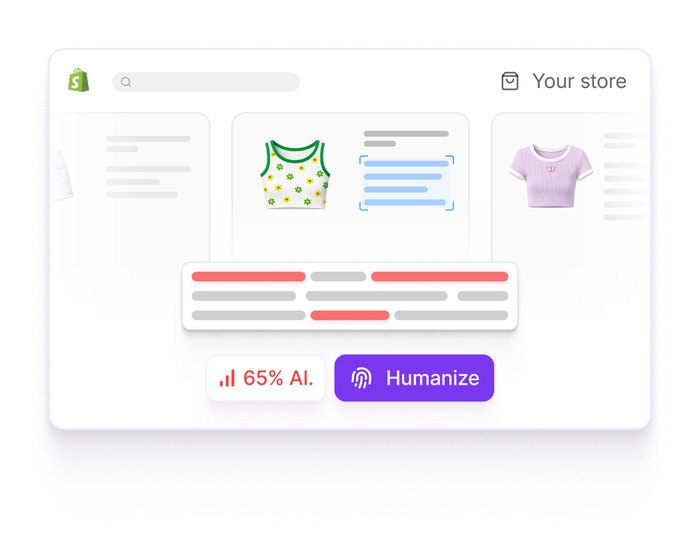
Shopify
Planned integration for Shopify product content
Coming soon
Developers
Don't see your platform?
Build on any surface we don't cover yet with the API
SDKs in Python, Node, Ruby, Go, PHP, Java, and .NET
curl https://api.walterwrites.ai/v1/detect -H "Authorization: Bearer YOUR_API_KEY" -H "Content-Type: application/json" -d '{ "text": "The rapid advancement of AI has transformed how we create content.", "language": "en" }'{ "id": "det_4k2p9x1m3", "status": "completed", "model": "detector-v3", "created_at": "2026-04-24T13:45:00Z", "output": { "ai_probability": 0.87, "words_processed": 12 }, "usage": { "credits_used": 12 }}Synced everywhere
Pick up where you left off
Sign in once and keep your drafts, history, and settings within reach across Walter on the web, Chrome, and mobile.
- Synced with cloud
- One sign-in
- Drafts everywhere
- History in sync

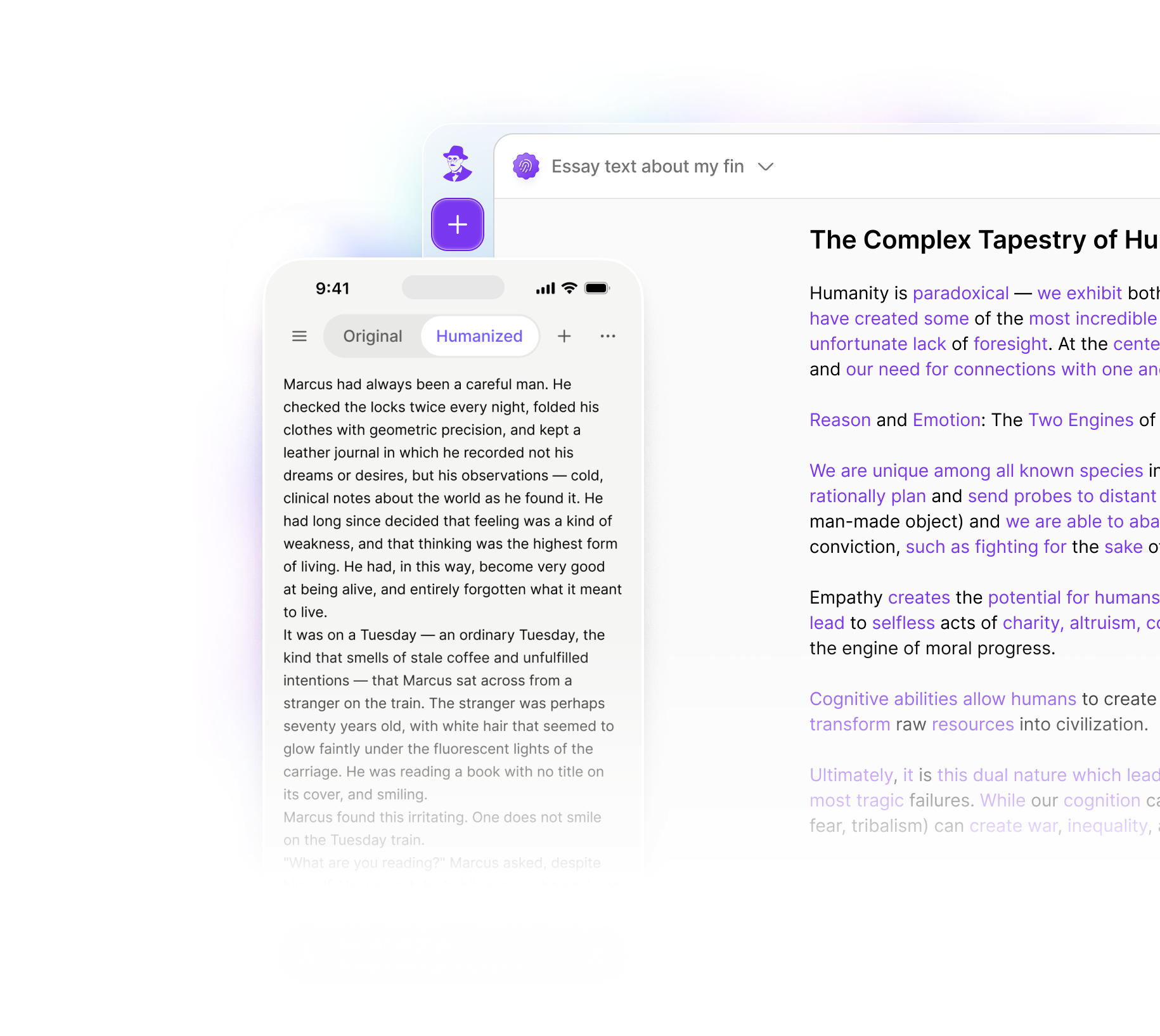
Everything you need to write on your terms
Four tools that work together from first draft to final check
They've trusted us



-

Students & academics
Check a draft for AI patterns, then revise flagged passages before you submit.
Learn more -

-

Content teams & SEOs
Review grammar, originality, and tone across high-volume content workflows.
Learn more -

Business & email
Polish outreach, proposals, and internal updates without flattening your voice.
Learn more -

E-commerce & DTC brands
Rewrite product descriptions in batches and review supplier copy for duplication.
Learn more -
Legal professionals
Refine AI-assisted contracts and briefs for clarity and tone. Always review legal text before use.
Learn more







Security
Built to keep
your writing private
SOC 2 Type I controls verified through Vanta, with safeguards designed to protect your writing.
Choose the Walter connection that fits your workflow
Compare Walter across the web app, browser, mobile, MCP, and API.
| Feature | Web app | Chrome extension | Mobile app | MCP connector | REST API |
|---|---|---|---|---|---|
| Best for | Everyday writing | Editing in Chrome | Writing on the go | AI assistant workflows | Product integrations |
| Access method | Sign in on the web | Install extension | Install iOS or Android app | Connect an MCP client | Authenticate with an API key |
| Humanize text | Yes | Yes | Yes | Yes | Yes |
| Detect AI text | Yes | Yes | Yes | Yes | Yes |
| Works inside another tool | No | Yes | No | Yes | Yes |
| Developer required | No | No | No | No | Yes |
Frequently asked questions.
Answers about connecting Walter to the tools in your workflow.
Are the integrations free?
Availability and plan access vary by integration. Use the setup page for each supported integration to confirm its current requirements.
Do the integrations share data with each other?
Each integration sends selected content to Walter when you invoke a Walter action. Review the current Privacy Policy for details about submitted text and account data.
Why use an integration instead of the API?
The integrations are for writing in the tools you already use, with no code and nothing to host. The API is for putting Walter inside your own product, where you control the interface and handle the requests yourself.
Can I run more than one integration at the same time?
You can use multiple supported Walter experiences with the same account. Available draft, history, and settings behavior can vary by integration.
From the blog
Latest research & insights on AI detection
Guides, comparisons and tips to help you write and detect better
View all-
How to Humanize AI Text Inside Codex
Connect Walter to OpenAI Codex over MCP in three commands. Humanize drafts and run AI detection without leaving…
Read more -
How to Humanize AI Text Inside Claude
One prompt. The whole content workflow. Walter’s MCP connector brings humanization, detection, and batch processing directly into Claude.…
Read more -
ChatGPT vs ChatGPT Plus: My Real Experience After Using Both Every Day
One of the most common questions I get as a heavy AI user is the old “ChatGPT vs…
Read more