




 Gmail
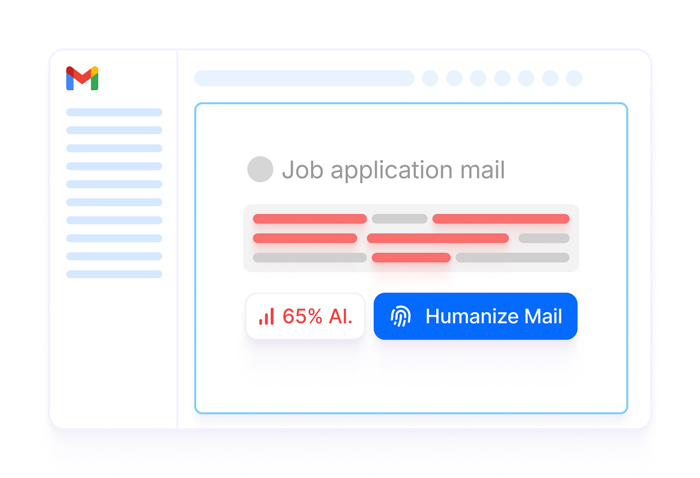
GmailHumanize replies before you send, and scan inbound emails for AI.
 Chrome Extension
Highlight any text in Gmail, Docs, LinkedIn, Notion, Slack, ChatGPT, or Claude. Walter humanizes AI drafts or checks if the text is AI, in one keystroke.
No copy-paste. No tab-switching. No second window. Highlight, hit a shortcut, and Walter humanizes or detects AI in place.
GmailHumanize replies before you send, and scan inbound emails for AI.
 Google Docs
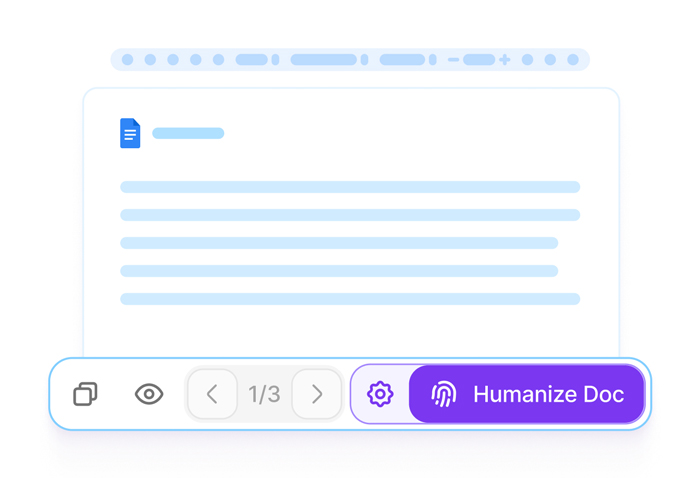
Rewrite AI drafts and check them for AI, sentence by sentence in the doc.
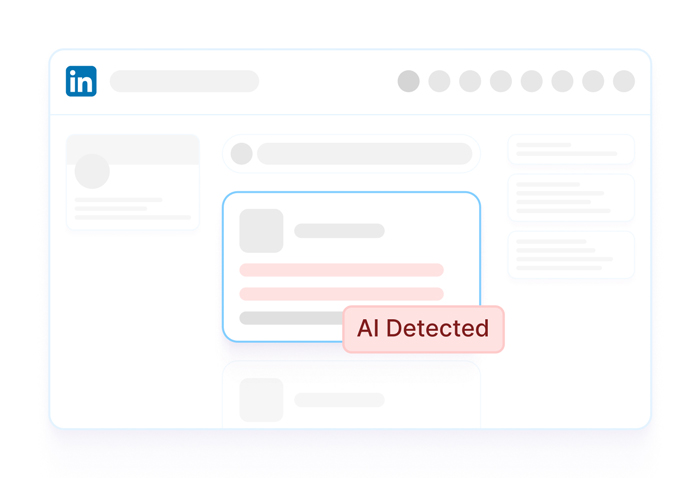
 LinkedIn
Humanize your posts and comments, and detect AI in what you read.
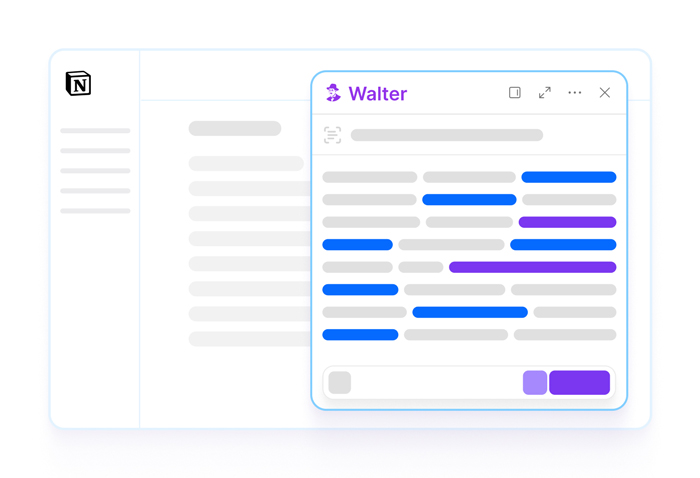
 Notion
Humanize notes and scan docs for AI without leaving Notion.
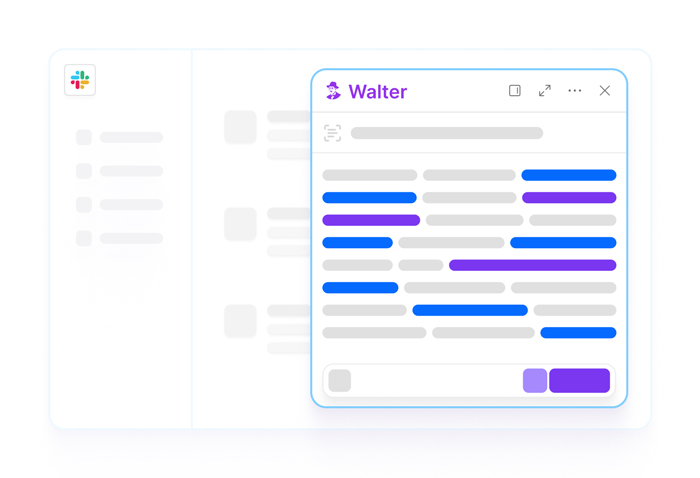
 Slack
SlackClean up messages and check threads for AI before you reply.
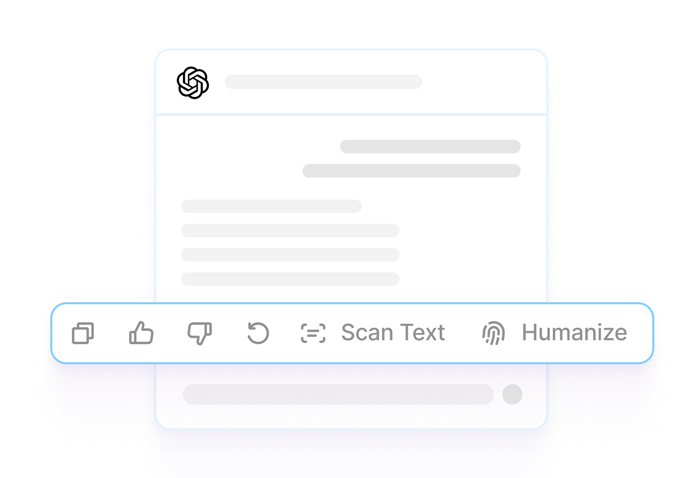
 ChatGPT
Turn ChatGPT output into your voice, then verify it reads as human.
 Claude
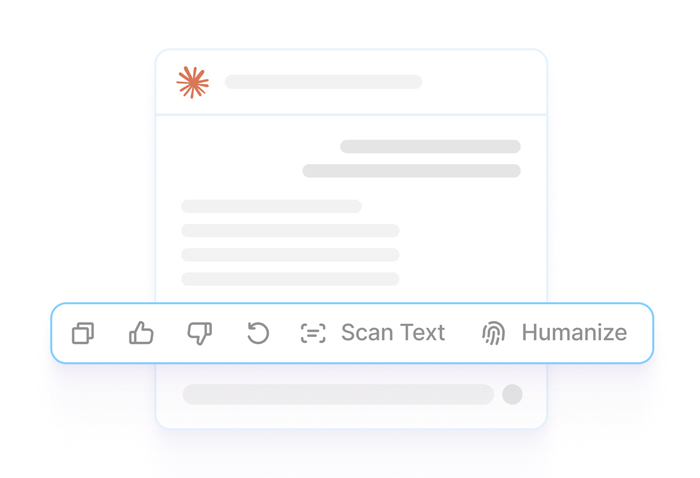
Make Claude's drafts read like you, and check their AI score.
 X / Twitter
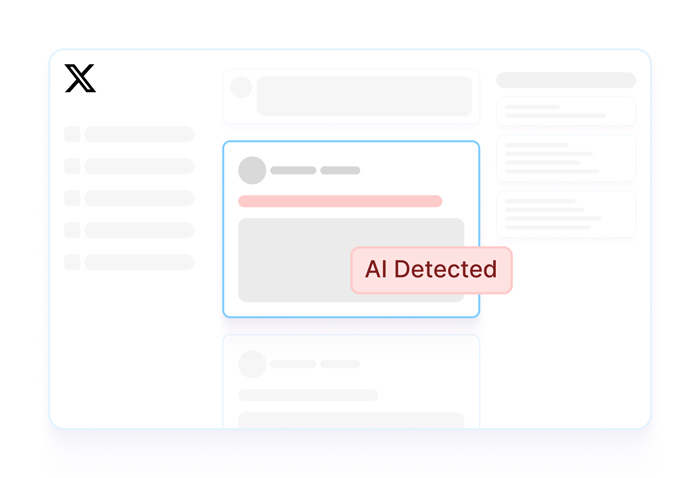
Post in your own voice, and detect AI in replies and quotes.
Walter is a single browser extension that humanizes AI text and detects AI content across every text box, every page, every email.
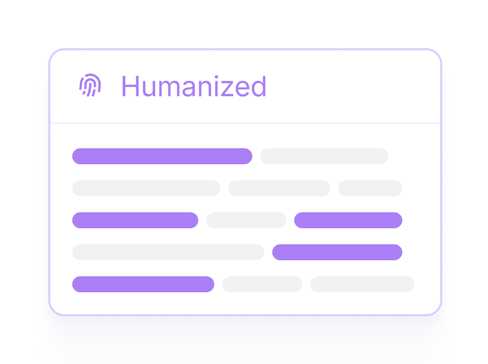
Rewrite selected text into a more natural draft while aiming to preserve the intended meaning.
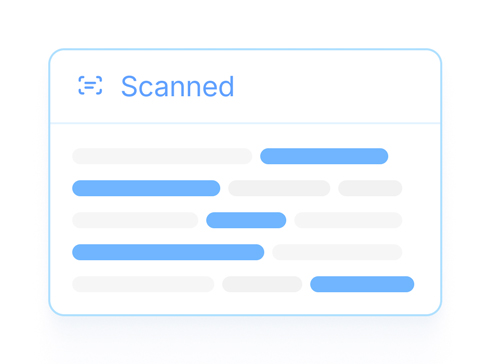
A calibrated AI probability for any selection, scored sentence by sentence.

Text is sent for processing when you invoke a Walter tool from the extension. Review the current privacy policy for details about how submitted text and account data are handled.
Quick answers about safety, privacy, and how the extension works.
Walter processes text when you invoke a tool from the extension. Review the current privacy policy for details about submitted text and account data.
The extension requires an internet connection for Walter processing features. Availability can also depend on the page and browser permissions.
Yes. Like any extension, an organization can block or allowlist Walter through managed Chrome policies. If it’s blocked on your work profile, it still works on a personal Chrome profile.
Only if you turn it on. Chrome disables extensions in Incognito by default; you can enable Walter at chrome://extensions. It works the same way there and still only sends text when you invoke it.
Highlight any text to humanize AI drafts or check if it is AI, right inside Gmail, Docs, LinkedIn, Notion, Slack, ChatGPT, and Claude.
From the blog
Guides, comparisons and practical advice from Walter.
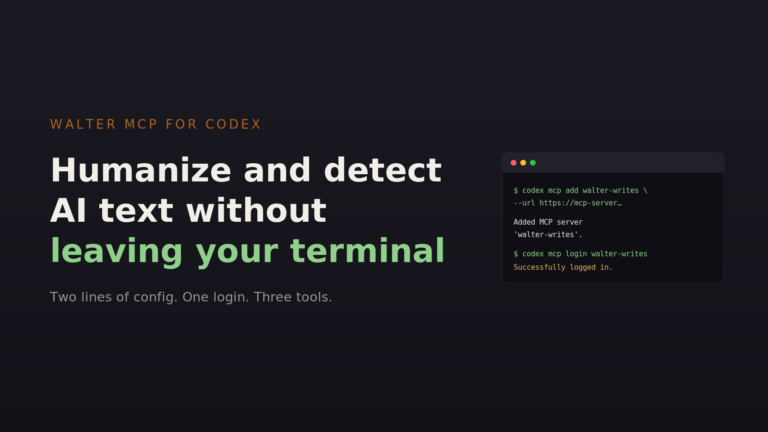
View allConnect Walter to OpenAI Codex over MCP in three commands. Humanize drafts and run AI detection without leaving…
Read moreOne prompt. The whole content workflow. Walter’s MCP connector brings humanization, detection, and batch processing directly into Claude.…
Read moreOne of the most common questions I get as a heavy AI user is the old “ChatGPT vs…
Read more