




Key Takeaway: The best AI story generators for students in 2026 can get you from a blank page to a structured draft quickly, but no generator produces submission-ready output, and every draft needs voice editing and an AI detection check before it goes in front of a teacher.
- Sudowrite is the strongest pick for longer fiction projects thanks to its story bible feature, which keeps characters and plot consistent across chapters, but it has no free plan and starts at $19/month
- Rytr is the most practical free option with 10,000 characters per month and no credit card required, though it’s limited to short-form work
- NovelAI is trained on published fiction and produces the most genre-appropriate output for fantasy, sci-fi, and fan fiction
- Basic free generators like AI Dungeon work for quick inspiration and single paragraphs but have no memory between sessions and limited output control
- A dedicated story generator produces faster, more narrative-appropriate output for creative fiction, while an AI writer covers essays and mixed-format work
- Walter Writes is recommended after any story generator to smooth out flat tone, repetitive structure, and robotic phrasing before submission
The best AI story generators of 2026 will be able to assist you in developing characters, continuing story lines throughout multiple chapters, and developing scene-specific details to fit your desired tone.
For students, this equates to less time staring at a blank piece of paper and more time refining their draft into something worthy of submission.
This guide reviews the current best AI story generators, what each is specifically good at, how to choose an AI story generator by using a rubric, and suggests a tech stack to transform your AI-generated draft from raw to submission-ready.
Quick Picks by Student Use Case
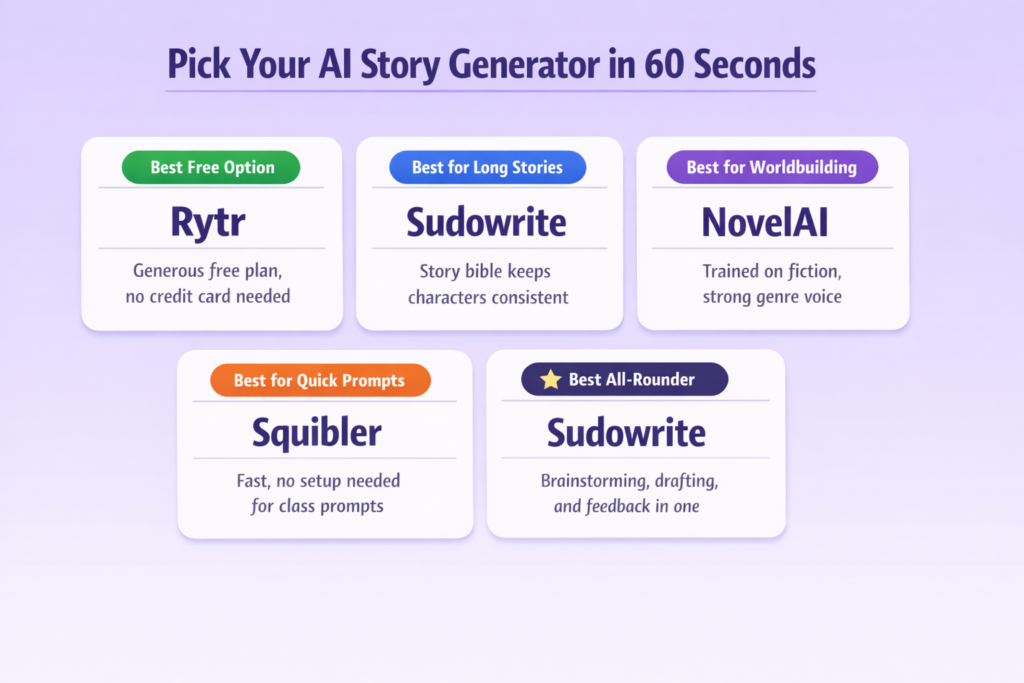
Not sure where to start? Here is the fastest way to pick the right tool.
- Best free AI story generator: Rytr
Generous free plan with multiple tones and use cases, no credit card needed - Best for long stories and continuity: Sudowrite
Story bible feature keeps characters and plot consistent across longer projects - Best for worldbuilding and genre storytelling: NovelAI
Trained on published fiction, strong on atmosphere and genre voice - Best for quick class prompts and short assignments: Squibler or any basic free generator
Fast output, low friction, no setup needed - Best all-rounder for students who want more control: Sudowrite
Combines brainstorming, drafting, and feedback tools in one place
What “Best” Means in 2026
The top AI Story Generators for Students are rated based on the following factors:
- Whether or not there is a usable free version
- How long will they continue to support your progress in writing longer drafts?
- Can they create content in multiple genres?
- Are you able to take what they have generated and make changes, reshape the output?
- How quickly can I use this to create a first draft of something I am working on?
If an app has lots of hype but fails to meet some of these criteria, it’s probably not worth your time.
If you are already working with an AI draft and need to make it sound more like you before submitting, the student AI humanizer from Walter Writes is the practical next step after generating the story.
How to Choose the Right Tool (Student Decision Framework)
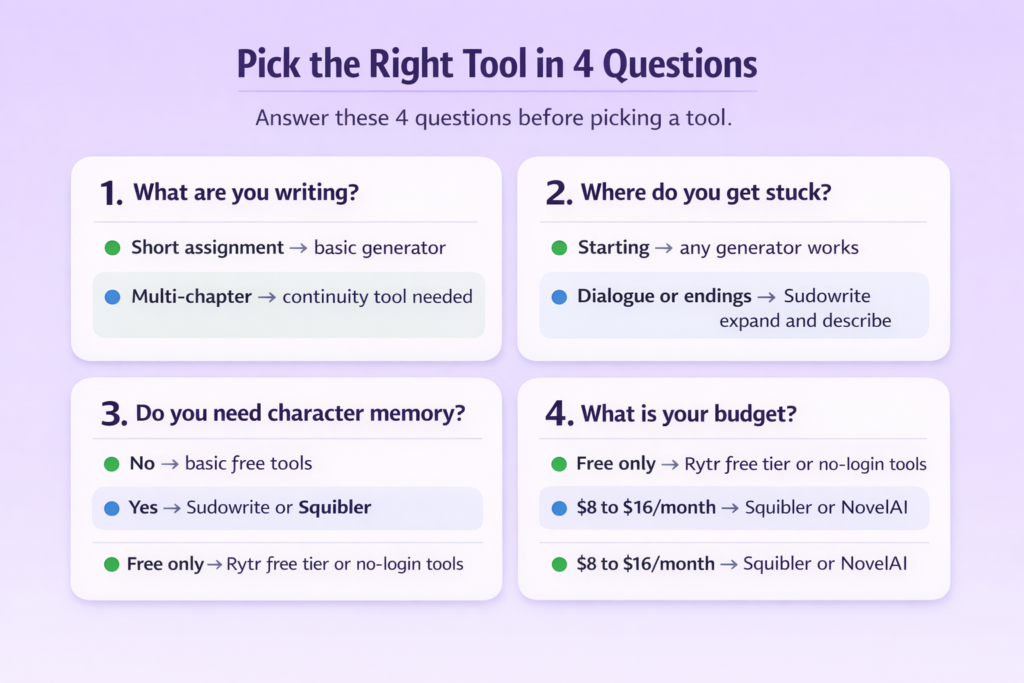
Before picking a tool, answer these four questions:
1. What are you writing?
You may have used a basic generator to write a 500-word assignment. But a multi-chapter project is very different. Basic generators can be enough for short assignments, but will not provide the continuity of longer ones.
2. Where do you get stuck?
Any type of generator that writes a scene based on a prompt will be able to assist if you cannot think of how to begin an assignment. If you get stuck on the dialogues or ending of your piece, search for tools with specific functions to use when creating those parts, such as Sudowrite’s expand and describe options.
3. Do you need character memory across chapters?
If your story has recurring characters and plot threads, you need a tool with a story bible or a long context window. Squibler and Sudowrite both handle this. Basic free generators do not.
4. What is your budget?
If free-only is the constraint, Rytr’s free tier and basic no-login generators are your realistic options. If you can spend $8 to $16 per month, Squibler or NovelAI open up significantly more capability.
Comparison Table: Best AI Story Generators for Students (2026)
| Tool | Best For | Free Plan | Long-Story Continuity | Genres | Output Control | Ideal Student Scenario |
| Sudowrite | Guided fiction, brainstorming, story bibles | No (free trial only, from $19/month) | A strong story bible keeps characters consistent | Fiction, literary, genre | High (rewrite, describe, and expand tools) | Creative writing class, NaNoWriMo-style projects |
| NovelAI | Genre and imaginative storytelling | Limited free tier, from $10/month | Good training on published fiction | Fantasy, sci-fi, fan fiction | Medium (model and style customization) | Fan fiction, worldbuilding assignments |
| Rytr | Budget-friendly drafting, short assignments | Yes, 10K characters/month free | Limited but better for short-form | General, essays, light fiction | Medium (tone and use case selection) | Quick class prompts, personal narratives |
| Writesonic | Multi-format content, marketing-style writing | Limited free tier, from $16/month | Limited but article-focused, not story-first | General, SEO, non-fiction | Medium (templates and tone options) | Non-fiction assignments, content-heavy projects |
| Squibler | Long-form drafting inside a structured editor | Free plan available, Pro ~$16/month | Strong chapter and scene management | Fiction, screenwriting | High (story and character bibles, export) | Long-form projects, multi-chapter stories |
| Basic free generators | Fast prompts, no setup | Fully free, no sign-up | Weak. Short output, no memory | General | Low (limited controls) | Single-paragraph prompts, quick inspiration |
Best AI Story Generator Tools Deep-Dive (Shortlist)
Sudowrite
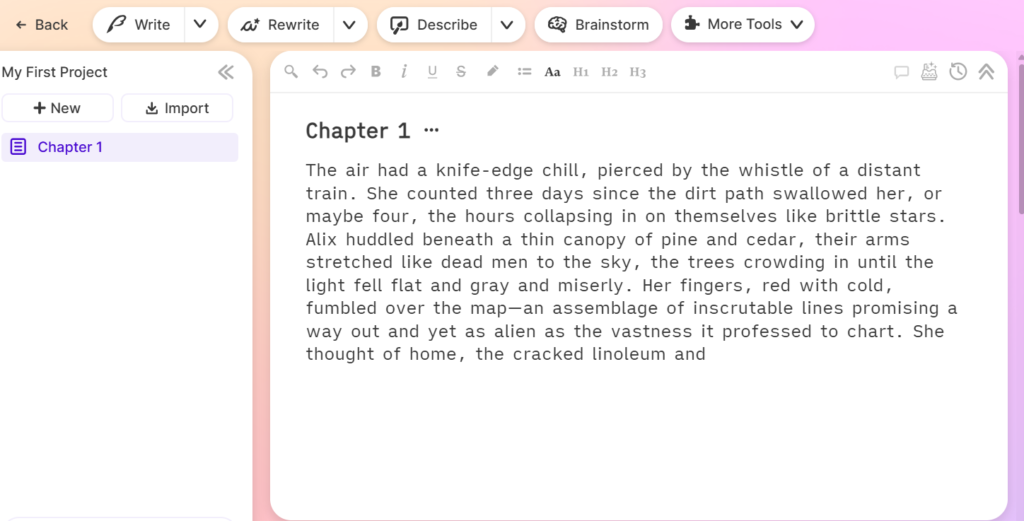
Best for: Students writing longer creative fiction who want brainstorming, scene expansion, and story consistency tools in one place.
- What it does well: The story bible keeps characters and plot consistent across chapters. The describe, expand, and rewrite tools give you control over individual scenes rather than just bulk generation.
- Where it falls short: No free plan. Starts at $19/month. Not suited for research-heavy or academic non-fiction.
- Use it safely: Always revise output before submitting. Sudowrite generates creative drafts, not polished final work.
For a full breakdown of features and pricing, the Sudowrite story generator features review covers everything students need to know before subscribing.
NovelAI
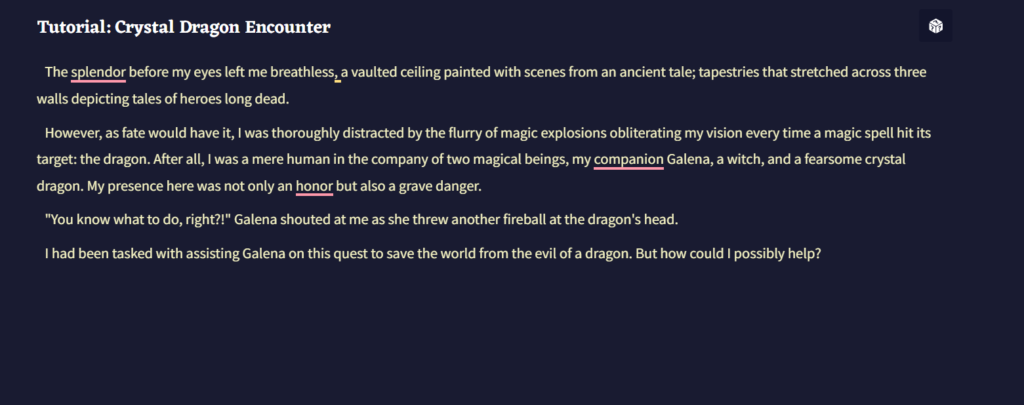
Best for: Genre storytelling, fan fiction, and worldbuilding-heavy projects.
- What it does well: Trained on published fiction, so output tends to match genre conventions better than general-purpose tools. Strong on atmosphere and voice.
- Where it falls short: Limited free tier. Output quality can drift on very long projects. Better for exploration than final manuscripts.
- Use it safely: Treat output as a draft starting point. Always read through for tone consistency before submitting.
Rytr
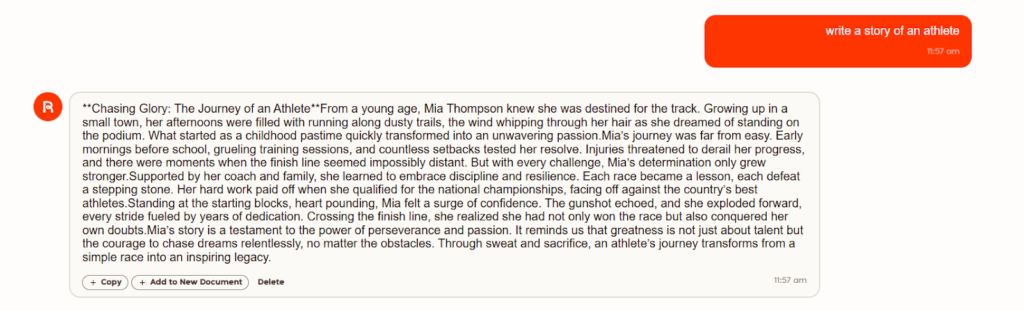
Best for: Students on a tight budget who need a reliable free option for short assignments.
- What it does well: Genuinely usable free tier with 10,000 characters per month. Multiple tone options and use cases built in. Fast to get started with no learning curve.
- Where it falls short: Not built for long-form storytelling. Output benefits from significant manual polishing. Limited continuity support.
- Use it safely: Best for short creative prompts and personal narratives. Not the right tool for multi-chapter projects.
Writesonic
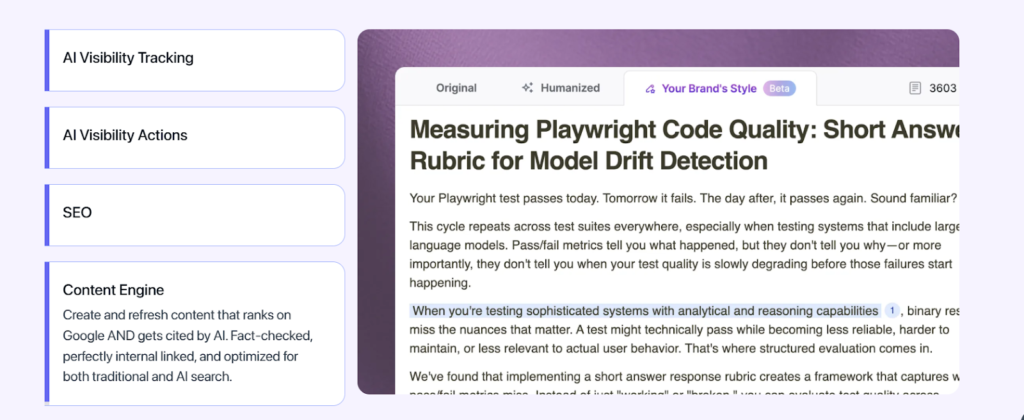
Best for: Students writing non-fiction assignments, content-heavy projects, or anything that needs SEO-style structure.
- What it does well: Fast content generation across multiple formats. Good for outlines, descriptive paragraphs, and mixed-format work.
- Where it falls short: Focused on articles and marketing content, not narrative fiction. No story structure tools or character memory.
- Use it safely: Useful for academic essays and content-driven assignments, but do not rely on it for creative storytelling.
Squibler
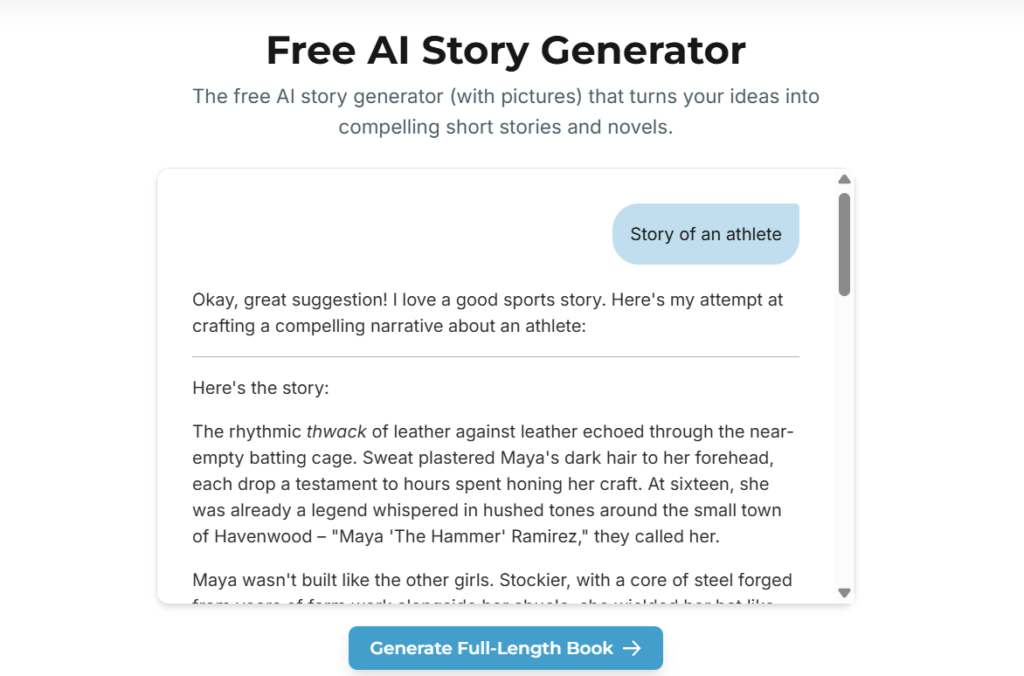
Best for: Students working on longer fiction projects who need an editor and story manager in one place.
- What it does well: Chapter and scene management keep long projects organized. Story and character bibles maintain continuity. Export options let you take your draft somewhere else when ready.
- Where it falls short: The free plan is limited. More setup is required than a simple prompt-based generator.
- Use it safely: Strong choice for multi-week projects. Not necessary for single-assignment work.
Basic Free Story Generators
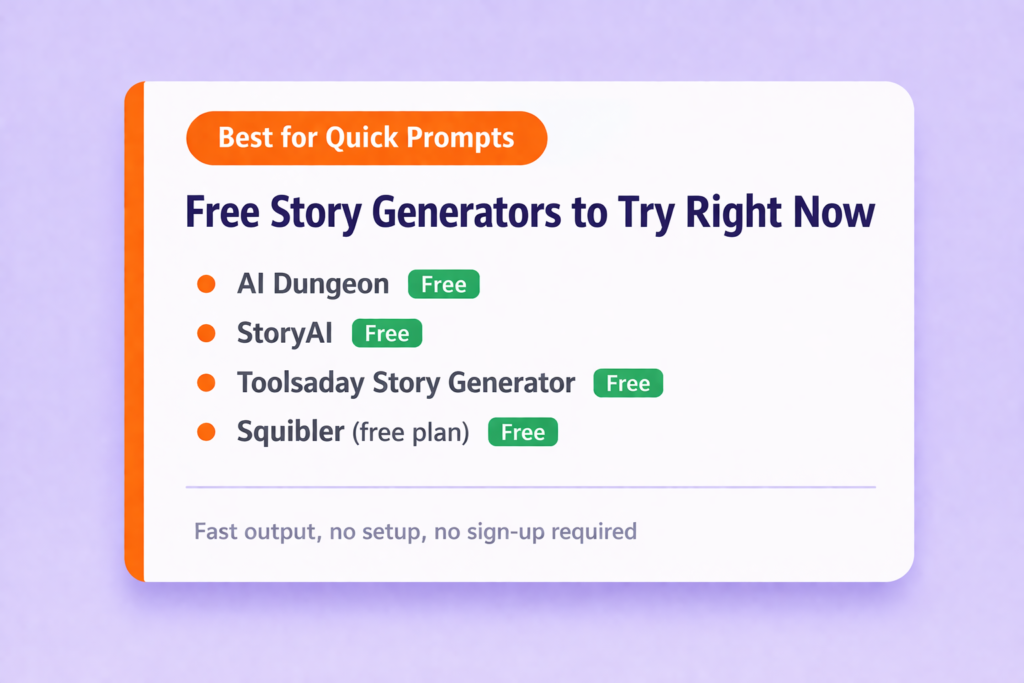
Best for: Tools like AI Dungeon, StoryAI, or similar basic prompt-based generators that produce quick prompts, single paragraphs, and fast creative sparks with no sign-up.
- What they do well: Instant output from a topic or premise. No account or setup needed. Useful for getting unstuck fast.
- Where they fall short: Short output caps, no memory or continuity, and limited control over tone or style. Output quality varies widely.
- Use them safely: Good for inspiration and first-draft seeds. Always rewrite before submitting anything to a class.
AI Story Generator vs AI Writer: What’s the Difference?
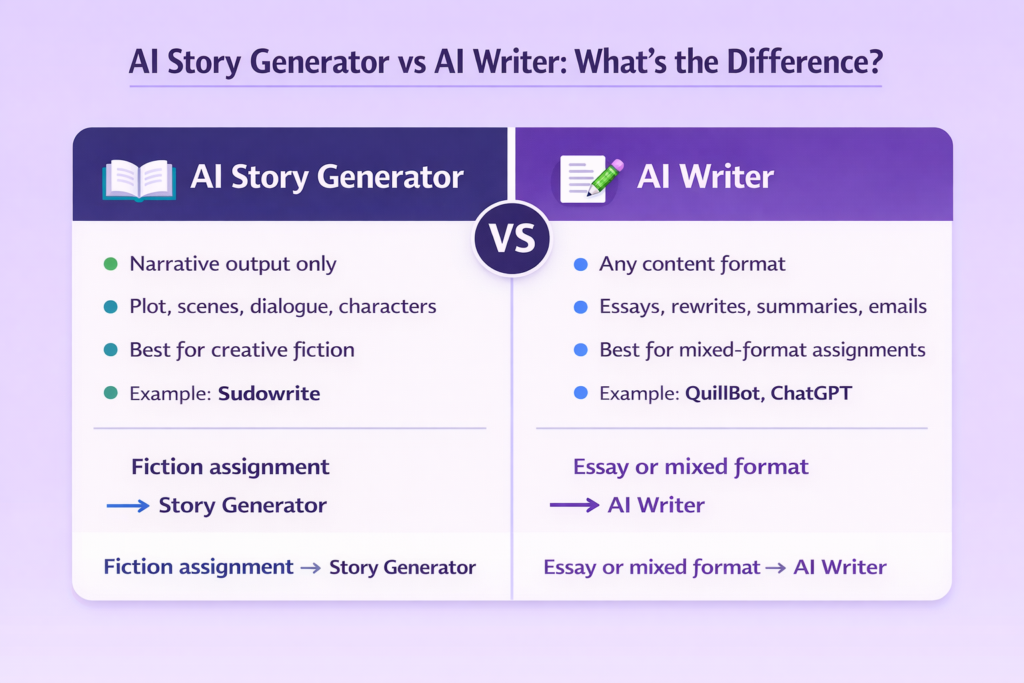
An AI story generator is designed specifically for creating a narrative. It will create an entire story with plot, scene, dialogue and description of characters based on your prompt.
An AI writer is much broader. It can do all of this but also summarize, rewrite, shift in tone and assist with most types of content, such as writing essays and emails.
In practice:
- Sudowrite for generating your next scene = story generator
- QuillBot rephrasing a paragraph you wrote = AI writer
- ChatChatGPT outlining and drafting a narrative essay = AI writer used as a story tool
For creative fiction assignments, a dedicated story generator gives you faster, more narrative-appropriate output. When working on essays or other mixed-format type projects, using an AI writer provides more versatility.
For further review of the larger scope of writing assistance applications, you can refer to our guide about the best AI writing tools for content.
The Student Story Writing Tech Stack
Good For: Students working on creative writing assignments, personal narratives, English class prompts, and short fiction projects.
Tools:
- Squibler (From $16/month): Generate your initial draft or scene outline
- Walter Writes (From $8/month): Smooth out robotic phrasing, unify voice, and make the draft sound like you wrote it using the AI humanizer for students
- Grammarly (Free): Grammar and readability pass after drafting
- Walter Writes AI Detector (From $8/month): Run a pre-submission check to catch high AI signals before your teacher does, using the AI detector for students
Cost Per Month: Starting at $24
Limitation: All free story generator programs will have limits on the number of words you can generate with them, as well as how many stories you can produce.
For more tools that support student workflows beyond writing, the guide to the best productivity tools for students and Chrome extensions for students covers practical tools worth adding to your stack.
How Walter Writes Bridges the Gap for Students
Story generators are very good at writing down many sentences. But they can never ensure that all of these sentences will be in a format that can be submitted directly for grading or publishing.
The most common problems with generated draft submissions include:
- Flat tone
- Repetitive structure
- The same exactness
All of these points clearly state that the content was written by an AI.
For students, this represents a high risk. A teacher does not need to run a detector to notice that a piece does not sound like the student who wrote it.
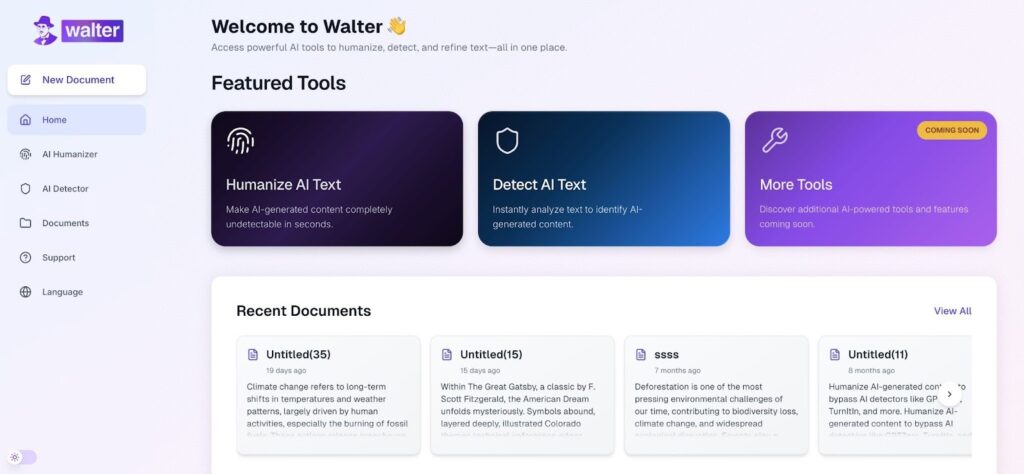
Walter Writes covers the steps that story generators skip.
- Voice: Reconfigures your original sentence rhythm and smooths out transition sentences. Essentially makes it sound as if you wrote it, rather than a computer program.
- Workflow: Paste your document into the editor, select the humanize option and receive an evaluation of detection risk from within the same application rather than having to navigate through multiple applications
- Where it matters most: Creative writing assignments, personal narratives, and scholarship responses where voice and authenticity are part of the grade.
Understanding where AI can go wrong in academic contexts is worth a read before you submit anything. The guide on why AI is bad for students covers the practical and policy concerns clearly.
For more student-focused writing resources, the student AI writing resources hub covers everything from tool guides to academic integrity advice.
FAQs About the Best AI Story Generators
Which AI Is Best For Generating Stories?
Sudowrite for guided fiction. Rytr AI is good for creating a number of free short writing assignments. Basic free AI generators will give you quick results from just about anything with no setup in advance.
Is There A Free AI Story Generator?
Yes. Rytr offers 10,000 characters per month free. Several basic generators also work with no sign-up required.
Can AI Write A Full Novel?
No, there isn’t any AI that can do this by itself. An AI may create some sections of a novel or even all the chapters, but it would require significant human editing before you could have an original voice throughout your entire manuscript.
Do AI Story Generators Remember Context Across A Long Story?
Some do. Sudowrite and Squibler include story bible features for continuity. Basic free generators have no memory between sessions.
What’s The Difference Between An AI Story Generator And An AI Writer?
A story generator focuses on narrative output. An AI writer covers essays, rewrites, and multiple content formats. Most students need both at different points.
What’s The Most Realistic AI Generator?
Sudowrite and NovelAI produce the most narrative-appropriate fiction output. Neither is submission-ready without editing.
How Accurate Are AI Story Generators For Different Genres?
The general fiction category of writing is dealt with fairly well by the AI. But historical specifics, scientific accuracy, and dialect-heavy dialogue will require checking and revising manually to ensure their accuracy.
Are AI-Generated Stories Plagiarism?
No, it does not create plagiarism by itself. But if you submit unedited or unrevised writing created with an AI program and do not disclose this, you could be violating your school’s AI policy.
Can I Legally Publish A Book Written By AI?
Publishing laws around AI content are still evolving. Significant human authorship strengthens your claim. Check your platform’s terms before publishing commercially.
Final Verdict: Pick a Generator, Then Finish It Right
A draft created by an AI can never be called final. It will require editing with your own voice and a thorough review to check if it looks right or not.
The best way to create your first draft of a story is with an AI story generator. After that, you should run your work through Walter Writes to rewrite as well as check for potential AI detection in the writing. Most of the best story generators list skips this critical final step.
Run your story through Walter Writes’ AI detection tool for students before submitting the work so you have an opportunity to make adjustments if necessary.