



Key Takeaway: Can Brightspace Detect ChatGPT? Brightspace has no native AI detection system, but it integrates with Turnitin, Copyleaks, SafeAssign, and Compilatio, all of which can flag AI-generated content.
- Brightspace doesn’t detect AI itself, but the tools it connects to do
- Turnitin claims 98%+ accuracy on unedited AI, dropping to ~70% after human editing
- Detectors flag low perplexity, uniform sentence length, and repetitive phrasing
- Professors often catch AI manually through voice inconsistencies and missing personal reflection
- False positives are common for non-native English speakers and formulaic academic writers
- If flagged, appeal with drafts, research notes, and a written explanation of your process
Can Brightspace detect ChatGPT or other AI writing tools? It’s one of the most common questions students ask as universities tighten their academic integrity policies.
Brightspace has no native AI detection tool. But that doesn’t mean that your AI-generated content is entirely unnoticed.
Several plagiarism detection tools that integrate with Brightspace now include AI detection options, including Turnitin, SafeAssign, Copyleaks, and Compilatio. These tools analyze writing patterns and predictability in order to flag potential AI-generated content.
That is where Walter Writes AI comes to the rescue. Its aim is to polish computer-generated writing so that it sounds more like a human would and is more fluent and interesting to read.
So if you are using AI tools to help you with your work, a little editing can do a lot to assist with originality and avoid detection.
How Brightspace’s AI Detection Works
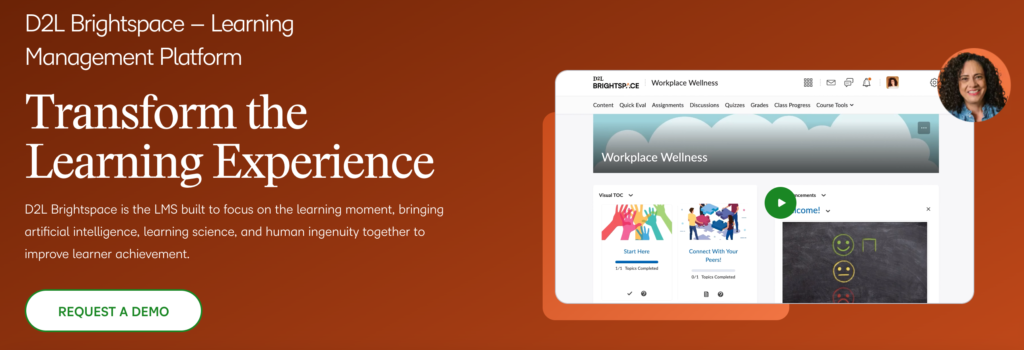
Does Brightspace Have Its Own AI Detection System?
The short answer: No, Brightspace does not have its own AI detection system. Instead, it integrates with third-party plagiarism checkers like Turnitin, SafeAssign, Copyleaks, and Compilatio, all of which are becoming more sophisticated at recognizing AI-generated content.
Many universities have started relying on these tools to maintain academic integrity, meaning that even if Brightspace itself doesn’t scan for AI, the tools it connects to probably will. So, while Brightspace won’t catch you, Turnitin just might.
How AI Detection Tools Identify ChatGPT-Generated Content
AI detection tools work by scanning your writing for:
- Perplexity: Detection tools measure how predictable each word choice is given the surrounding text. AI-generated writing tends to score low on perplexity, mean
- Sentence Structures: ChatGPT and similar tools tend to use uniform structures, making the text look too “perfect.”
- Burstiness: Human writing naturally varies in sentence length and structure. AI text tends to produce sentences of similar length and rhythm, a pattern known as low burstiness. Detection tools flag this uniformity.
- Repetitive Patterns: AI-generated content sometimes repeats phrases or ideas in an unnatural way, making it easy to flag.
One of the biggest giveaways? A lack of human touch. If your essay reads like a perfectly structured Wikipedia article but lacks personal opinions, anecdotes, or natural transitions, a professor or AI detector may get suspicious.
How Accurate Is AI Detection in Brightspace?
The accuracy of AI detection tools varies depending on the tool and how the content was produced.
Turnitin claims an accuracy rate above 98% for identifying unedited AI-generated content in English. However, independent testing shows that accuracy drops to around 70% when the text has been substantially edited or rewritten by a human. False positives are also a known issue, particularly for non-native English speakers or students who write in a formulaic academic style.
Copyleaks reports accuracy above 99% across multiple AI models, while Compilatio focuses on multilingual detection and supports content from over 30 languages.
The practical takeaway: no tool is infallible. Instructors are generally advised to use detection scores as a starting point for conversation, not as definitive proof.
Can Professors Manually Detect AI-Generated Writing?
Absolutely. Most professors have a good sense of how their students sound and can tell when a submission suddenly feels different. This is what they usually want to see:
- Writing that doesn’t sound like a student’s actual voice.
- Responses that are too formal and sound machine-written.
- Failure to demonstrate personal reflection or a connection to the material.
So, while AI may not flag your work, a sharp-eyed professor may. That’s why blending AI assistance with your personal voice is crucial.
What Happens If Your Work Is Flagged as AI-Generated in Brightspace?
Consequences of Submitting AI-Generated Content
AI policy varies between universities. Some permit students to use AI for research and brainstorming, while others simply ban AI-generated work. Here are some potential implications if your work is marked as AI-generated:
- A professor’s warning.
- Penalties against academic dishonesty (often) affect grades.
- Requests for resubmission with a more original draft are required.
- May involve serious disciplinary action in extreme cases, depending on the university’s policies.
Consult your university’s academic integrity policy for specifics. Many institutions are posting their AI policies on their Brightspace portals and/or official websites.
Can You Appeal an AI Detection Flag?
If your work was incorrectly flagged as AI-generated, you can appeal the decision. Here’s how:
- Request a manual review. Ask your professor to evaluate your work instead of relying solely on AI detection.
- Provide drafts and research notes. Showing how you developed your work can prove that it wasn’t entirely AI-generated.
- Explain your writing process. If you used AI for brainstorming but wrote the essay yourself, clarify that.
How to Avoid AI Detection Issues in Brightspace
- Edit and personalize AI-generated content before submission.
- Use AI as a tool, not a replacement. Mix AI assistance with your own writing style.
- Try Walter Writes AI to humanize AI-generated text, making it flow naturally and reducing detection risks. Check it out here.
How to Make AI-Generated Content More Human-Like & Undetectable
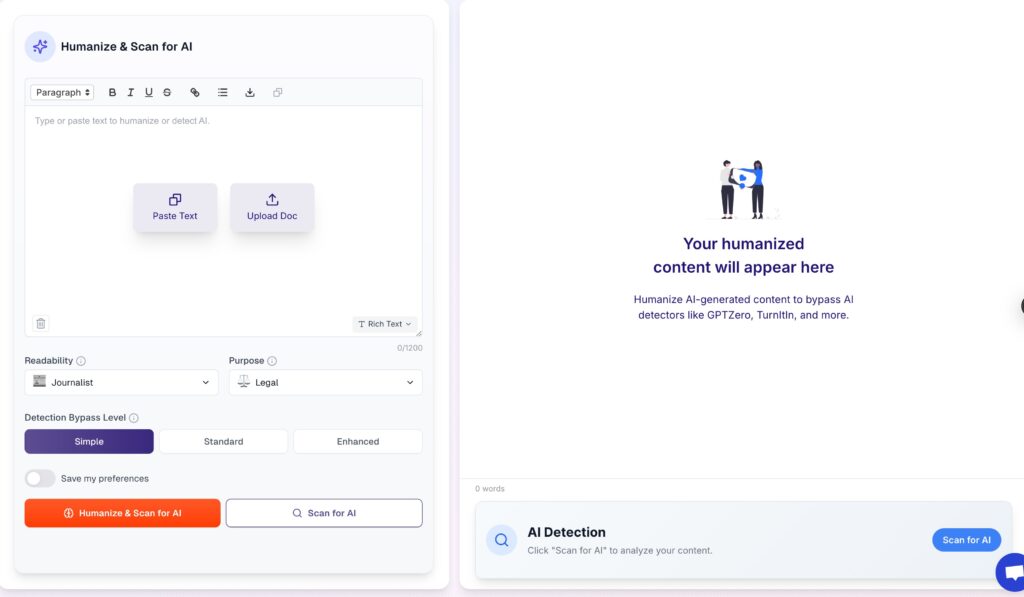
Edit and Rewrite AI-Generated Content
AI-generated text, while helpful, can be too robotic if left unedited. You can make it sound more natural by:
- Breaking up repetitive phrases.
- Adding personal tone and unique insights.
- Improving transitions for better readability.
Use Walter Writes AI to Improve AI-Written Work
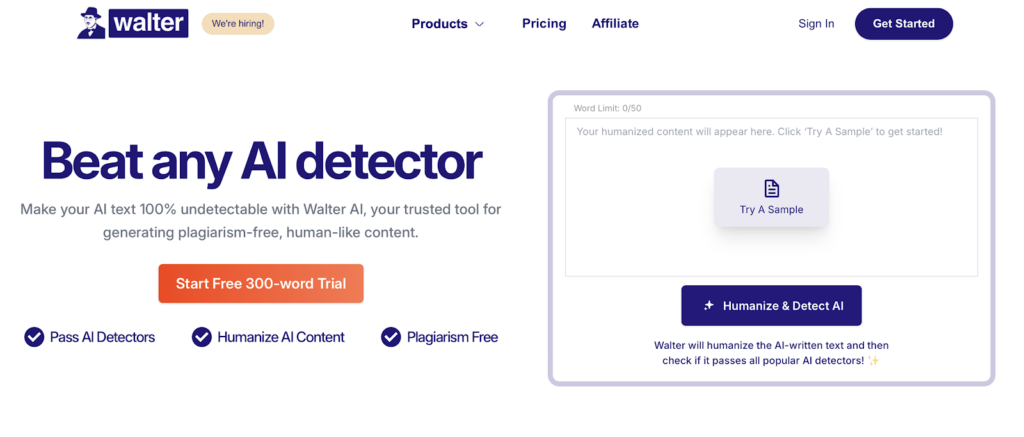
Walter Writes AI is designed to enhance AI-generated text by:
- Refining sentence structure for better flow.
- Adjusting word choice to make it more natural.
- Reducing formulaic patterns that AI detectors often flag.
Blend AI Assistance with Personal Writing Style
The best way to use AI without getting caught? Blend it with your own voice.
- Add real-world examples and personal insights.
- Use AI for brainstorming, but rewrite key sections yourself.
- Keep your unique writing style to maintain authenticity.
Frequently Asked Questions (FAQ)
Can Brightspace detect AI-generated essays?
Not directly, but it integrates with AI detection tools like Turnitin.
Does Brightspace check for ChatGPT-generated content?
Brightspace itself doesn’t, but the plagiarism detection tools it integrates with can flag AI-written work.
How do I ensure my AI-generated text isn’t flagged?
Edit for readability and originality.
Add personal insights and unique arguments.
Use Walter Writes AI to refine AI-assisted content. Try it here.
Can Walter Writes AI help bypass AI detection?
Walter Writes AI improves the quality of AI-generated writing by adjusting sentence structure, tone, and word choice to make it sound more natural and human. The result is content that reads better and is less likely to be flagged.
Is using AI to assist with writing considered cheating?
It depends on your school’s policy. Some allow AI for brainstorming, while others strictly prohibit fully AI-generated work.
Does Brightspace detect tab switching?
No, Brightspace does not natively monitor whether students switch browser tabs during an assignment. Tab monitoring typically requires a third-party proctoring tool such as Respondus Monitor or Proctorio, which some institutions configure for online exams.
Does Brightspace detect copy and paste?
Not on its own. If your institution has Turnitin or Copyleaks integrated, those tools will analyze submitted text for similarity to existing sources, which can surface copy-pasted content. Brightspace itself does not have a native copy-paste detector.
Can Brightspace see if you use a different device?
No. Brightspace does not track which device a student uses to complete or submit an assignment. Device monitoring requires specialized proctoring software configured by the institution.
Conclusion - Understanding AI Detection in Brightspace
Brightspace doesn’t have its own AI detection system, but it can support integrations with tools like Turnitin that do. The use of AI detection by universities is on the rise, so be sure to refine AI-generated content before submitting it.
Walter Writes AI is able to edit, personalize and enhance AI written work by helping students protect against originality while still producing the best work.
Try Walter Writes AI today for natural, undetectable writing assistance! Get started now.
Switching from Brightspace to Blackboard, or comparing institutions? See Does Blackboard Detect AI and ChatGPT in 2026?