



Key Takeaway: The best budgeting apps for college students in 2026 depend on your specific situation: YNAB is the strongest overall pick with a free year for students, but the right choice shifts depending on whether you have income, live with roommates, or want to avoid linking your bank account.
- YNAB is free for one full year with proof of enrollment and handles irregular income better than most competing apps
- Splitwise is the only app built specifically for shared expenses and works without bank linking or a paid plan
- Rocket Money is the most effective tool for finding forgotten subscriptions and recurring charges quietly draining your account
- Students with no income should assign fixed expenses first, set weekly caps on what remains, and do a 10-minute Sunday check-in rather than building a monthly budget around projected income
- Fudget and Google Sheets are the only fully private options requiring no bank account, no sign-up, and no data sharing
- The most common reason student budgets fail is switching apps too frequently before any system has time to work, not picking the wrong app
College is the first time most students have to manage money entirely on their own. Rent, groceries, subscriptions, textbooks, and the occasional night out all compete for the same limited amount of money. Sometimes no money at all.
No budgeting app can replace the fact that money will still be tight, but the best budgeting apps for students can prevent slow leaks, forgotten subscription payments, clarify communication among roommates about who paid, and alleviate last-minute financial panics.
In addition to providing an evaluation of the best budgeting apps for college students in 2026, we have included pricing comparisons as well as a student checklist and workflow to help you manage your finances and meet your academic obligations without exhausting yourself.
Best Budgeting Apps for Students: Quick Picks
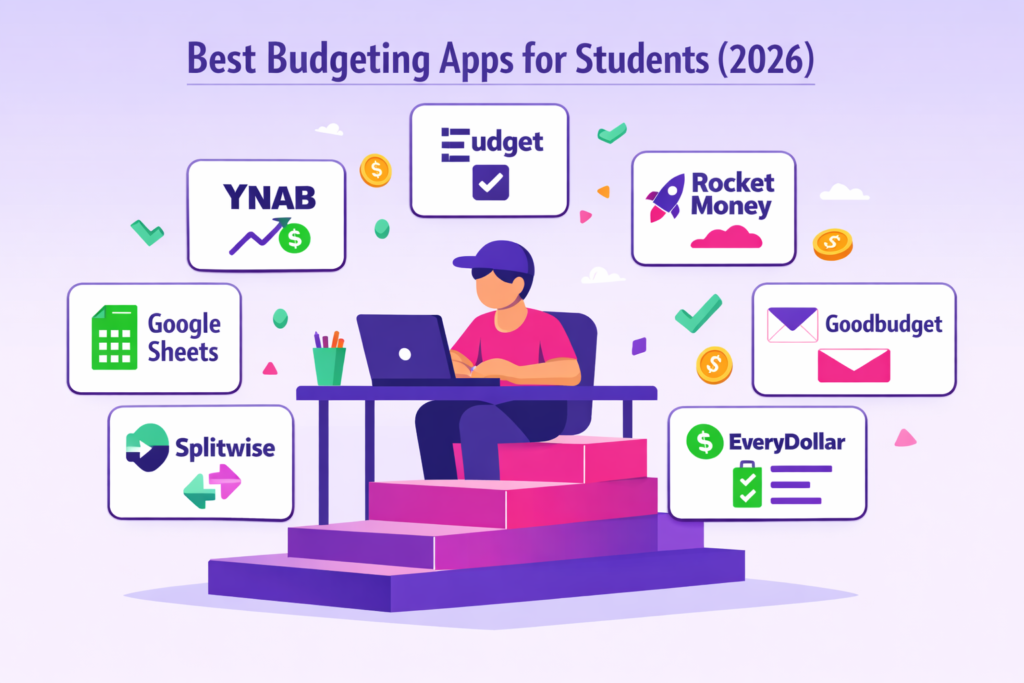
No clue as to which one to use? Just pick the one as per your current financial situation.
- Best overall for most students: YNAB
Offers free access for students who provide a legitimate college e-mail address and has tools to help with proactive budgeting. - Best free and simple for beginners: Fudget
This easy-to-use app does not require you to link any of your accounts. It is simply designed so you can easily keep track of how much you are spending. - Best for finding hidden spending: Rocket Money
You will be able to see all your subscription services and recurring payments in one place. - Best for envelope budgeting: Goodbudget
A good way to create virtual or digital envelopes to pay your joint bills. - Best for zero-based budgeting: EveryDollar
Allows you to make an educated decision about where to put each dollar of income at the beginning of each month. - Best for roommates and shared expenses: Splitwise
The best platform to use with multiple roommates or when you are sharing expenses by splitting them. - Best privacy-first option: Fudget or Google Sheets
If you want no bank account connected to the software and want to have complete manual control of every transaction.
How to Choose a Budgeting App as a Student
Before picking an app, see if it fits into your real-life circumstances.
- Cost: As most students will need something for virtually no cost or very little cost, YNAB has a free trial period available through entering a valid college email address at sign-up, so try this one first.
- Automation vs manual: Syncing with banks can save a lot of time, but many people would rather not give their banking information to anyone, including a budgeting service. There are some manual input options, such as Fudget, where users do not have to enter any bank account details
- Budgeting method: The Zero-based method allocates every single dollar of your available funds into a specific account prior to spending money. An envelope system places a limit on each category, and simple tracking identifies where your dollars were spent.
- Irregular income: For individuals who work on a part-time basis or do not have a steady income, like freelancers, it may be difficult to create a monthly budget using these types of applications. But there are some apps available where you can input actual dollars based on how much you made last week, instead of basing your entries upon projected amounts.
- Roommate support: There is often a shared expense between roommates. When selecting an app, you should determine if the application allows for the entry of multiple users and the tracking of the same expenses. Many applications function well in pairing with other applications used by most of the people, like Splitwise, when trying to manage costs associated with roommates.
- Loan and debt support: Although most applications assist you in establishing a repayment strategy for debt obligations, regardless of the app selected, you can continue to track additional funds paid towards a loan by manually entering those payments into a pre-established category.
- Privacy: Those individuals preferring not to link their financial accounts to third-party banking systems may also use manual entry applications or spreadsheets, and they may be utilized without providing access to your financial information.
Best Budgeting Apps for College Students at a Glance: Quick Comparison Table
| App | Best For | Free Plan | Paid Plan | Bank Linking | Roommate Support |
| YNAB | Proactive zero-based budgeting | Free for 1 year (students) | $109/year | Yes | Up to 6 people |
| Goodbudget | Envelope budgeting + shared budgets | Yes, limited envelopes | $80/year | No (manual only) | Yes, shared envelopes |
| Rocket Money | Subscription tracking + auto tracking | Yes, limited | $48 to $168/year | Yes | No |
| EveryDollar | Simple zero-based budgeting | Yes, manual entry only | $79.99/year (Ramsey+) | Paid only | No |
| PocketGuard | Spending guardrails | No (7-day trial only) | $74.99/year or $12.99/month | Yes | No |
| Splitwise | Splitting shared expenses | Yes | $3.99/month or $32.99/year | No | Yes, core feature |
| Fudget | Privacy-first manual tracking | Yes | One-time purchase (varies by platform) | No | No |
| Debt Payoff Planner | Student loan and debt payoff | Yes | Paid upgrade available | No | No |
| Google Sheets | Full control, no data sharing | Free | Free | No | Manual sharing |
Best Budgeting Apps for College Students (2026 Shortlist)
YNAB (You Need A Budget)
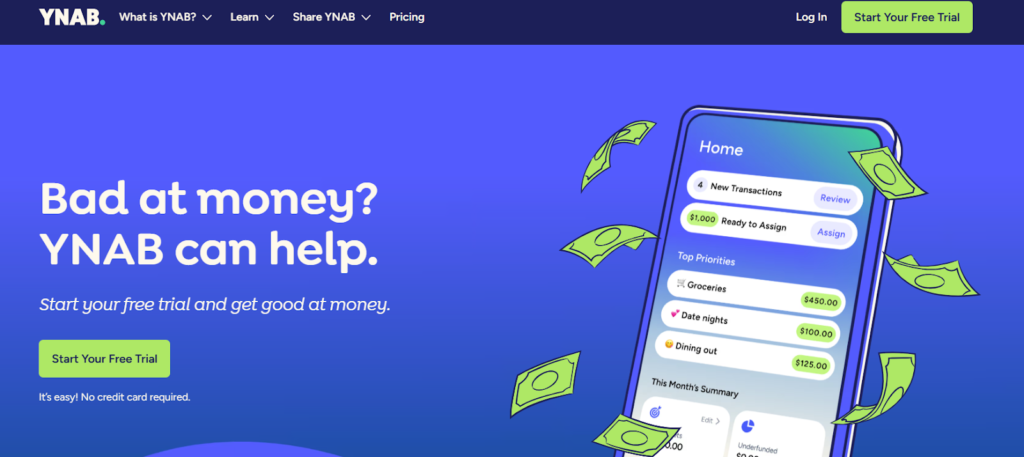
Best suited for: Proactive planners who are interested in learning how to use budgeting as a tool versus simply monitoring expenses.
What it does well:
- Every dollar gets assigned a job before you spend it
- Handles irregular income better than most apps
- Free for one full year for all college and grad students, but you must verify with a student ID, transcript, or tuition statement
Limitations:
- Steeper learning curve than most apps
- Paid after the free year ends
Who should avoid this app: Students looking for a no-setup budget tracking application.
Goodbudget
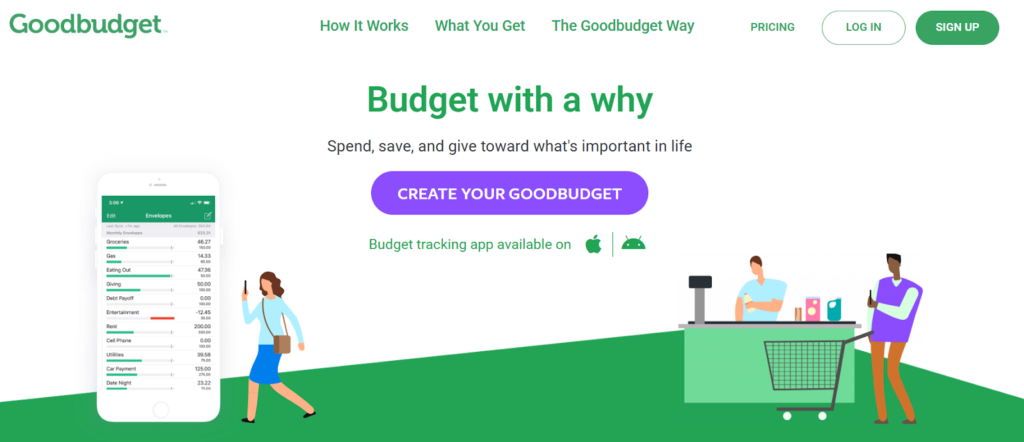
Best suited for: Using an envelope style of budgeting along with roommates or couples that will be sharing the same budget.
What it does well:
- Digital envelopes keep category spending visible and capped
- Shared budgets sync across devices without linking bank accounts
- The free tier is usable without upgrading
Limitations:
- Manual entry only on the free plan
- No bank syncing unless you pay
Who should avoid this app: The students who prefer automated tools and have no interest in being part of a shared budget system.
Rocket Money
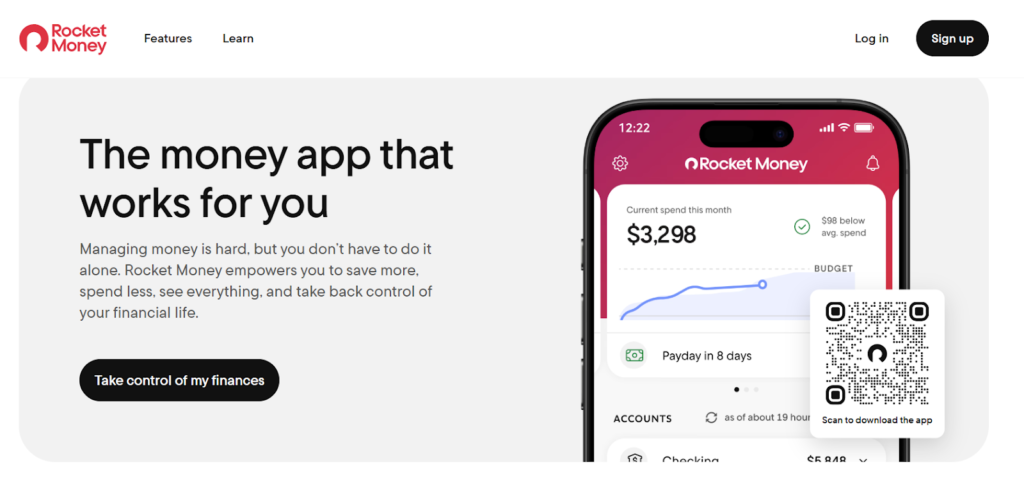
Best Suited for: Students who have forgotten to cancel recurring subscription services that charge them on a monthly basis.
What it does well:
- Automatically detects recurring charges and subscriptions
- Bank sync gives a clear picture of where money is going
- Spending alerts and category breakdowns included
Limitations:
- Some features require a paid plan
- More useful for tracking than structured budgeting
Who should avoid it: Students who want to manually enter their own financial information and do not want to link their bank account to an app.
EveryDollar
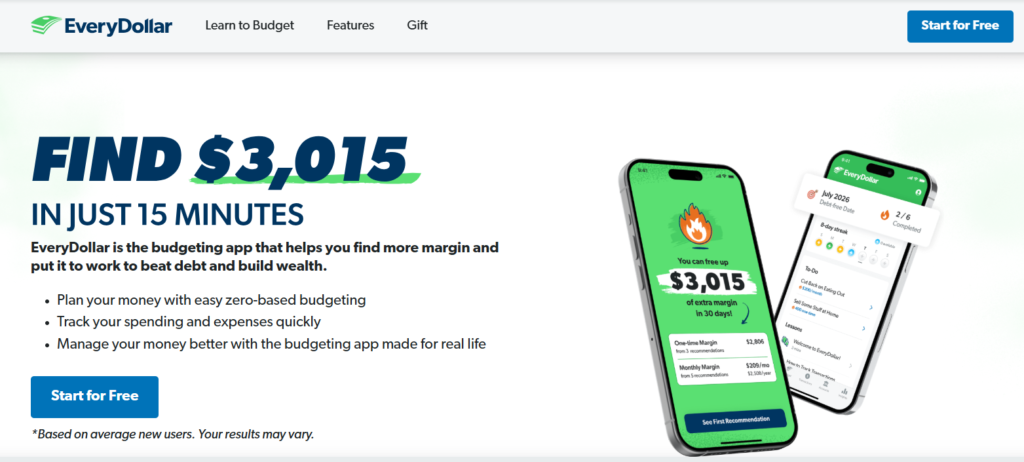
Best for: Students who desire a zero-based budget approach and a clean interface.
What it does well:
- Straightforward zero-based setup where every dollar gets assigned
- The free version works without bank linking
- Easy to use from day one
Limitations:
- Bank sync requires a paid Ramsey Plus subscription
- Limited features beyond basic budgeting
Who should skip it: Students who require assistance in dividing expenses among roommates or wish to pay off loans using an application.
PocketGuard
Best for: Students who have difficulty controlling how much money they spend and would benefit from having hard guardrails on their spending.
What it does well:
- Shows exactly how much is safe to spend after bills and savings
- Spending alerts notify you before you go over
- Simple dashboard that does not require much setup
Limitations:
- Less control over custom categories
- Some features behind a paywall
Who should skip it: Students who wish to be able to fully manage all aspects of their personal finances, as opposed to having spending limitations set by the software.
Splitwise
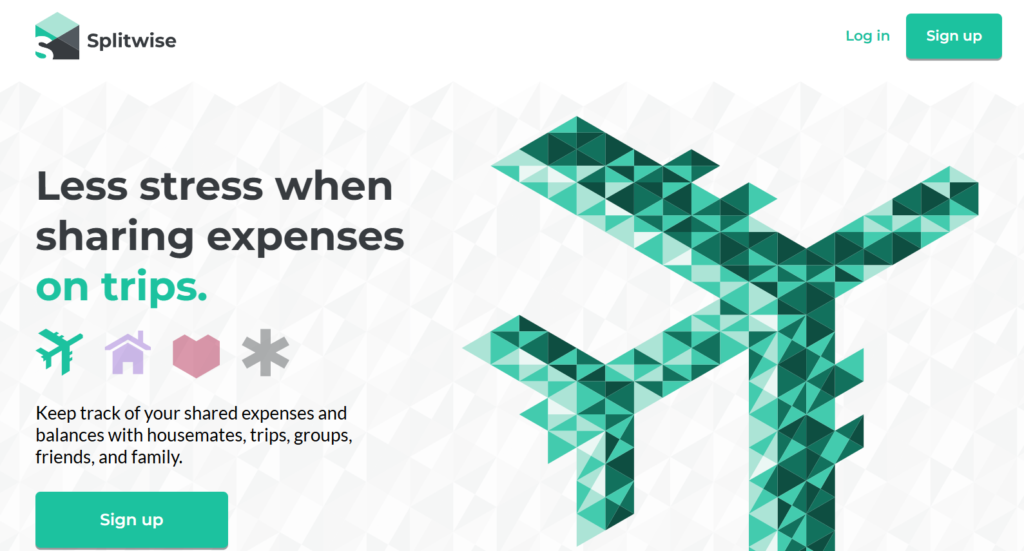
Best for: Students splitting rent, groceries, and other shared bills with their roommates.
What it does well:
- Tracks who owes what across multiple people
- Settle up reminders reduce awkward money conversations
- Free to use with no bank linking required
Limitations:
- Not a full budgeting app - only handles shared expenses
- Works best when everyone in the household uses it
Who should skip it: Solo students who do not have any joint fees or other expenses.
Fudget
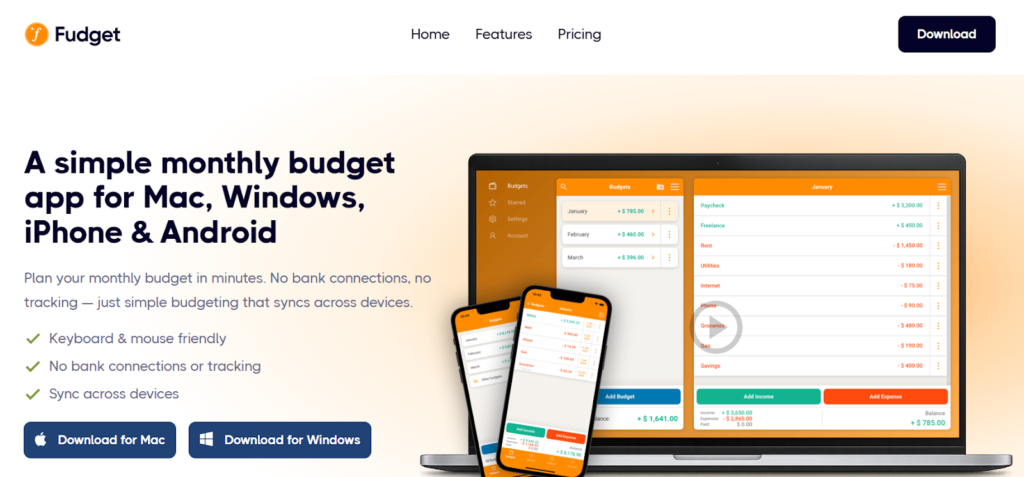
Best for: Manual, private, no set-up expense tracking.
What it does well:
- No bank account needed, no sign-up required
- Simple income and expense lists with running totals
- Works offline
Limitations:
- No categories, automation, or reports
- Limited to very basic tracking
Who should skip it: Students who desire in-depth details of all aspects of their spending, as well as automatic sync options, should avoid this.
Debt Payoff Planner
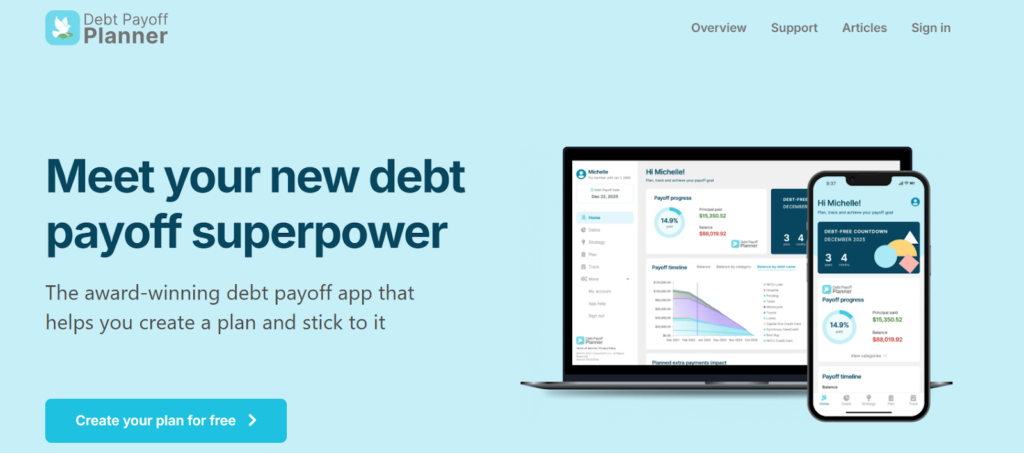
Best for: Students with loans who want to know when they will be debt-free.
What it does well:
- Visualizes how extra payments reduce total interest
- Supports multiple debt types, including student loans
- Free to use
Limitations:
- Not a general budgeting tool, but rather focused entirely on debt
- Best used alongside another budgeting app
Who should skip it: Students with no current debt obligations don’t need this planner.
Google Sheets or Excel
Best for: Students who want complete control over their data and do not wish to share their data with anyone else.
What it does well:
- Fully customizable to your exact situation
- No bank linking, no account, no privacy concerns
- Free with a Google or Microsoft account
Limitations:
- Requires manual setup and ongoing data entry
- No automated alerts or syncing
Who should skip it: Students who would like an automated system but do not have time to build one.
How to Budget as a College Student With No Income
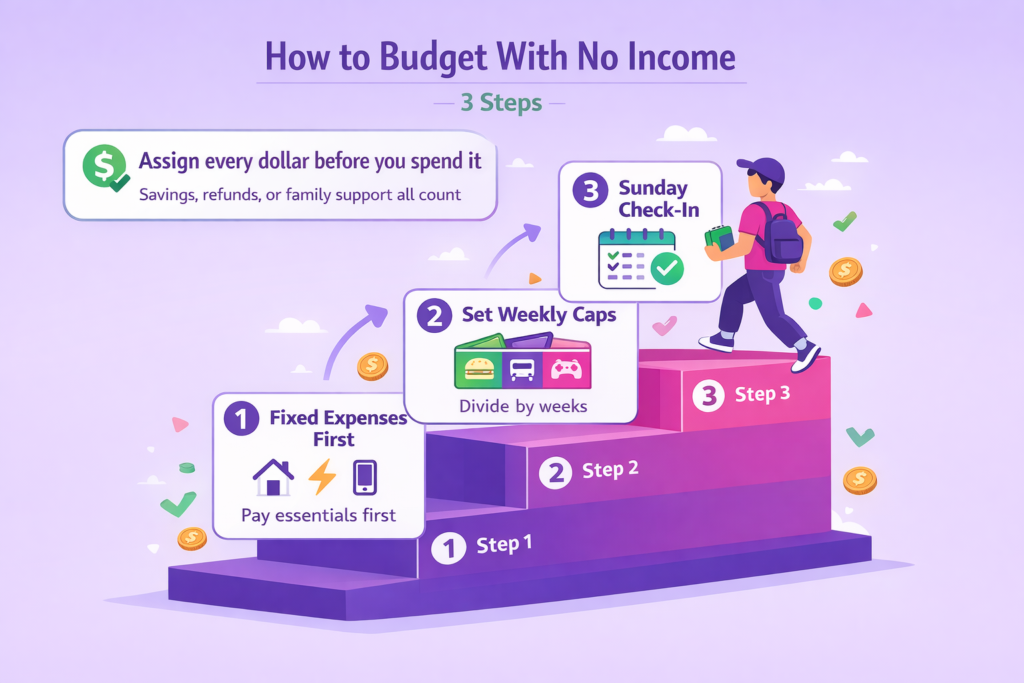
Not having income does not mean you cannot budget. It simply means you’ll be developing a budget differently from someone who has more income.
The Rule: Regardless of where you get the money from, whether savings, refund money, or from parents, you need to take each dollar received by you and assign every single one of them before making any purchases.
Step 1: Fixed expenses first
You’ve got to pay for rent, utilities, telephone bills, and tuition. Those will always be the first items paid from whatever funds you have available to spend. What’s left after paying those must-expense items is what you really have available to spend.
Step 2: Set weekly caps for variable spending
Divide your remaining balance by the number of weeks left in the month. That is your weekly cap. Split it across three categories:
- Food and groceries
- Transport
- Personal and fun
When a category hits zero, it is done until next week. This is where most students actually stop overspending.
Step 3: The 10-minute Sunday check-in
Once a week, spend ten minutes reviewing what you spent, resetting your weekly caps, and noting any fixed expenses coming up. That is it. No complicated spreadsheets, no hour-long budget sessions. Just a quick look every Sunday to stay aware before the week starts.
Even though there may be no income, this budgeting method will still apply as long as you are working based on the realities of your current financial situation rather than future projections.
Best Budgeting Method for Students on a Tight Budget (Pick One)
Do not use all three. Pick the one that matches how you think and stick with it for at least two weeks.
| Method | Best For | App to Use |
| Zero-based | Full control, every dollar assigned | YNAB, EveryDollar |
| Envelope | Category caps, shared budgets | Goodbudget |
| Simple tracking | Beginners, no structure needed | Fudget, Google Sheets |
Which one to pick
- Tight budget with irregular income: zero-based
- Shared expenses or impulse spending problem: envelope
- Just starting or hate structure: simple tracking
Are Budgeting Apps for College Students Safe to Link to Your Bank Account?
The majority of legitimate applications have been utilizing financial-level encryption as well as connecting via a secure intermediary service like Plaid.
It is also important to recognize that there are some benefits in terms of a trade-off. By using application-based automation, you will save time, but you will be required to give the application read-only access to your banking activity.
What linking your bank actually means: The majority of applications do not retain your login information. Instead, they utilize an intermediary service that has grant read only permissions for the purpose of viewing your banking activities. Your money cannot be moved by the application, nor can the app initiate payment.
Safety checklist before linking
- Enable two-factor authentication on both the app and your bank account
- Use a unique password you do not use elsewhere
- Check what permissions the app requests and whether they match its stated function
- Review the app’s privacy policy for data sharing practices
If you prefer not to link accounts, you do not have to. Fudget, Goodbudget’s free tier, and Google Sheets all work entirely with manual entry. You get full privacy with slightly more effort.
The honest answer: Linking is safe for most students if you follow basic security steps. But manual entry is a perfectly valid choice, and some students find it makes them more aware of their spending anyway.
Roommates and Shared Expenses (How to Split Without Drama)
Shared expenses can quickly become an argument over money, which can often damage a good roommate experience. Most of these disagreements can be easily avoided by setting up a clear method at the beginning of your time together.
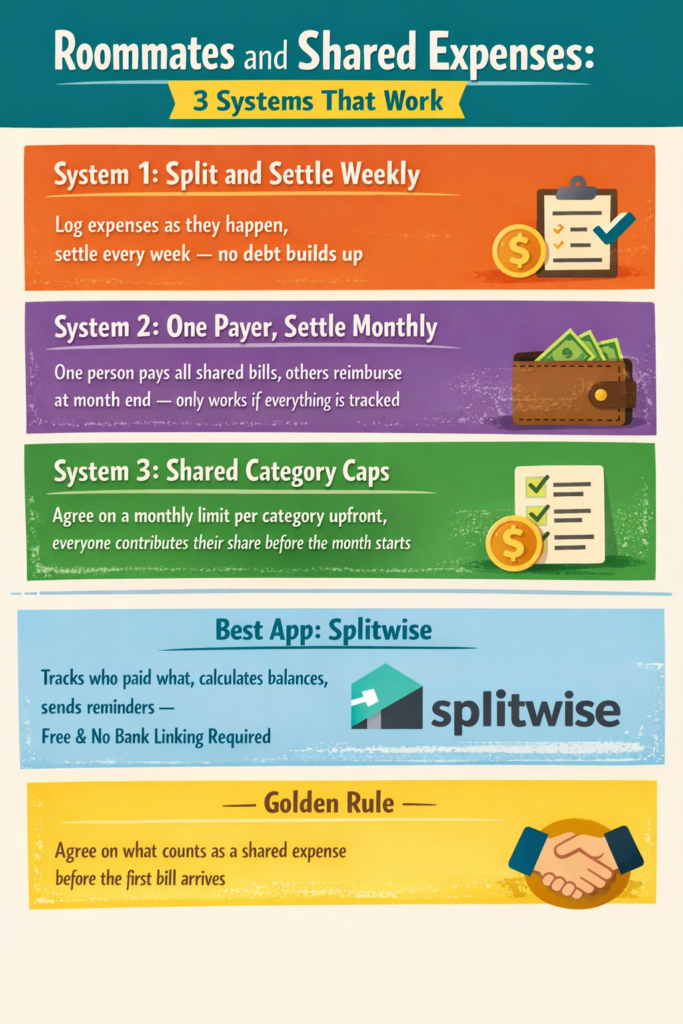
The 3 roommate systems that actually work
Split and settle weekly: Any shared expenses are documented as they occur. When weekly payments are made, there will be smaller amounts to pay on a regular basis. There will also be less chance of debt piling up. This is best suited for individuals who spend money together often.
One payer, settle monthly: One person makes all the utility payments and other joint charges. Those who were charged contribute at the end of the month. This option can make things convenient, but could have issues if someone has forgotten how much was paid out or disputes the amount due. This would only work if the group tracks expenses as they occur.
Shared category caps: Set a maximum amount that you will agree to spend per month on categories agreed upon by both parties. Each party contributes their portion of this agreement prior to the beginning of the next month.
The Best app for this: Splitwise
Splitwise is best for tracking expenses. It keeps track of who has paid for what, how much each person owes, and can send reminders to avoid having to chase down roommates. The best part is, it doesn’t cost anything and does not require linking bank accounts.
The best way to prevent most of these arguments is to agree on what expenses will be shared before your first bill arrives. Groceries, utilities, and cleaning supplies are usually shared. Coffee runs, and snacks are not.
Can Budgeting Apps Help You Pay Off Student Loans Faster?
No, they cannot. No budgeting app will make the payments. But the proper application can alter your behavior and consequently how quickly you pay back the loan.
How apps help indirectly
- Visibility into spending shows where money is leaking that could go toward loans
- Consistent budgeting builds the habit of paying more than the minimum
- Alerts and category caps prevent the impulse spending that kills extra payment plans
The debt-first workflow
- Cover all minimums first, so nothing goes delinquent
- Create a dedicated extra loan payment category in your budget
- Any money left at the end of the month goes there before anywhere else
Best tools for this
Use the Debt Payoff Planner so you know exactly which of your extra payments cuts down on how much you have to pay in interest over time, as well as how long before you are completely paid off.
Connect this tool with any Budgeting program or app that has an option to create a sinking fund category. A sinking fund is an account where every month you set aside cash specifically to be put into that account.
The apps do not make loan payments. It is consistent behavior that results in paying off debt. The apps simply assist you in maintaining the behavior required to repay your debts more quickly.
How Much Should a College Student Spend Per Month?
There is no universal answer. The right number is yours, not a national average. That said, here is a baseline framework most college students can work from:
| Category | Typical Range |
| Rent and utilities | 40 to 50% of the monthly budget |
| Food and groceries | 15 to 20% |
| Transport | 5 to 10% |
| Personal and fun | 5 to 10% |
| Books and supplies | 5% |
| Buffer for unexpected costs | 5 to 10% |
How to find your actual number
Get a copy of your bank or credit card statement from last month. Add up all the money you spent. That will be your base. Ask yourself now, how much was really necessary and how much could have been less?
That difference between what you spent and what you needed will be your foundation for reducing costs.
Most students are able to identify at least one or two areas where they have wasted the most money, which is most likely food delivery services and subscription fees they forgot about. Sometimes it is the last-minute study resources. If you are spending on tutoring or study tools regularly, the guide to the best homework help websites for students covers free and affordable options worth bookmarking.
The important thing is to set your own personal monthly amount as close to what you can realistically expect to receive each month as possible, not what you feel would be fair or not, by what may be an acceptable average based on another person.
The 6 Ways Student Budgets Break (and What Fixes Each)
Most budgeting apps do not work well for college students. That is because the problem with most budgets is not with the numbers. It is behavior which includes: roommate-related friction, forgotten subscriptions, variable income, and impulse purchases, which may cause your budget to lose money even though you have made a perfect financial plan.
Quick Fix Table
| Problem | Best Fix | Best Tool |
| Roommate expenses become chaotic | Shared ledger + weekly settle schedule | Splitwise |
| Subscriptions and free trials quietly drain you | Monthly subscription audit + cancellation reminders | Rocket Money |
| No income during the semester, but spending continues | Weekly caps based on the money you actually have | Goodbudget or Google Sheets |
| Irregular income makes monthly budgets collapse | Bare minimum budget + rolling weekly targets | YNAB |
| Impulse spending wrecks the plan | Category guardrails + spending alerts | PocketGuard |
| Last-minute assignments create stress spending (printing, rush orders, rewrites) | Smoother writing workflow to reduce last-minute scramble | Walter Writes |
| Worried about AI policy or submission risk | Check detection risk before submitting | Proofademic |
How to Use This Table
- Identify the one area of your budget that you feel gets broken most frequently.
- Choose an app to help eliminate the breakage in that specific category and test it for only two weeks.
- If using the selected app helped you to maintain a budget during those two weeks, continue to use it.
- If it does not work, replace it. Don’t try to fix all of these things at once.
Walter Writes is not a budgeting app. It is a writing and humanization tool that helps students avoid the costly, time-pressured decisions that come from leaving assignments to the last minute.
If you are unsure about where AI tools help versus hurt your academics, the breakdown on why AI can be bad for students is worth reading before your next submission.
Final verdict: Pick One App + One Habit
Most students do not fail at budgeting because they lack the right app. The primary reason most students fail at using financial management apps is because of constant changes in systems. Most students will try multiple apps prior to any system having time to develop and show some level of effectiveness.
- Choose an app based on your actual situation: no income, roommates, irregular income, or privacy-first
- Set weekly caps and schedule a 10-minute Sunday check-in
- Identify the one budget-breaker that hits you hardest and fix that first
Your Next Step as a Student
Money stress and deadline stress tend to feed on each other. In many cases, money stress tends to be worse when deadlines are looming. When you’re overwhelmed with schoolwork, and you’ve got no time left for it, that’s usually when you get into stress spending behavior.
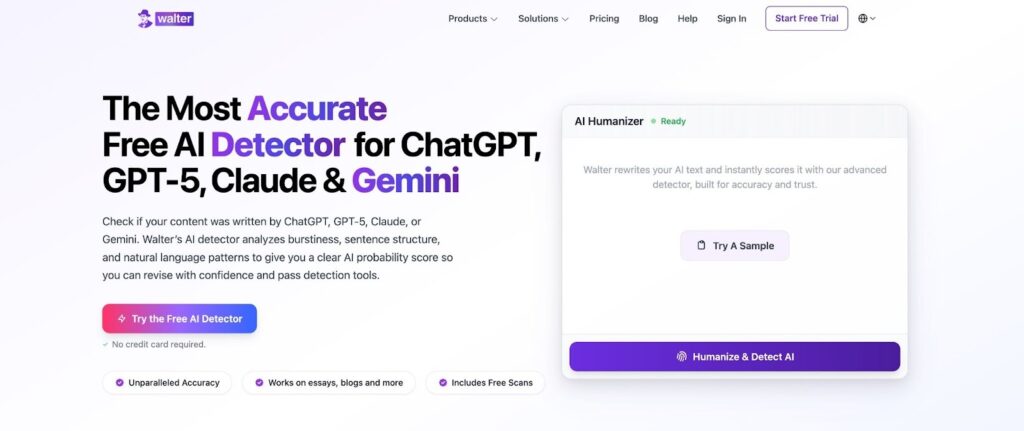
If you’re using AI tools for first drafts while working on lots of homework, Walter Writes will help you rewrite AI drafts, increase readability, and check AI detection risk, all from within one tool. This reduces the amount of rewriting required, limits last-minute craziness, and removes one less item from depleting your wallet.
But if you want a broader look at writing tools that save students time, the guide to the best AI writing tools for students covers the full stack.
Once you pick your app, put together your budget plan, make a Sunday review schedule, and don’t switch systems for two weeks.
FAQs About the Best Budgeting Apps for College
How Do I Make a Budget as a College Student With No Income?
You may have some money saved in the bank, received a tax refund, or received money from parents or guardians. First, assign all of your fixed expenses, like rent and mortgage, then establish a weekly allowance for food, transportation, and groceries.
Is YNAB Really Free for College Students?
Yes. YNAB offers a free 12-month subscription to all college and graduate students. You will be asked to show proof of your current enrollment, and in order to qualify, simply provide an official copy of your Student ID or tuition receipt that includes your name, school name, and the date you got enrolled.
What Is The Best Budgeting Method for Students on a Tight Budget?
The Zero-based budget strategy is likely to work the best as every single dollar has to have a specific assignment prior to spending. YNAB and EveryDollar are the most student-friendly options for this method.
Are Budgeting Apps Safe to Link to Your Bank Account?
The most trusted applications are linked to bank accounts via read-only methods provided by secure platforms such as Plaid. These applications also never save your login credentials. You can always use two-factor authentication and enter a new password prior to linking.
How Do I Split Shared Expenses with Roommates?
Splitwise is one of many apps available that will allow you to track each time you pay for something that is part of a shared bill and settle with your roommates at least once per week. Before you start tracking bills, agree on what constitutes a billable item to prevent arguments down the road.
What’s The Difference Between YNAB and Goodbudget?
YNAB provides zero-based budgeting, which means that every single dollar has been given a task. It also automatically syncs with your banks. Goodbudget utilizes digital envelopes. The key difference here is that Goodbudget does not auto-sync with your banks, so it requires manual entry. If you’re planning to share budgets with others, Goodbudget could be the best option.
Can a Budgeting App Help You Pay Off Student Loans Faster?
A budgeting app will not directly assist you in paying off your student loan debt, but using a budgeting app can create consistent visibility and build an ongoing habit of adding extra payments. The Debt Payoff Planner will illustrate exactly how each additional payment reduces your total interest and time frame of payoff.
How Much Should a College Student Spend Per Month?
The amount of money you can spend each month will depend completely on how much money you earn per month and where you live. Utilize last month’s banking statement, determine areas where you spent too much money, and establish a number that is reasonable based upon how much money you have available to spend each month, rather than using average numbers.
What Budgeting App Works Best for Irregular or Part-Time Income?
YNAB is considered the best budgeting application option if you are experiencing inconsistent income because YNAB allows users to develop budgets based on their current income instead of projecting future income. Moreover, YNAB adjusts to changes in users’ income so users do not get locked into one specific monthly budget.
Do Budgeting Apps Work Without a Bank Account?
Yes. Manual entry is acceptable using apps such as Fudget, Goodbudget’s Free version, and Google Sheets. No Bank Account is required, and no linking to your bank account is required either.
