



Key Takeaway: The best AI image detector in 2026 is DeepfakeDetector.AI, with 95% claimed accuracy across AI-generated images and deepfakes from a single platform. No single tool is reliable enough on its own, though. The strongest setup is a layered workflow: a free first-pass detector, an explainability tool for borderline cases, and an API for volume. Pair those with reverse image search and metadata checks for a complete process.
The 8 Best AI Image Detectors in 2026 at a Glance
- DeepfakeDetector.AI: Best AI image detector overall (95% accuracy, covers images and deepfakes)
- Hive Moderation: Best for high-volume API moderation at scale
- Illuminarty: Best AI image detector for explainability with heatmaps
- AI or Not: Best free AI image detector for first-pass checks
- Sightengine: Best AI image detection API for pipelines
- WasItAI: Best for fast, no-signup AI picture detection
- FotoForensics: Best free forensic tool for evidence-grade checks
- Hugging Face: Best open-source AI image detector for developers
AI-generated images are now indistinguishable from real photographs to the naked eye. That’s exactly why finding the best AI image detector has become a critical part of every content quality assurance workflow in 2026.
A single fake image in the wrong place can trigger ad policy violations, blow up an influencer partnership, fuel a misinformation campaign, or quietly erode the trust your audience has built with your brand over years. The risk is now too high to publish anything externally submitted without verification.
This guide ranks the best AI image detector tools available in 2026. You’ll get a side-by-side comparison table, accuracy benchmarks, insights from real users on Reddit and community forums, and a recommended workflow that combines multiple detectors so you can publish with confidence.
How We Ranked the Best AI Image Detector Tools
Every AI image detector in this list was evaluated against the same six criteria. The rankings reflect real-world performance, not marketing claims.
- Detection accuracy across Midjourney, DALL-E, Stable Diffusion, and Flux outputs
- Free tier usability and how usable each tool is before you have to pay
- Output quality, including binary verdicts, confidence scores, and heatmaps
- Deepfake and face-swap coverage in addition to standard AI image detection
- API availability for teams running detection at scale
- Community sentiment from Reddit, marketing forums, and developer threads
Comparison Table: Best AI Image Detectors in 2026
| Rank | AI Image Detector | Key Features | Free Plan | Best For | Pros | Cons |
|---|---|---|---|---|---|---|
| #1 | DeepfakeDetector.AI |
| No | Highest-accuracy multi-format detection |
|
|
| #2 | Hive Moderation |
| Limited demo | High-volume API moderation at scale |
|
|
| #3 | Illuminarty |
| 5 scans/day | Explaining why an image was flagged |
|
|
| #4 | AI or Not |
| Yes, unlimited | Fast first-pass checks on external submissions |
|
|
| #5 | Sightengine |
| 500 free ops/month | Developer teams building moderation pipelines |
|
|
| #6 | WasItAI |
| Yes | Fast checks on images from unknown sources |
|
|
| #7 | FotoForensics |
| Yes, free | Documenting evidence for legal or contractual disputes |
|
|
| #8 | Hugging Face |
| Yes | Developers testing detection logic or building custom pipelines |
|
|
For a wider look at detection across text, video, and audio (not just images), see our complete guide to the best AI detector tools.
Why You Need an AI Image Detector in 2026
AI image detection has shifted from “nice to have” to “non-negotiable” for any team that publishes externally submitted visuals. Here are the six risks that make it essential.
- Brand impersonation ads. Competitors can generate fake ads using AI versions of your products, team faces, or brand assets. By the time you file a takedown, the damage is already done.
- Fake influencer creatives. AI tools can produce photorealistic images of people who don’t exist holding products that do. False social proof can enter your brand’s content without anyone catching it.
- UGC manipulation. Consumers and bad actors use image editing tools to create photos that look human-shot, then submit them to your UGC campaigns.
- Competitor sabotage. A competitor can fabricate images of your products in unsafe or misleading contexts and seed them across community sites. Once indexed by Google, these are nearly impossible to remove.
- Product listing fraud. AI-generated product images create fake listings or misrepresent what buyers actually receive. This is a serious supply chain risk if your site pulls third-party images.
- PR crises from viral fake images. An AI-generated image of your CEO or brand can go viral before your comms team has even seen it. You can’t respond to what you haven’t detected.
Detection accuracy varies widely depending on the generator used, the image type, and how much compression has been applied. Before relying on any tool’s confidence score for a real decision, it’s worth understanding what those numbers actually mean. Our guide on whether AI detectors are accurate covers the question in detail.
How AI Image Detectors Work (And Why They Fail on Edited Images)
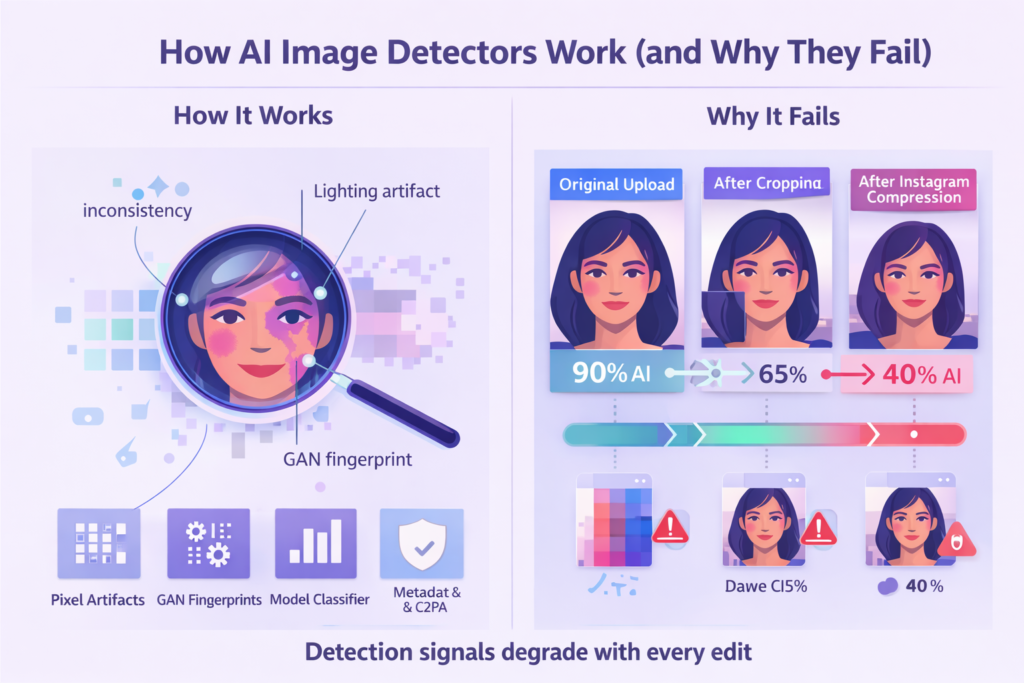
An AI image detector looks for patterns that reveal how an image was made. Most tools combine several signals at once.
- Pixel-level artifacts. AI generators leave subtle inconsistencies in texture, lighting, and edges that are invisible to humans but detectable by trained classifiers.
- GAN fingerprints. Many generators leave statistical traces in how pixels are distributed across the image.
- Model classifiers. Neural networks trained on millions of real versus AI-generated images output a probability that an image is machine-made.
- Metadata and C2PA checks. Some tools verify whether content provenance data is present, missing, or has been tampered with.
Why AI image detectors fail in real-world workflows: Platform compression, cropping, text overlays, screenshots, and re-encoding all degrade the signals detectors rely on. An image scoring 90% AI on first upload can drop to 40% after one round of Instagram compression. That’s why running a single detector on a compressed asset is rarely enough. The best AI image detection workflows always combine at least two tools.
What to Look For in the Best AI Image Detector
Not all AI image detection tools are built for the same job. Use these six criteria to evaluate any tool before wiring it into your workflow.
- Free tier limits and speed. Can the free version handle your team’s daily volume without forcing you to upgrade mid-campaign?
- Output type. Does it return a yes/no verdict, a confidence score, or a heatmap? Heatmaps and probability scores are far more actionable than a binary flag.
- Generator coverage. Does it cover modern generators like Midjourney v6, DALL-E 3, Stable Diffusion XL, and Flux, or only legacy models?
- Deepfake capability. Can it identify face swaps and identity manipulation, or only AI-generated art?
- Privacy. Does the tool store uploaded images? This matters for client work and proprietary assets.
- API availability. If you process thousands of images, can you integrate the detector into your moderation queue?
If your team reviews both original and AI-assisted content, using the same AI image detector across all submissions keeps your verification process consistent and defensible.
The 8 Best AI Image Detectors of 2026 (Reviewed)
1. Deepfakedetector.ai Best AI Image Detector Overall
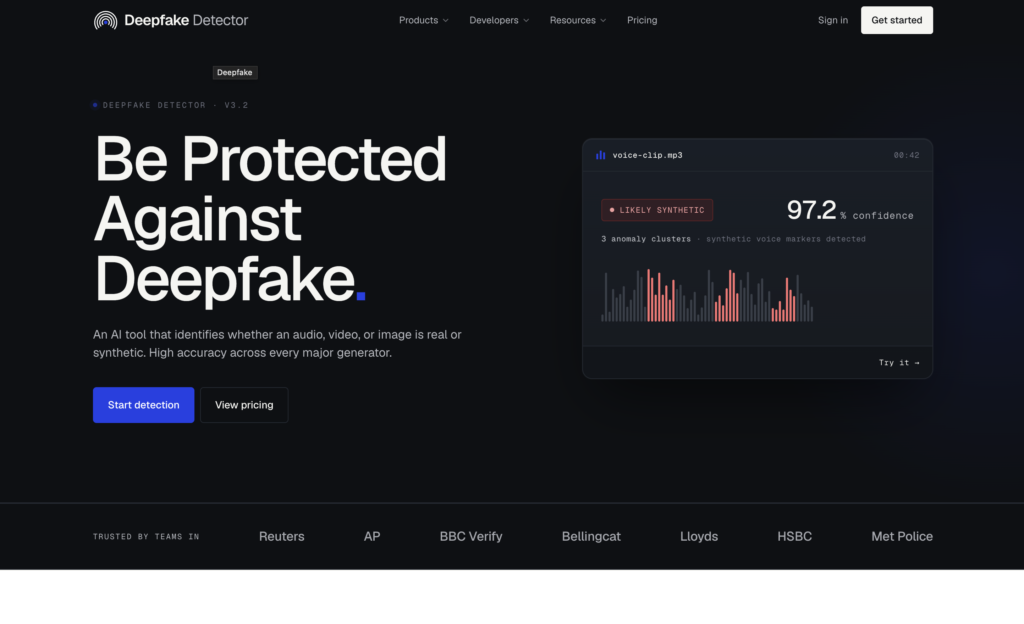
Best for: Teams that need the highest overall accuracy, with coverage across AI-generated images, deepfakes, video, and audio in a single platform. this fake image detection tool is the most complete AI image detector available in 2026.
- Claims 95% accuracy across image types, the highest in the category
- Separate dedicated tools for AI-generated image detection and deepfake image detection
- Also covers deepfake video, face swaps, and cloned audio in one platform
- Analyzes skin textures, lighting inconsistencies, and cloned facial features on the image side
- Chrome extension for on-the-fly checks while browsing
- API access for business integration, plus multilingual detection
When it fails: No free tier makes pre-purchase evaluation difficult. There’s no heatmap output, so the tool tells you the verdict but not which regions triggered it.
Tip: Reach for DeepfakeDetector.AI as the default tool when you need one platform that handles both AI image detection and identity manipulation. If you also need a heatmap to explain decisions, pair it with Illuminarty.
2. Hive Moderation: Best for High-Volume API Moderation
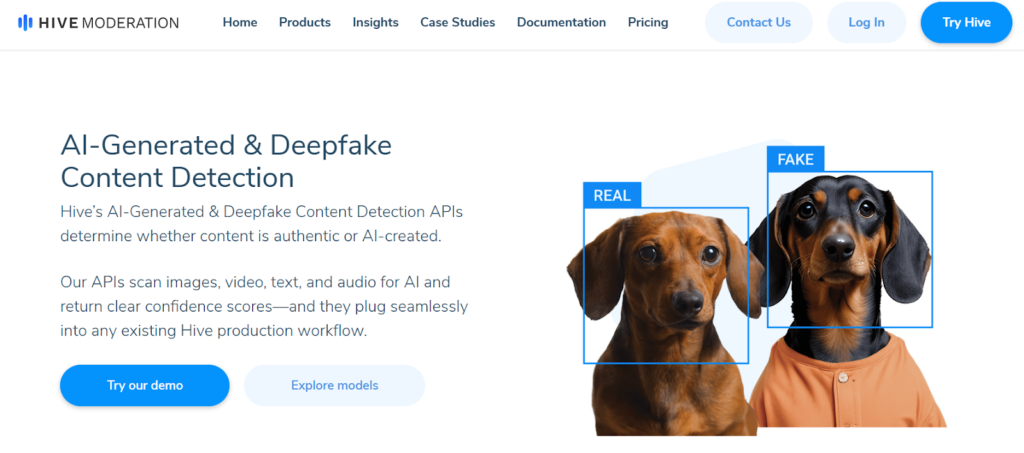
Best for: Teams running image review at scale who need accurate AI image detection wired into a moderation pipeline.
- Reaches up to 94% accuracy in multiple independent benchmarks
- Detects AI images, deepfakes, and NSFW content from one platform
- API-first design built for pipeline integration, not one-off checks
When it fails: Pricing is enterprise-only and not published, so evaluation requires a sales conversation. The public demo doesn’t expose the full feature set.
Tip: If your team reviews hundreds of images per week, Hive is worth a proper procurement evaluation. Budget for a contract negotiation before committing.
3. Illuminarty: Best AI Image Detector for Explainability

Best for: When you need to know why an image was flagged, not just that it was.
- Heatmap output shows exactly which regions triggered the detection
- Identifies the most likely generator (Midjourney, DALL-E, Stable Diffusion)
- 5 free scans per day, with API access from $10/month
When it fails: The free tier runs out fast for any team with more than one person doing daily reviews. Processing takes 3 to 5 seconds per image, which is slower than binary detectors.
Tip: Reach for Illuminarty when you need to explain or defend a decision, not as your sole basis for rejection.
4. AI or Not: Best Free AI Image Detector
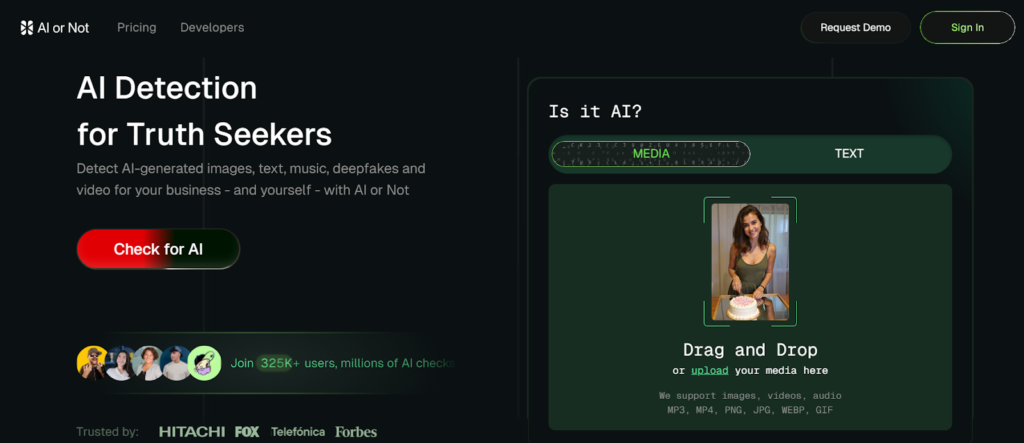
Best for: Fast, binary AI image checks on influencer submissions, UGC, and social assets, with no account required.
- Detects outputs from Midjourney, DALL-E, and Stable Diffusion
- Returns a confidence score alongside the yes/no verdict
- Unlimited free checks with zero signup friction
When it fails: Heavily compressed or re-uploaded images drop accuracy. It isn’t designed to detect deepfakes or face swaps.
Tip: Use as the first AI picture detector on every external image. Anything scoring above 70% AI should get a second-opinion check before it goes live.
5. Sightengine: Best AI Image Detection API
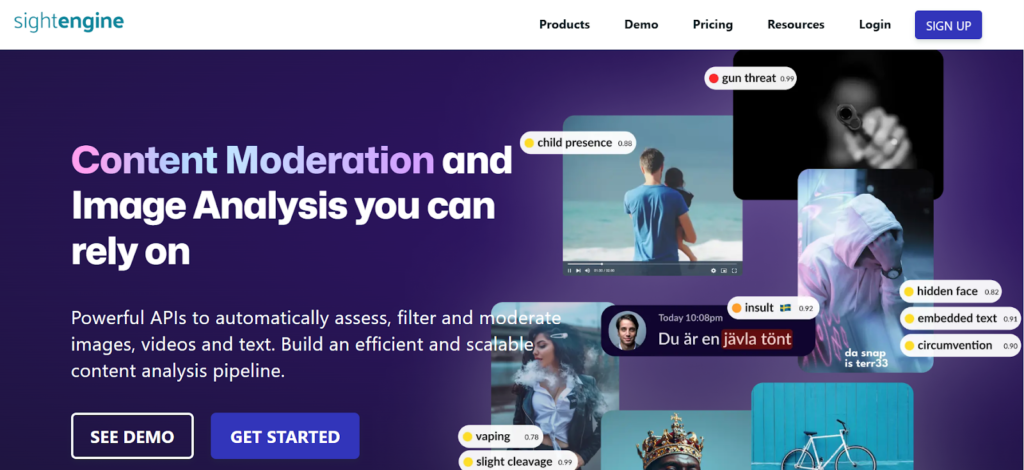
Best for: Developer and ops teams wiring AI image detection into a content pipeline.
- 500 free API operations per month
- Detects AI images, deepfakes, and outputs from both diffusion and GAN models
- Pixel-level analysis works even when metadata has been stripped
When it fails: No heatmap or visual explanation. You get a probability score with no insight into what triggered it. Accuracy drops noticeably on Flux-generated images.
Tip: Pair Sightengine with Illuminarty. Sightengine handles speed and scale. Illuminarty handles explainability when a decision needs to be defended.
6. WasItAI: Best for Fast, No-Signup AI Picture Detection

Best for: Quick AI image checks on images from unknown sources when you need a result in seconds.
- No account, no upload limit on the free tier
- Color-coded output ranging from likely real to likely AI
- Pixel-level inconsistency analysis rather than metadata reliance
When it fails: Accuracy drops sharply on screenshots and images that have passed through social media compression. It is not suited for deepfake or document fraud detection.
Tip: Best as a backup confirmation tool when AI or Not returns a borderline score.
7. FotoForensics: Best Free Forensic AI Image Detector
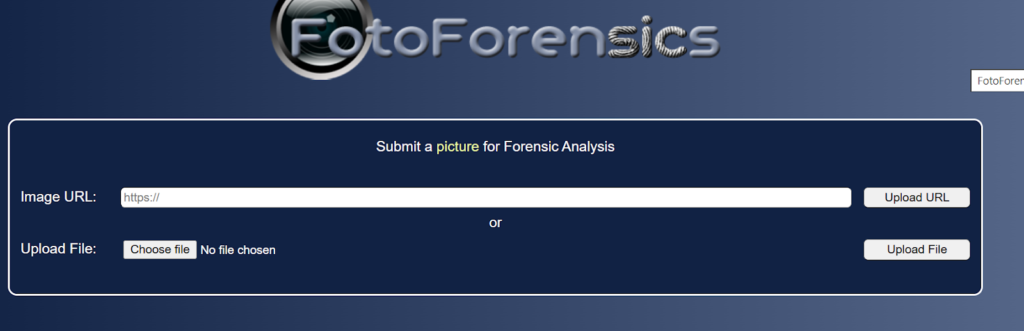
Best for: High-stakes situations where you need to document evidence, such as legal disputes, press releases, product claims, or influencer contract violations.
- Error Level Analysis (ELA) reveals edited or manipulated regions that other AI image detectors miss
- Metadata inspection shows missing or altered provenance data
- Completely free with no account required
When it fails: Results require technical expertise to interpret. Non-technical users will need help reading ELA maps.
Tip: Don’t use this for first-pass review. Reach for it when a faster tool flags a problem and you need to support the call with stronger evidence.
8. Hugging Face: Best Open-Source AI Image Detector
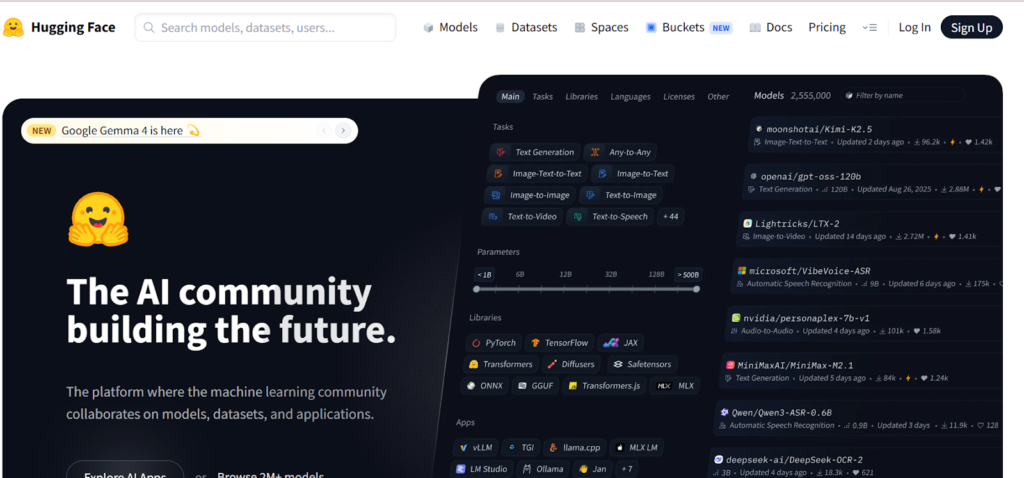
Best for: Developers who want to test open-source AI image detection models or build a custom pipeline before committing to a paid API.
- Wide range of community-trained models covering different generators
- Free with no usage caps on most models
- Useful for benchmarking detection logic before paying for an enterprise tool
When it fails: The user experience varies wildly between models, and results can be inconsistent depending on which one you pick.
Tip: Only worth it if you have a developer who can evaluate models. There’s too much setup overhead for non-technical users.
What Online Communities Recommend (and Complain About)
Community discussions on Reddit and marketing forums consistently surface the same themes about AI image detectors.
What works according to users:
- Running two or three AI image detectors on the same image before deciding
- Combining a detector with a reverse image search
- Checking metadata alongside detection scores
What users complain about:
- False positives on real photos with clean studio lighting
- Accuracy dropping sharply on compressed or platform-reuploaded images
- Inconsistent results on newer generators like Flux
- No single AI image detector stays reliable as generators update
The takeaway: AI image detectors are signals, not verdicts. Community consensus is clear. Run multiple tools, treat each score as input to a decision, and keep human judgment in the loop on high-stakes content.
For verifying written content alongside your image checks, Walter Writes’ AI Detector adds the text-side layer to your quality assurance workflow.
Where Walter Writes Fits in Your AI Detection Stack
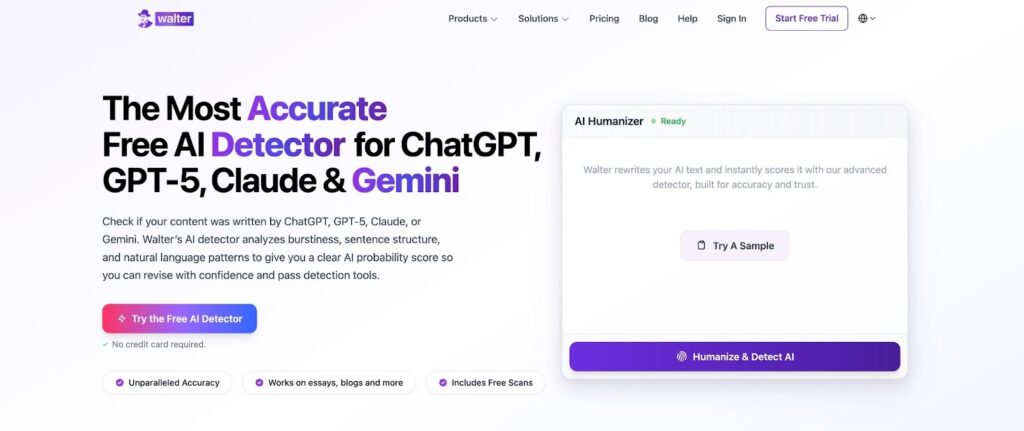
The best AI image detector will tell you whether a single image is likely AI-generated. What it won’t give you is a consistent authentication process across an entire content workflow.
Walter Writes fills that gap on the text side. It acts as a central workflow hub so every team member runs the same authenticity checks on written content from one place, with documented results. Every piece gets the same level of verification before it ships.
Pick the best AI image detector for your needs from the list above, then layer Walter Writes in to run AI detection on your written content from the same workflow, instead of bouncing between five browser tabs.
That’s how Walter Writes standardizes AI detection across content quality assurance.
Bonus: The Complete AI Authenticity Stack
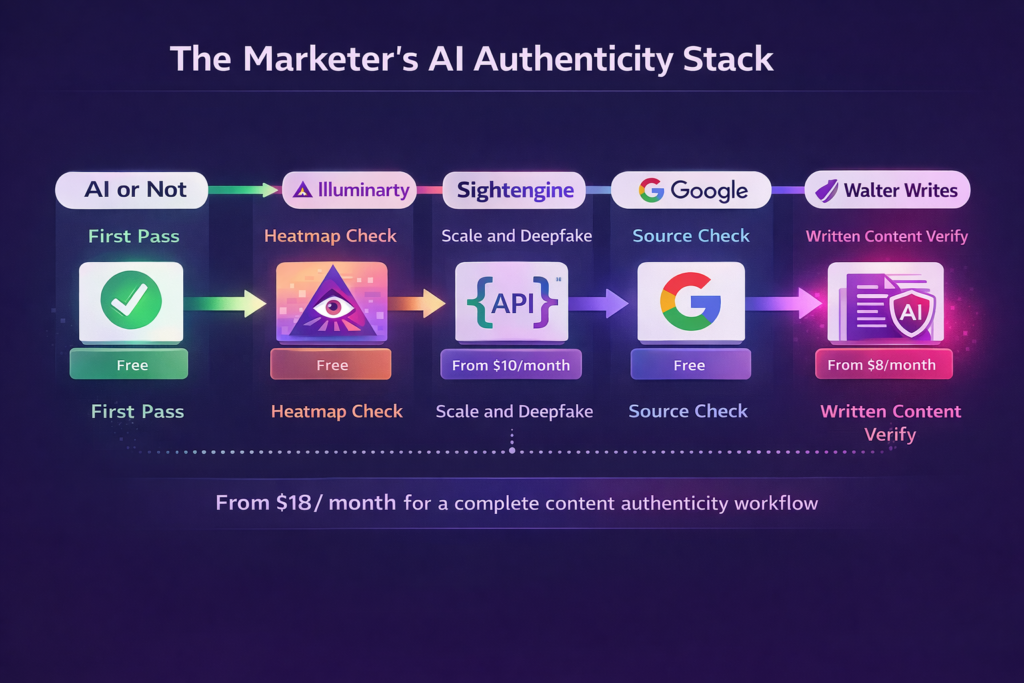
A practical AI image detection toolkit for teams that verify images, written content, and source authenticity as part of their regular workflow.
Good for: Teams reviewing externally submitted images, UGC, press materials, and AI-assisted content before publishing.
The stack:
- AI or Not (Free): First-pass AI image detection on every external visual before it enters your pipeline
- Illuminarty (5 free scans/day, from $10/month): Second-opinion check with heatmap when you need to explain a flag to a client or stakeholder
- Sightengine (500 free API ops/month): Scaled detection and deepfake checks for teams processing high volumes of user-submitted or third-party images
- Google Reverse Image Search (Free): Check whether an image has prior circulation or appears in known AI stock libraries
- Walter Writes AI Detector (Free tier available, plans from $8/month): Verify AI-assisted written content, ad copy, and briefs alongside your image checks from one place
Cost per month: From $18 if you use free tiers for the rest.
Limitation: Free tiers on Illuminarty and Sightengine have usage caps that may bottleneck larger teams. Budget for API access on at least one tool if you’re processing high volume.
For teams managing written content authenticity alongside images, our roundup of the best AI humanizer tools covers the writing side of the problem.
Final Recommendation: Build an AI Image Detection Workflow, Not a Single-Tool Habit
No single AI image detector is reliable enough to stake a campaign, a client relationship, or a brand reputation on. Every tool in this guide is useful, but each one is just a signal, not a verdict.
For most teams, the strongest approach is to layer tools by job.
- Quick checks: AI or Not or WasItAI for fast first-pass filtering
- Explainability: Illuminarty when you need to show why something was flagged
- Scale and API: Sightengine or Hive when volume demands integration
- Forensic evidence: FotoForensics when a decision needs to be documented
Combine those tools with a reverse image search and a metadata check, and you have a verification process that’s defensible in any room. Consistency matters more than raw accuracy. A documented workflow beats a perfect tool used sporadically.
Walter Writes standardizes that workflow on the written content side, so content authenticity becomes a required step instead of an afterthought.
FAQs About the Best AI Image Detectors
What is the best AI image detector in 2026?
DeepfakeDetector.AI is the best AI image detector overall, with 95% claimed accuracy and uniquely broad coverage across AI-generated images, deepfake images, video, and cloned audio from a single platform. Hive Moderation is the strongest choice for high-volume API moderation at 94% accuracy. AI or Not is the best free option with unlimited checks and no signup.
Is there a free AI image detector that actually works?
Yes. AI or Not offers unlimited free checks with no account required and detects outputs from Midjourney, DALL-E, and Stable Diffusion. Illuminarty offers 5 free scans per day with heatmap output. FotoForensics is fully free and best for forensic-grade analysis.
How accurate are AI image detectors?
The most accurate AI image detectors reach 90 to 95% accuracy on uncompressed images from current generators. Accuracy drops significantly, sometimes by half, once an image has been compressed, cropped, or re-uploaded through a social platform. No detector is reliable enough on its own for high-stakes decisions.
How do AI image detectors actually work?
AI image detectors analyze pixel-level artifacts, GAN fingerprints, and statistical patterns left behind by generators. Many also check metadata and C2PA provenance data. Trained classifier models score the probability that an image was machine-generated based on these combined signals.
Can AI image detectors detect Midjourney, DALL-E, and Stable Diffusion?
Yes. Most current AI image detectors handle Midjourney, DALL-E, and Stable Diffusion outputs reliably on uncompressed images. Coverage for newer generators like Flux is more inconsistent. Illuminarty additionally identifies the most likely generator in many cases.
Can AI image detectors identify deepfakes and face swaps?
Some can. Hive Moderation, DeepfakeDetector.AI, and Sightengine all include deepfake detection. AI or Not and WasItAI are better suited for AI-generated art rather than identity manipulation.
Do AI image detectors work on compressed or edited images?
Not always. Compression, cropping, and re-encoding through social platforms can destroy the signals AI image detectors rely on. An image that scores 90% AI on upload can score 40% after one round of Instagram compression. Running multiple detectors helps offset this.
How can I tell if an image is AI-generated?
Run the image through at least two AI image detectors (start with AI or Not and Illuminarty), check it against a reverse image search, and inspect metadata. If two detectors agree the image is AI-generated, treat it as AI. If they disagree, escalate to forensic analysis with FotoForensics.
Are free AI image detectors accurate enough for professional use?
Yes for first-pass screening, no for high-stakes decisions. For critical calls like legal disputes, PR responses, or ad campaign approvals, run results through a second detector and a human reviewer before acting.
Can AI-generated images be made undetectable?
Partially. Heavy post-processing, re-encoding, and platform compression can significantly lower detection confidence, sometimes below the threshold any tool will flag. No detector catches every AI-generated image, which is why a layered workflow matters more than any single tool.
How are AI image detectors different from AI text detectors?
AI image detectors analyze visual artifacts and pixel patterns. AI text detectors analyze linguistic patterns and sentence predictability. The signals are completely different, so the two are complementary. A full content authenticity workflow uses both.
Do AI image detectors work without metadata?
Yes. Most modern AI image detectors analyze pixel-level patterns rather than relying on metadata. Sightengine specifically advertises that it works even when metadata has been stripped, which is common for images that pass through social platforms.
